PINK HOPPER
Inspiring
July 20, 2022
Answered

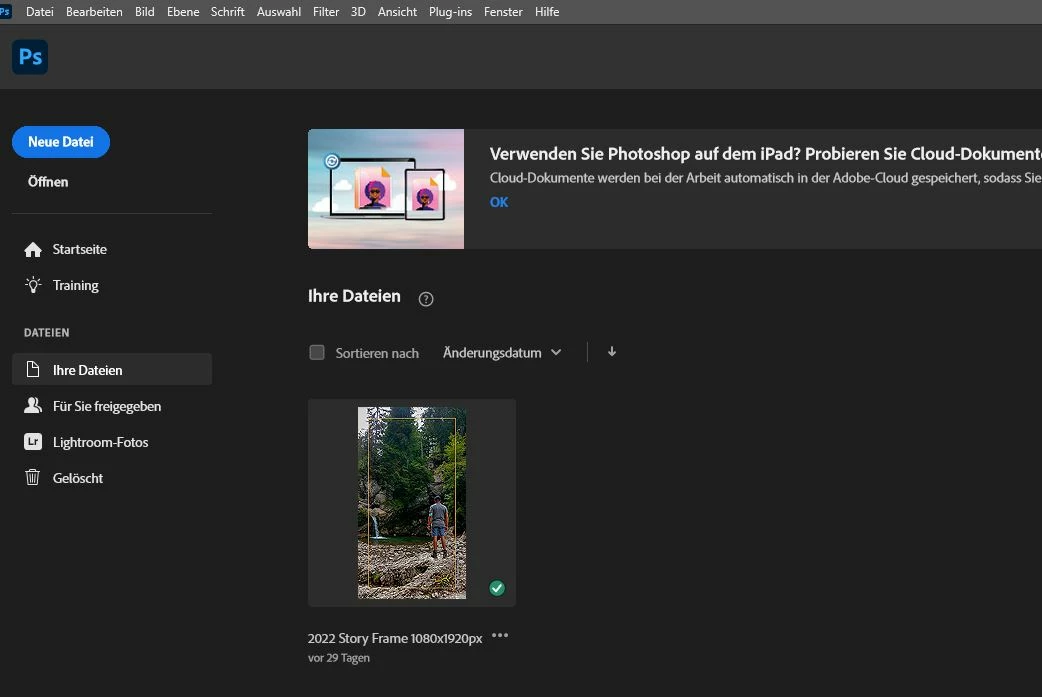
Photoshop Start-Window and current version 23.4.2.

  • July 20, 2022
  • 1 reply
  • 315 views

Dear all,

is there any possibility to stop losing "last projects"-window after installing new Photoshop version? It's so annoying, searching them agin and again after each update. And in the meantime I need 3 Klicks to simple open my windows-explorer find data...what??? I guess there should me a simpllification of workflows, not the opposite?! The last and only data showing to mew is 29 days old (!). Believe me, I use PS every single day, but the rest is missing 😞

btw (if anyone knows somone working at Adobe-development): What about the possibility to pin often used templates. Wow, what a perfect world that would be ;-)?!


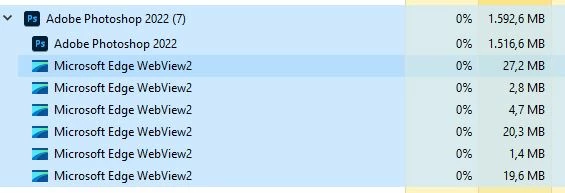
And: What the hell is (since current version (23.4.2.) the need of 6 instances of  Microsoft Edge WebView2s (3) doing in there, while opening/running PS???
 

Thanks fr yr kind help @11173908

This topic has been closed for replies.
Correct answer PINK HOPPER

2nd Update 26.07.2022:

After Updating again to Version 23.4.2 it now seems to run as before. Startscreen shows last used documents. re-installing might be a solution. THX

1 reply

PINK HOPPER
Inspiring
July 26, 2022

Update 26.07.2022:
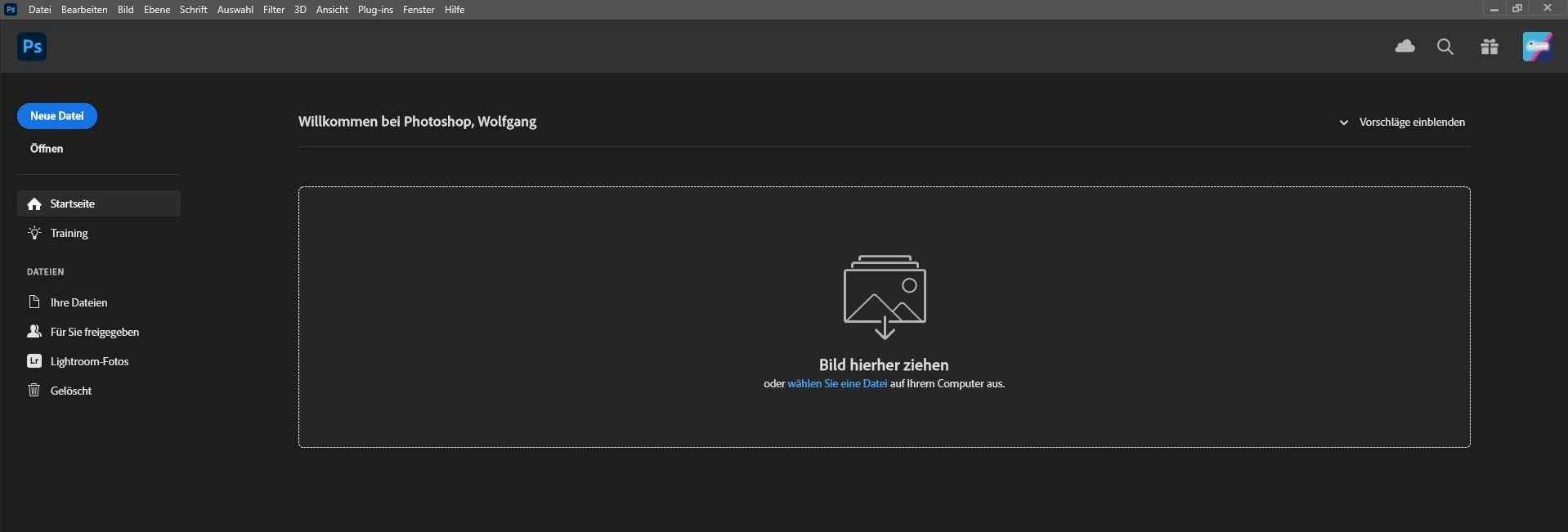
Since I was downgrading to Version 23.4.1. still nothing happened. But I now get also the message, that the template-data couldn't be written. So it seems, that maybe a folder has gone? But which one and where should it located at? That could porbably solve my problem, that the standard templates (such as print, web, mobile, TV etc.) also won't be shown at the start screen / new document.


Any ideas? THX in advance.


PINK HOPPER
PINK HOPPERAuthorCorrect answer
Inspiring
July 26, 2022

2nd Update 26.07.2022:

After Updating again to Version 23.4.2 it now seems to run as before. Startscreen shows last used documents. re-installing might be a solution. THX