
Participant
Aug 28, 2023 9:45 PM UTC
Question

Problem since update

Hi all,

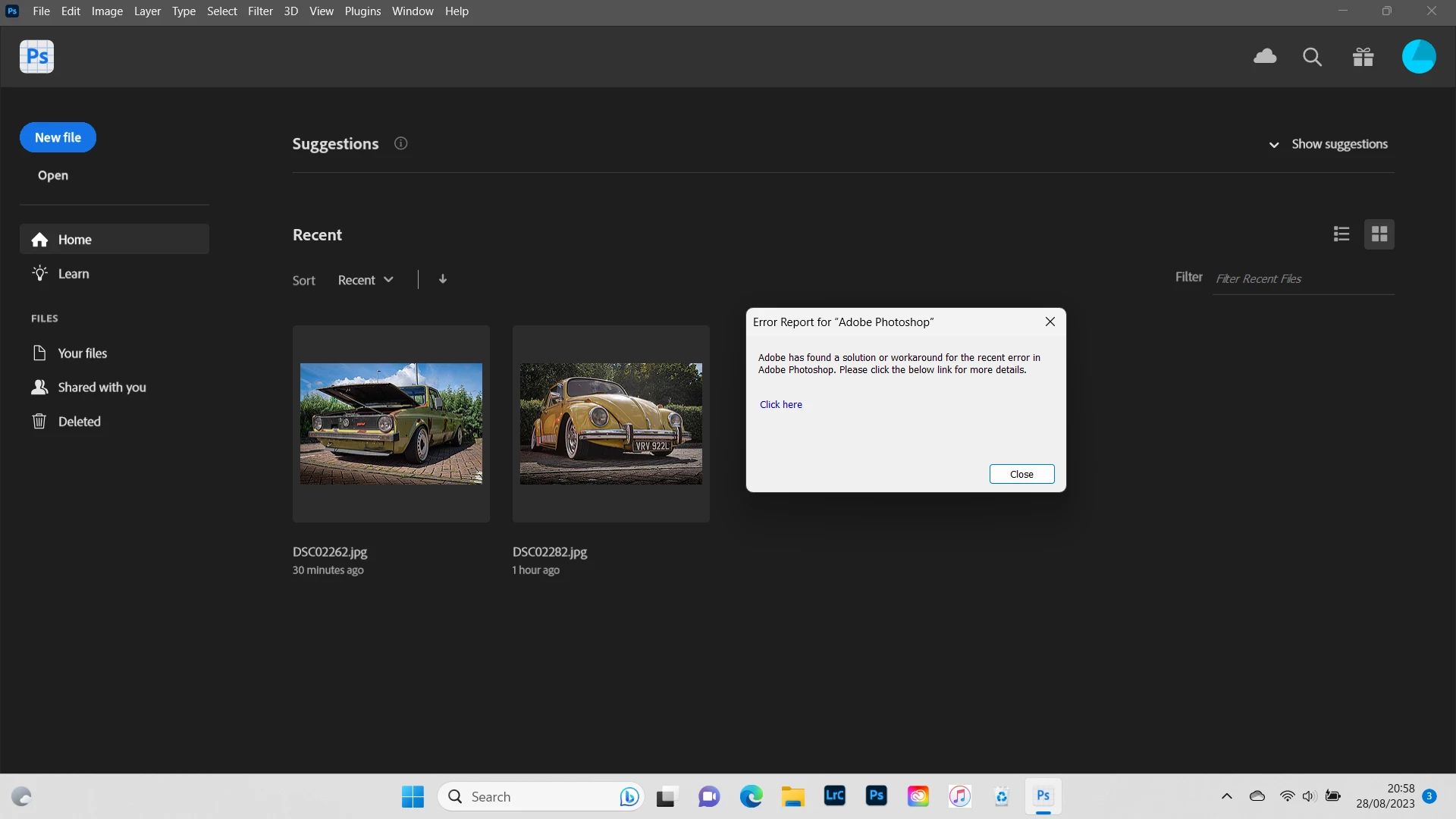
Attached is a screenshot of a message i cant clear to use photoshop beta. 

It updated this afternoon but when i tried to open it it gave the message an error occured & it needs to shut.

I left feedback & now i get this message which prevents me from using beta.

Any ideas on how to get rid of the message so i can use beta?
This topic is closed to new replies. Start a new post to keep the conversation going.

6 replies

Community Expert
Aug 29, 2023 6:50 AM UTC

Please try to reset the preferences.

Hold down the following keyboard shortcut and launch Photoshop:

  • macOS: command + option + shift
  • Windows: ctrl + alt + shift

After Photoshop has opened click "Yes" in the dialog that asks "Delete the Adobe Photoshop Settings file?"


If Photoshop doesn't start correctly you can try to reset the preferences manually.

See here: Preferences in Photoshop (adobe.com)


Translate
My System: Intel i7-8700K - 64GB RAM - NVidia Geforce RTX 3060 - Windows 11 Pro 26H2 -- LR-Classic 16 - Photoshop 28 - Nik Collection 9 - PureRAW 6 - Topaz Photo AI
Participant
Aug 29, 2023 1:11 PM UTC

Error Report for "Adobe Photoshop" Adobe has found a solution or workaround for the recent error in Adobe Photoshop. Please click the below link for more details.

Translate
jane-e
Community Expert
Community Expert
Aug 29, 2023 1:58 AM UTC

@paul31938766gd0q 


What happened when you clicked "Click here"?


Jane

Translate
Participant
Aug 29, 2023 6:07 AM UTC

Hi Jane. It takes you to a page of possible solutions which I have looked at. Problem is every time I open beta it comes up and I can't do anything

Translate
jane-e
Community Expert
Community Expert
Aug 29, 2023 8:12 PM UTC

@paul31938766gd0q 


Can you give us the link to the page "Click here" goes to so we can review it?


Jane

Translate