
Participant
June 20, 2025
Question

remove tool malfunction
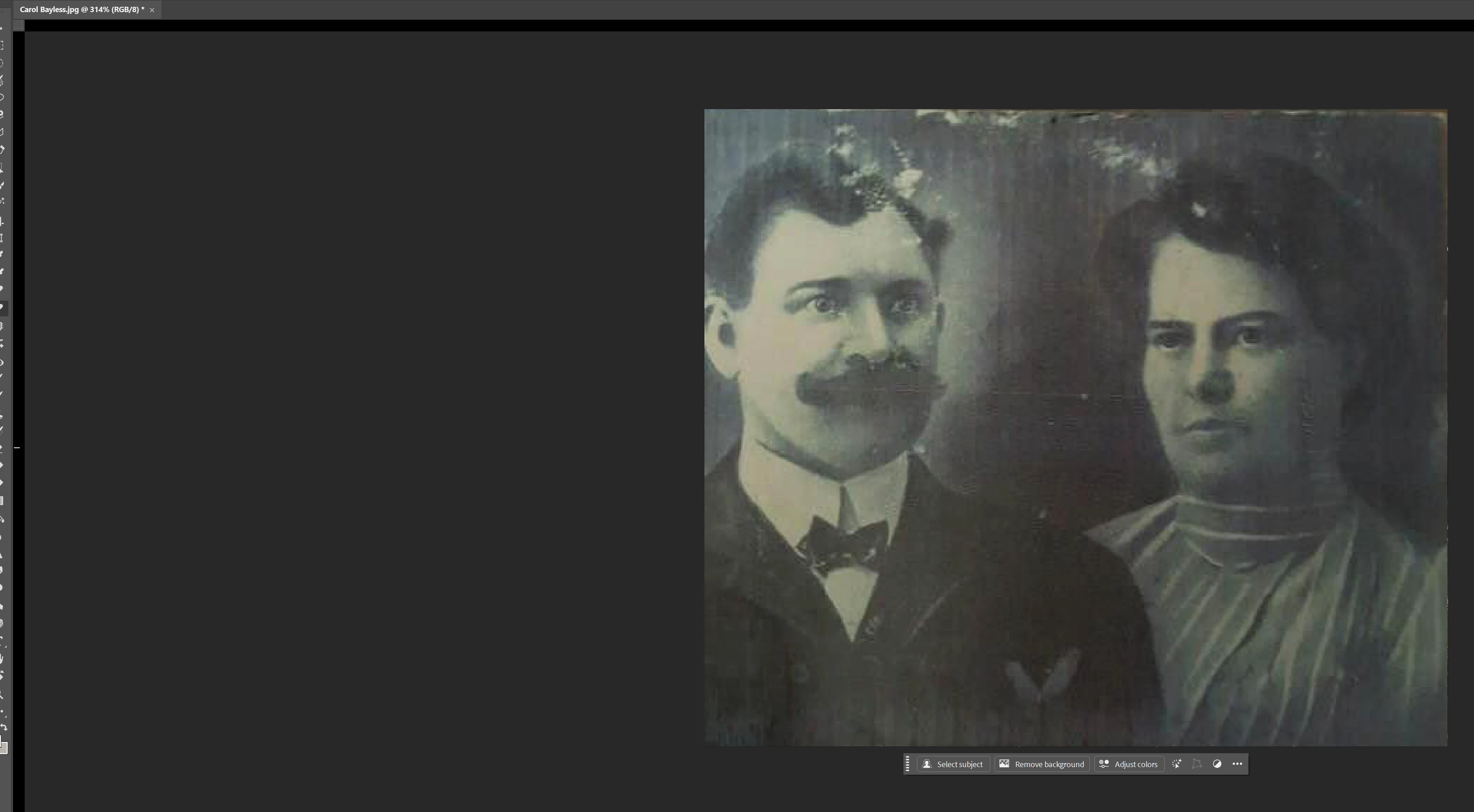
  • June 20, 2025
  • 1 reply
  • 120 views

I used the remove tool to remove just one or two things from this photo. The screen flashed and the workspace got smaller. Notice the edges of the workspace. It has also done this after outlining things on a photo. I have to save and close the window. Close down Photoshop. Then open it back up again to continue. I am using an HP destop with Windows 11 and the newest version of Photoshop Beta. 

1 reply

CShubert
Community Manager
Community Manager
June 23, 2025

Hi @Ronald G R 


1. Try resetting Prefs for the Beta:
/Users/yourname/Library/Preferences/ Photoshop Beta Settings (Mac Ventura)
/Users/yourname/Library/Preferences/Adobe\ Photoshop\ \(Beta\)\ Settings (Mac)


C:\Users\user name\AppData\Roaming\Adobe\Adobe Photoshop (Beta)\Adobe Photoshop (Beta) Settings


Launch BETA Photoshop While Pressing The Keyboard Shortcut
With Photoshop closed, press and hold Shift+Ctrl+Alt (Win) / Shift+Command+Option (Mac) on your keyboard and then Launch Photoshop the way you normally would.
https://helpx.adobe.com/photoshop/using/preferences.html#Manually


2. It may help if we could see your Photoshop beta System Info. Launch Photoshop beta, and select Help >System Info...and copy/paste the text in a reply.  


Thanks,

Cory - Photoshop Product Manager