




Select Subject and Remove Background features using Cloud processing has improved! (Beta)
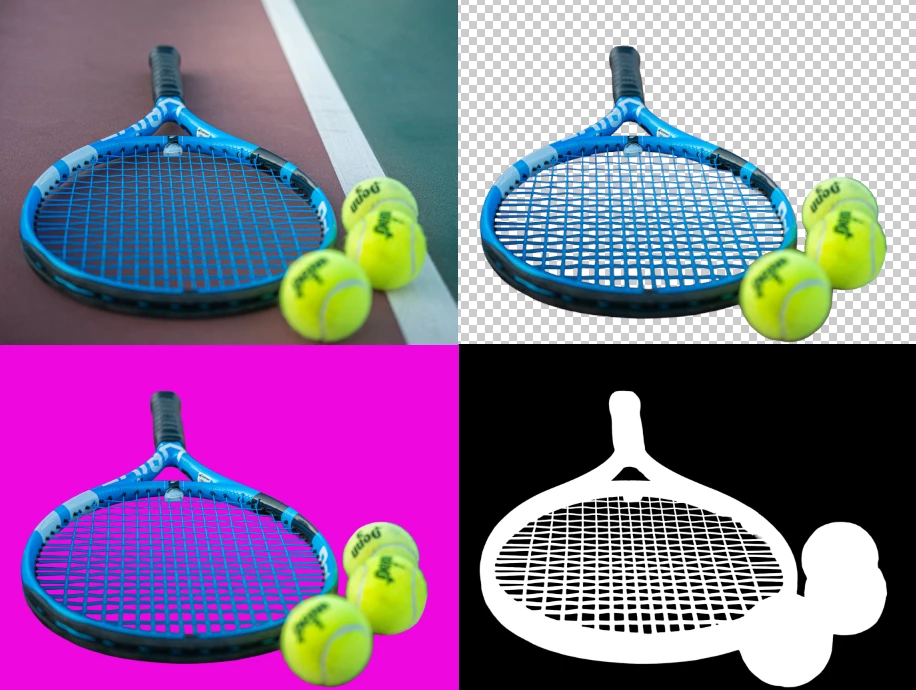
Photoshop's Select Subject feature automatically detects and selects the main object in an image, making precise selections faster and easier. It's especially useful for cutting out, extracting, or isolating subjects for tasks like generative fill, composites, effects, or adjustments. Remove Background simplifies background removal with a single click, masking everything except the subject, it uses your Select Subject preference to detect the main subject, then inverts and removes the background.

HOW TO TEST
Have an internet connection: If you have Cloud processing as your default and you don't have an internet connection, you will use the device image processing.
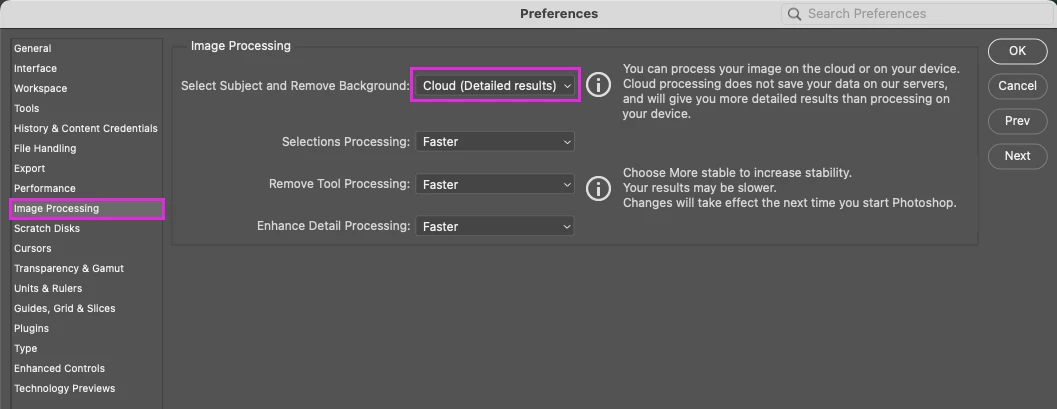
1. Go to Preferences > Image Processing > Ensure the "Cloud" processing default is enabled.
2. Wherever you access Select Subject and Remove Background in Photoshop, it will always use the cloud processing default.
Select Subject and Remove Background Improvements include:
- Better subject detection
- Exceptional detection, selection, and masking of fine details
- More accurate selection of edges
- Better detection, selection, and masking of “holes” in an image
- Detection, selection, and masking of vector images
PROVIDE FEEDBACK
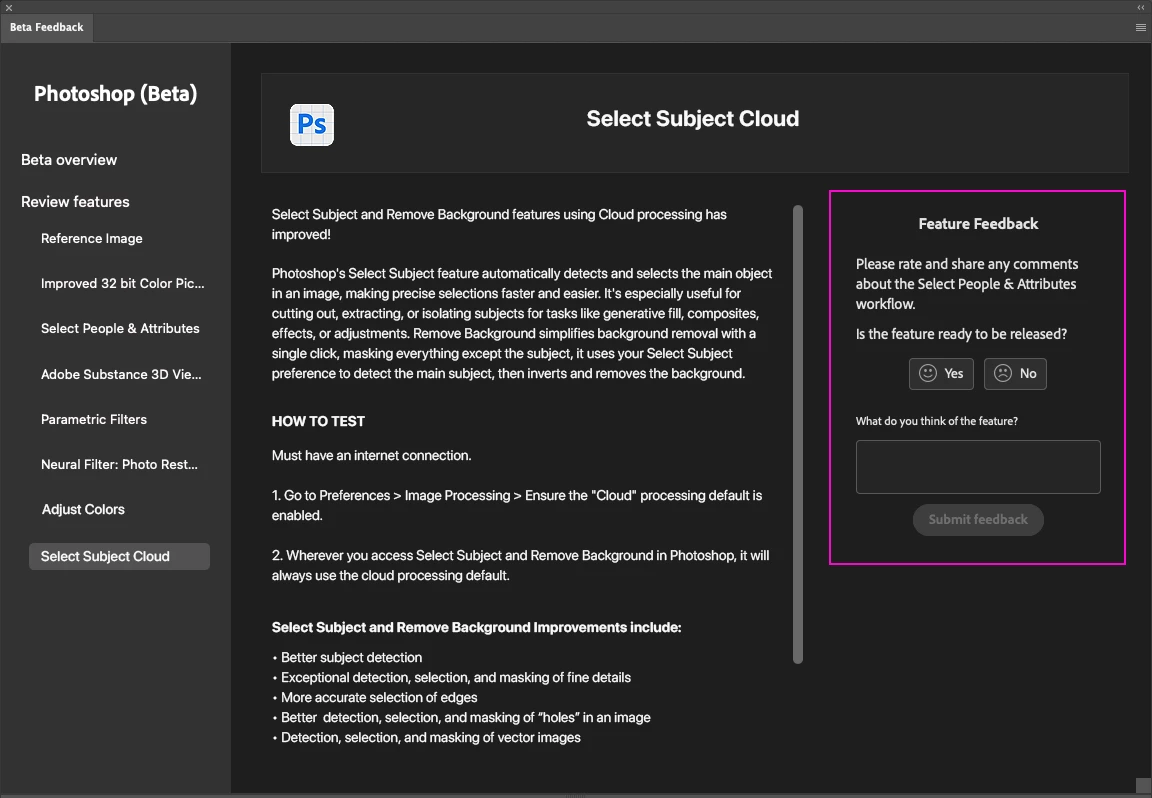
1. Click on the Beaker Icon in the upper right of the Photoshop application:

2. Find Select Subject Cloud in the left panel, provide YES ready to be released or NO not ready to be released. Leave a comment if you have one...
3. Or you can leave a comment in the Beta Forum post
 AdChoices