
Participant
August 7, 2025
Answered
Selecting an adjustment layer focuses on the first text field
- August 7, 2025
- 2 replies
- 143 views
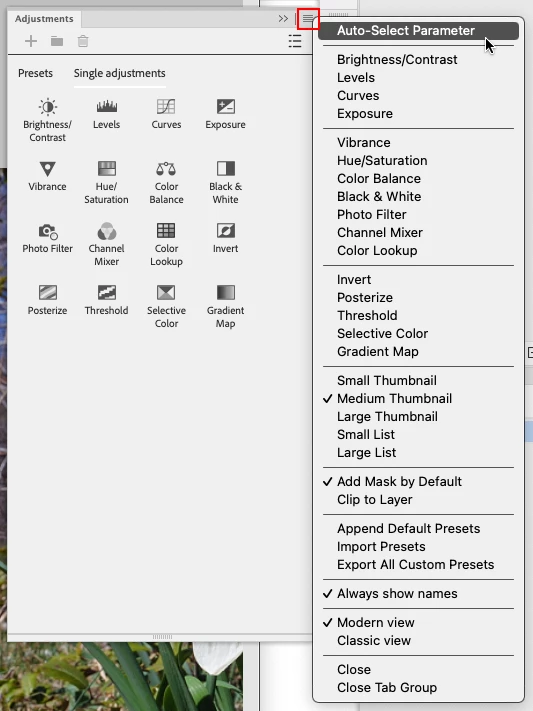
I'm using the 26.11 version of Photoshop (Beta), since previous versions I have experienced something annoying, when I select an adjustment layer that has text fields, for example Hue and Saturation, the first text field, in this case the Hue, is focused and I have to press ESC to remove the focus.
This gets annoying because if I want to copy an adjustment layer or perform different actions with the keyboard, I have to keep pressing ESC, otherwise it won't work.
For example, if I select an adjustment layer and press Ctrl+C, I'll be copying the value of the first text field in that adjustment layer, not the adjustment layer itself.


 AdChoices