



Question
The ‘Export As’ window won’t open on my primary display.
Issue summary: The ‘Export As’ window won’t open on my primary display.
Product and version:Adobe Photoshop Version: 27.9.0 20260616.m.3575 199f0a1 x64 (beta, PublicBeta)
Operating system: Operating System: Windows 11 64-bit
Steps to reproduce:
1. Open an existing document.
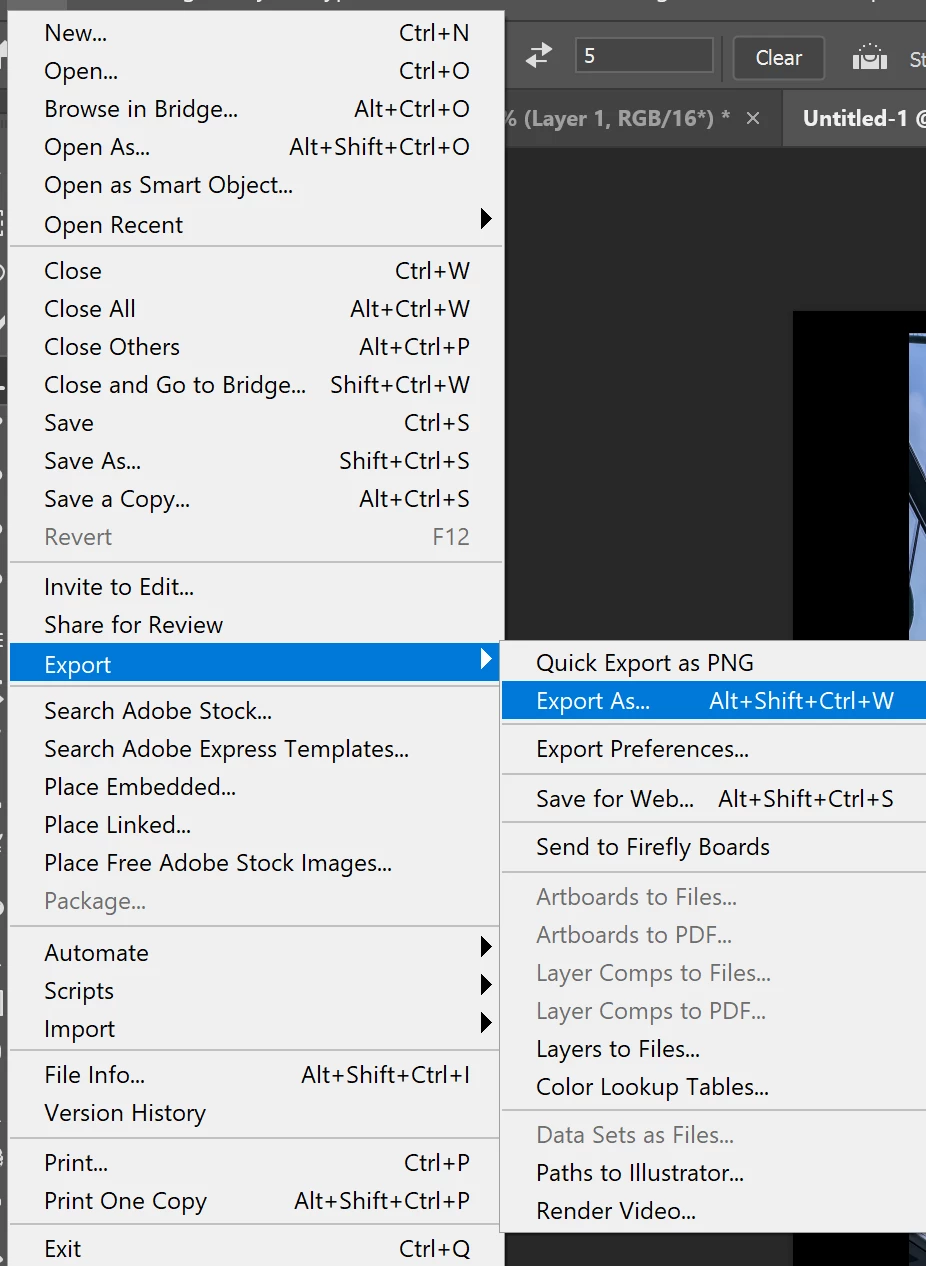
2. Choose File > Export > Export As.
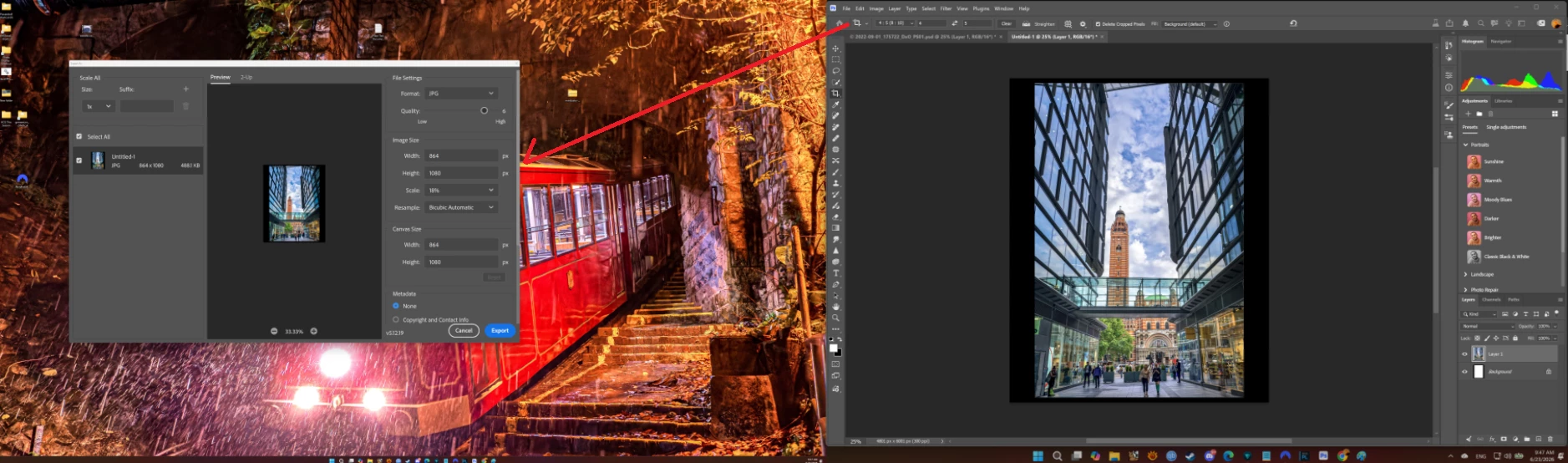
3. The Export As window will keep open up at the second screen
4. Attemped to move the Export As window to the Primary Screen and close the window
PS refuse the remember the last close location and will return to stat 3 and open at my second screen agagin
remark : Problem only after i update my PS from the last beta to current beta
System informat as below
 AdChoices