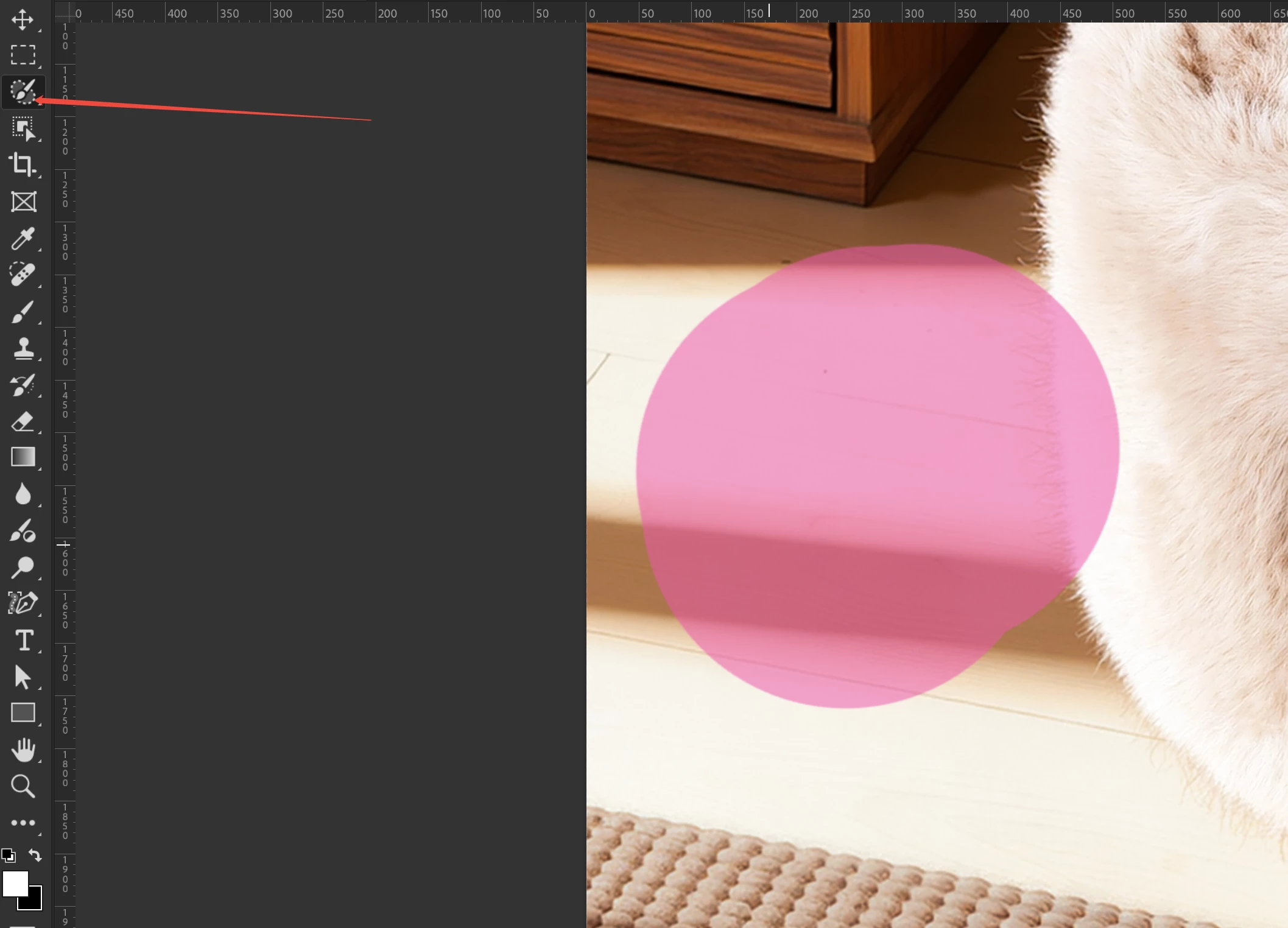
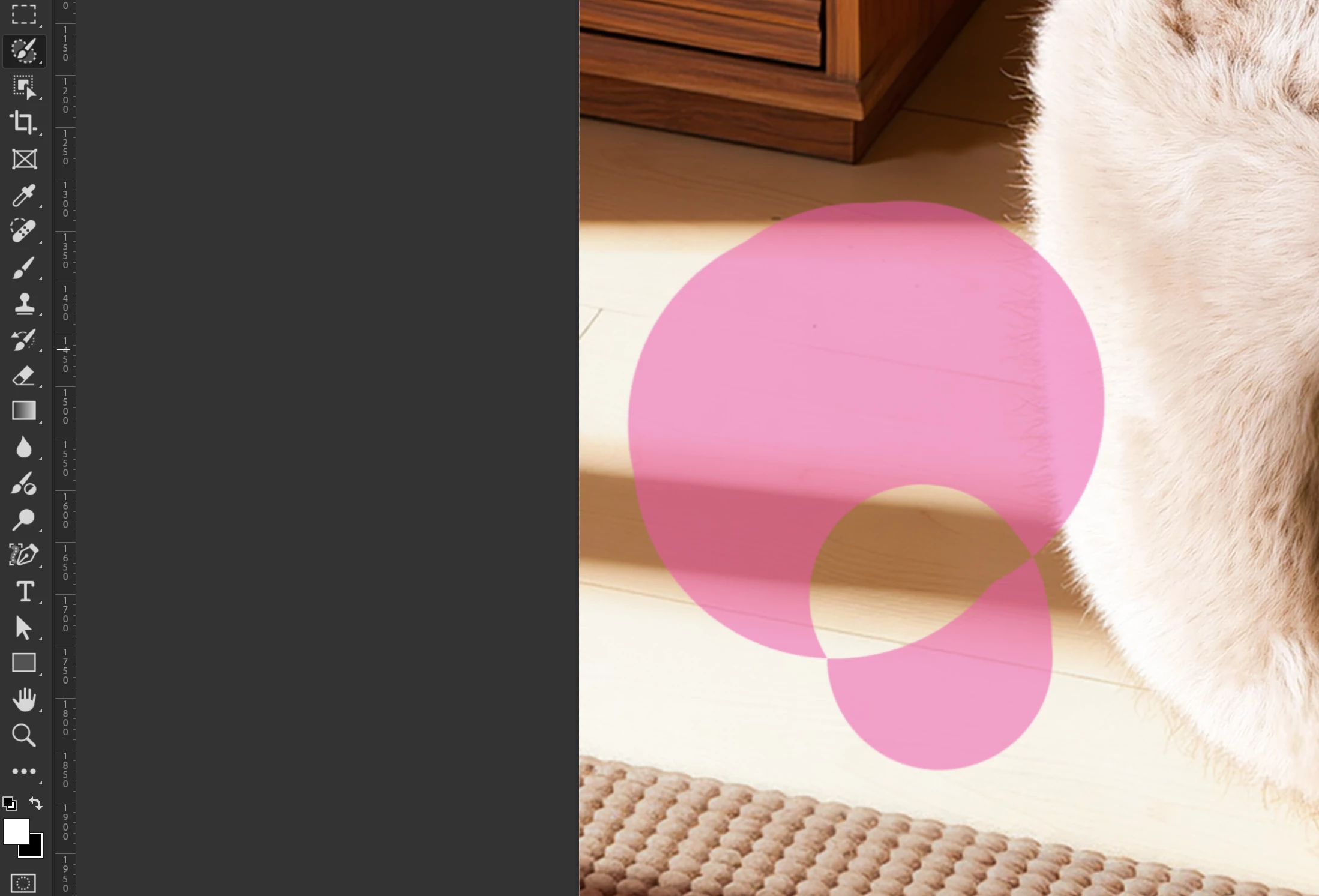
Hi @Imaginative_Cascade4404 please share your workflow, settings you have for the remove tool so we can try to reproduce. Are you using the latest Ps Beta?
Launch BETA Photoshop While Pressing The Keyboard Shortcut With Photoshop closed, press and hold Shift+Ctrl+Alt (Win) / Shift+Command+Option (Mac) on your keyboard and then Launch Photoshop the way you normally would. https://helpx.adobe.com/photoshop/using/preferences.html#Manually
2. It may help if we could see your Photoshop beta System Info. Launch Photoshop beta, and select Help >System Info...and copy/paste the text in a reply.



 AdChoices