
Tool option box shows under photo
Photoshop (Beta), Mac Ventura 13.6.7
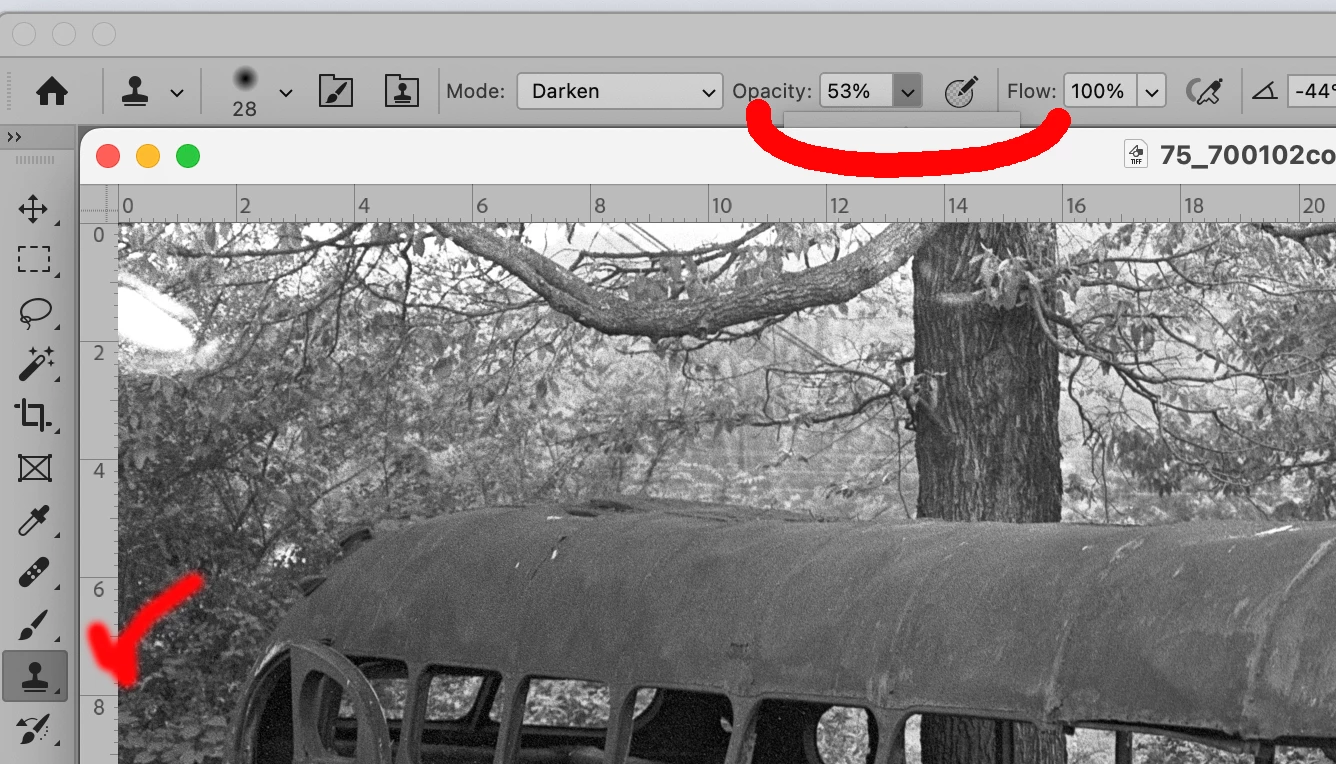
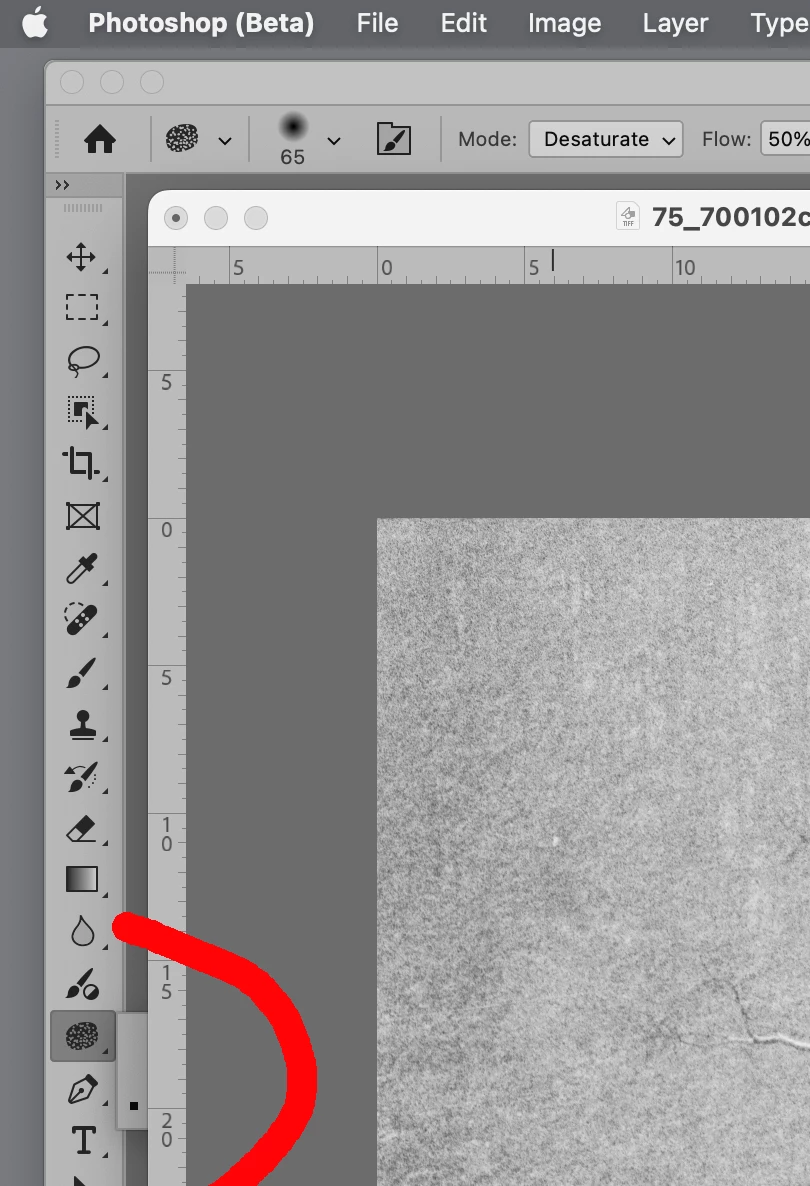
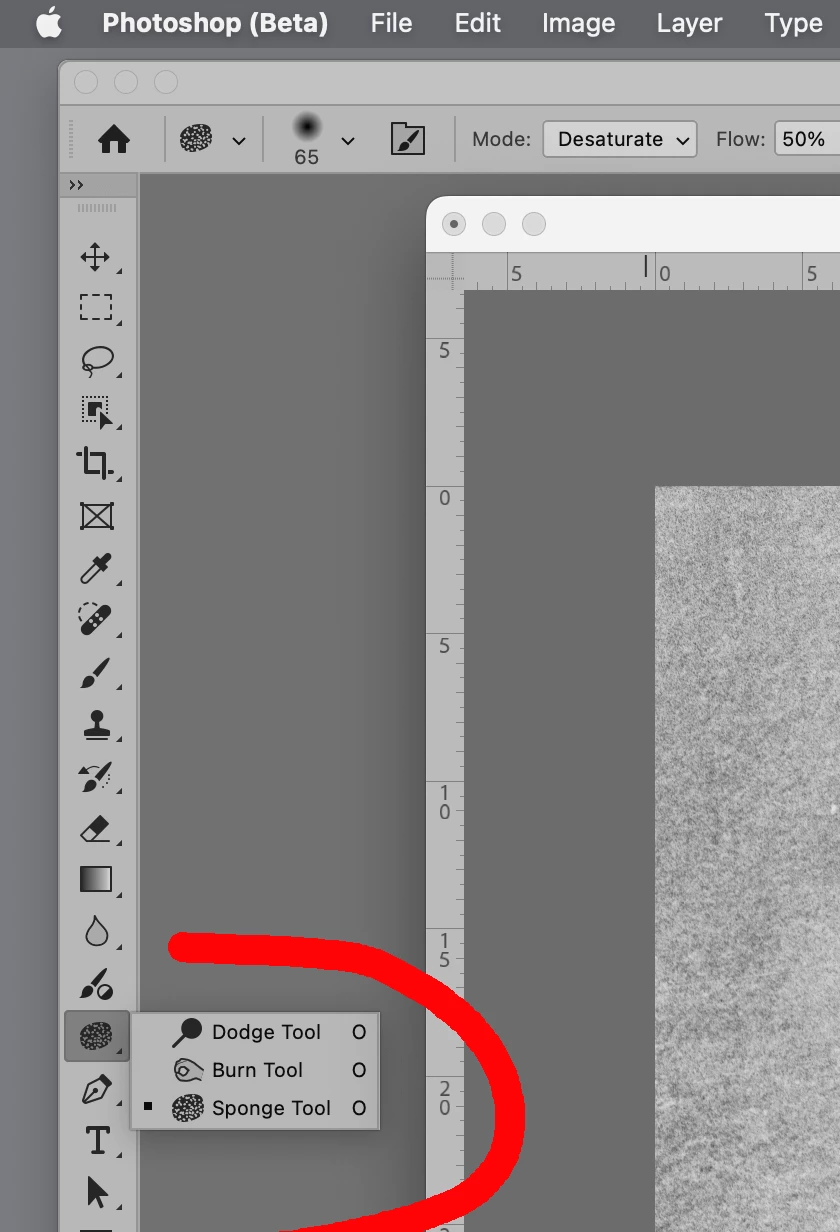
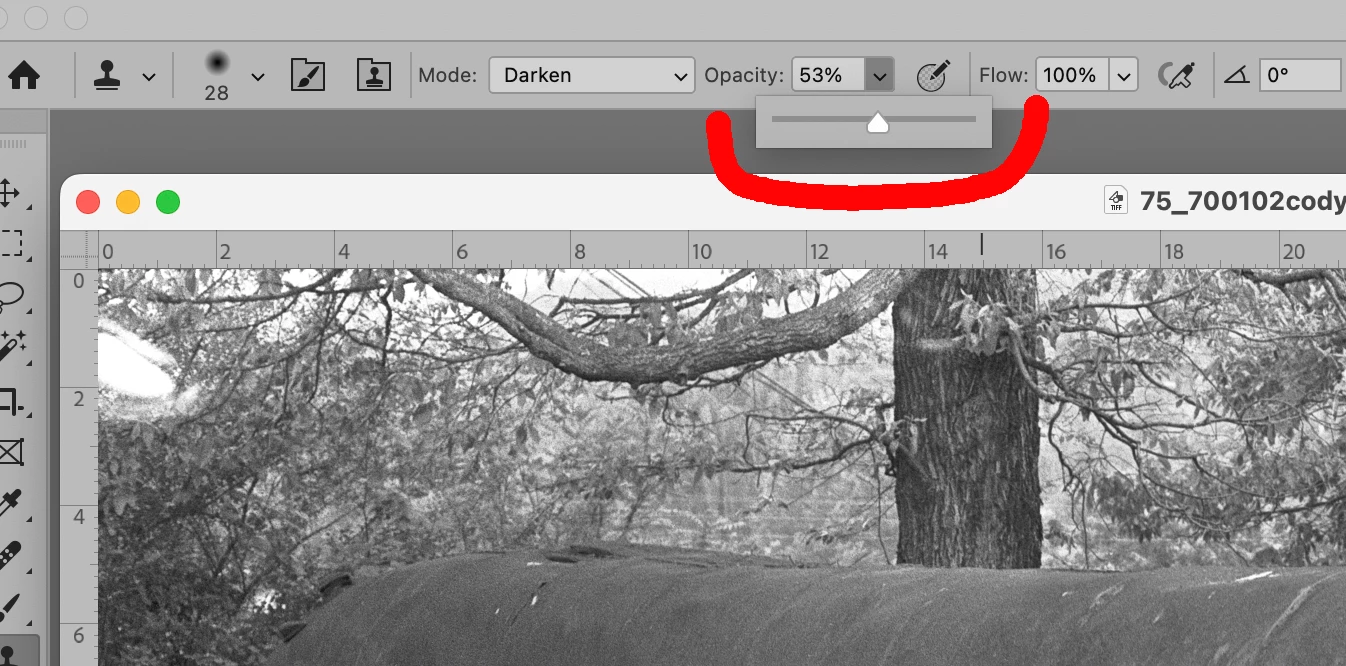
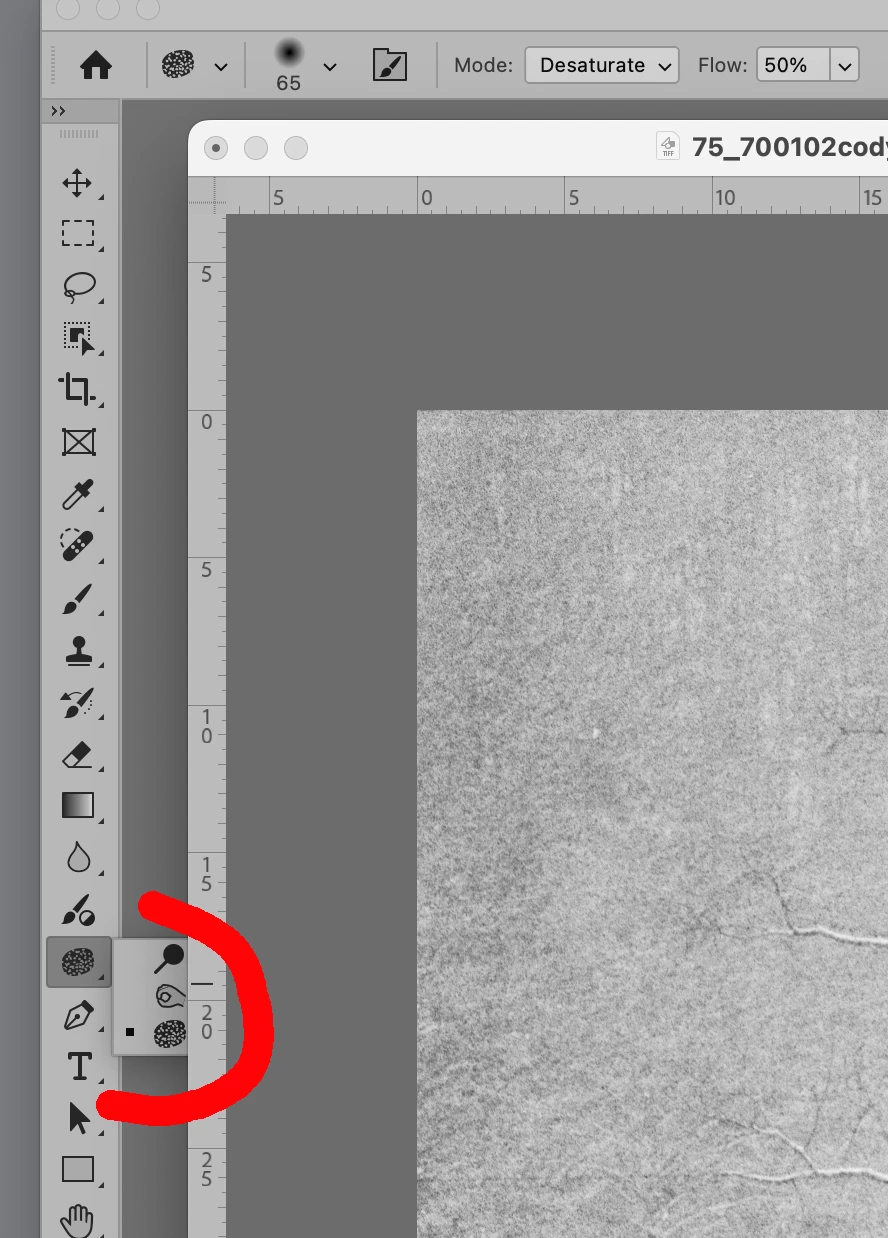
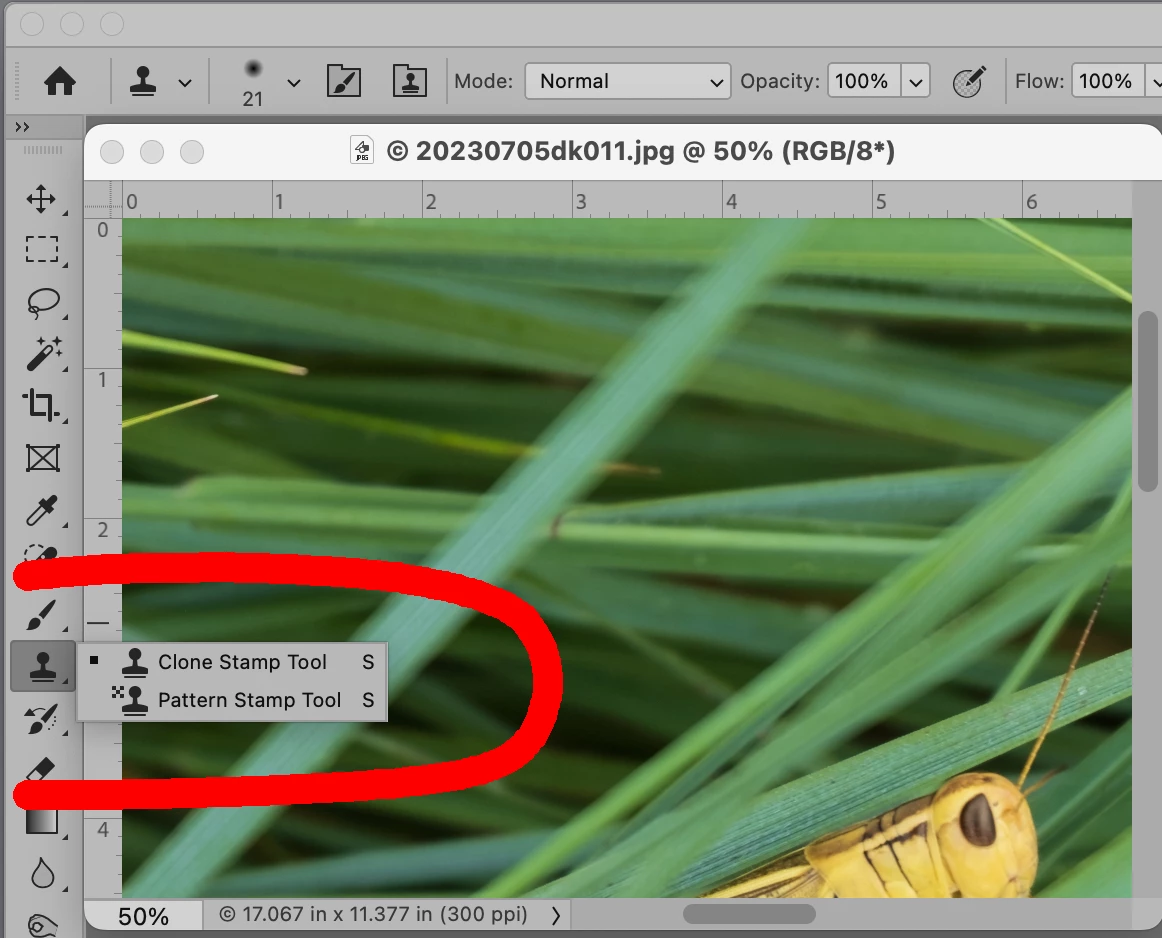
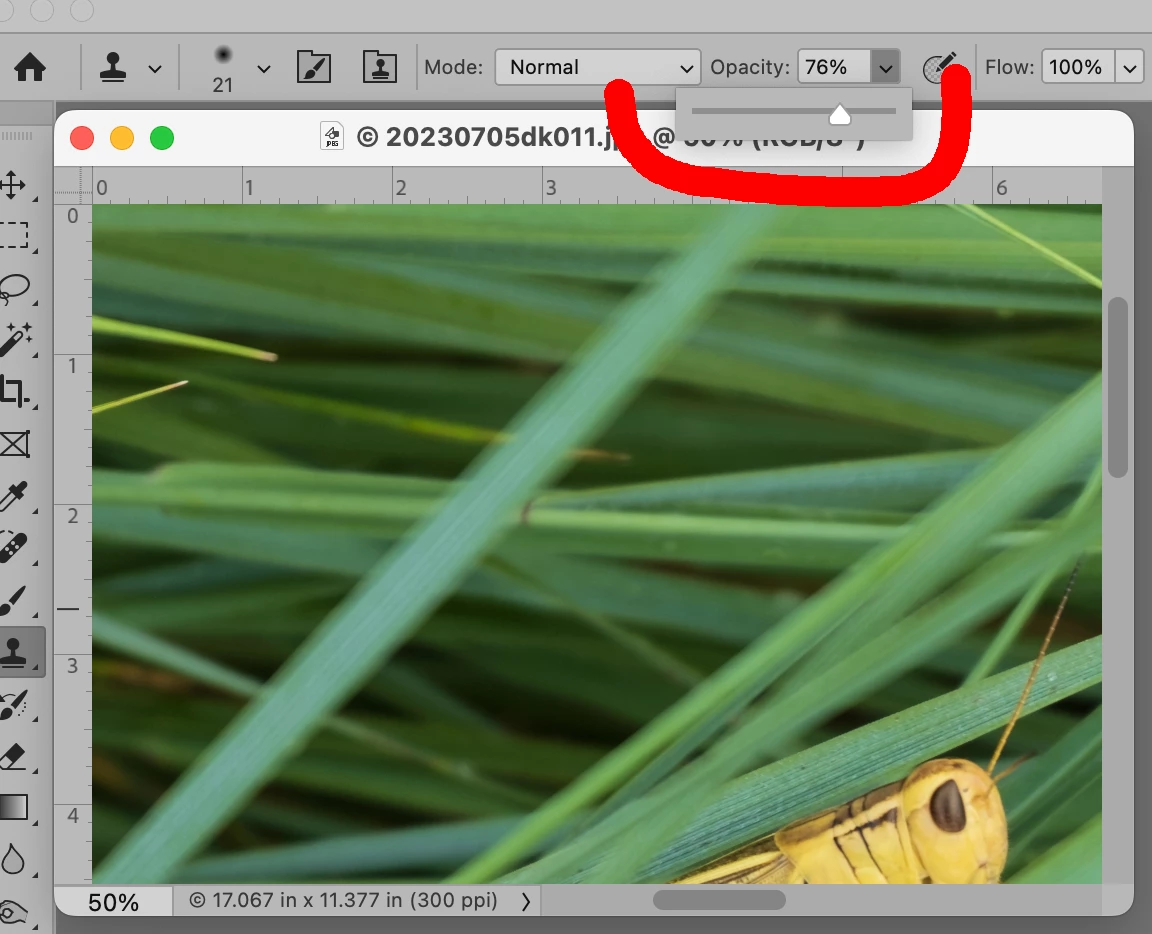
When I have a photo open in Photoshop and I want to select a tool like the "dodge" tool or the "burn" tool or any other tool, when I click on the tool icon and the box opens with the three options it now appears UNDER the photo that is open and I can NOT see the options unless I move the photo away from the edge of the tool bar and reclick the icon for the tools. Then it pops up normal. When I have a photo open in Photoshop and I want to select a tool like the "dodge" tool or the "burn" tool or any other tool, when I click on the tool icon and the box opens with the three options it now appears UNDER the photo that is open and I can NOT see the options unless I move the photo away from the edge of the tool bar and reclick the icon for the tools. Then it pops up normal. It also happens when I use the "Tool Option Bar" at the top of the work screen. Please see attached. I have added two photos of how the "Tool Option Box" should be displayed normally ON TOP of the images so you can see all the options. How do I get this setting back to normal where is the control for this function?
?


 AdChoices