
Transparent gradient Fill no longer functions reliably in masks
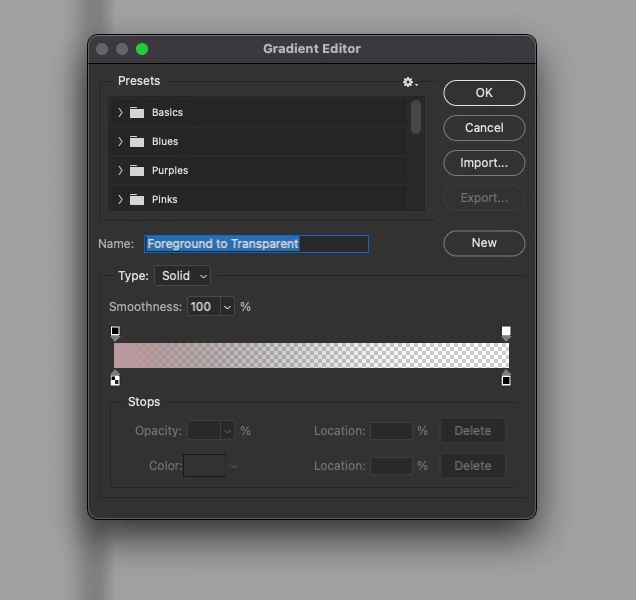
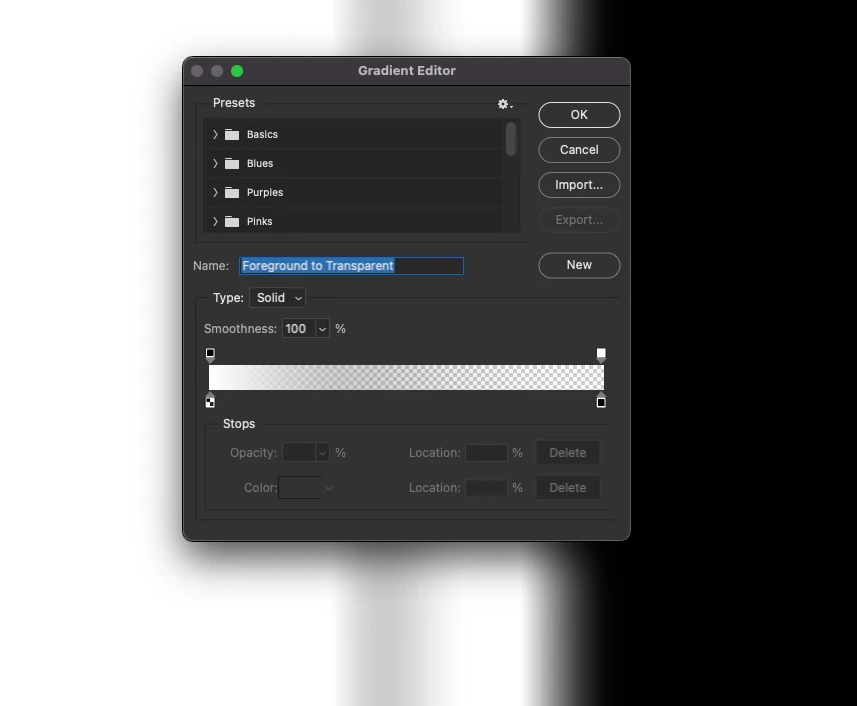
The old "Foreground to Transparent" gradient fill used to be just that: it would use the foreground color, then fade to transparent. If you're working in a mask, however, (seemingly only in mask view) as you have that gradient fill selected and you change background/foreground colors, or switch them, the 'new' gradient fill tool will then not just fade to transparent, but also seemingly introduce a value in the gradient that is not the current foreground color, and does not appear to be related to the background or foreground color. This happens even if your background color is the same as your foreground color, and happens the same way any time you change the background or foreground color, and seemingly unrelated to the actual color swatches themselves. This happens with any value you choose too, not just black or white.
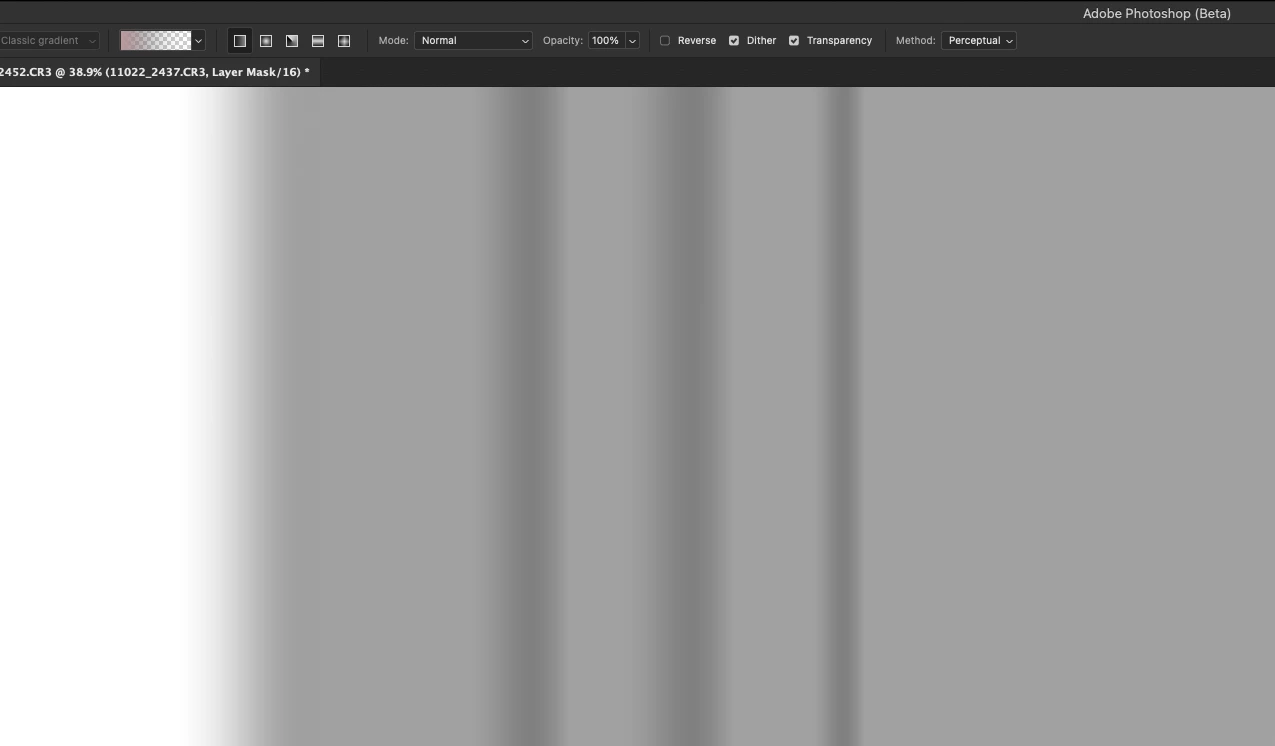
The vertical streaks you see are the errant values being created in the middle of a transparent gradient on the same color as the foreground swatch.
The only fix for this I can find is to reselect the transparent gradient fill. The other solution is to remove the color value from the right side and make a new preset. Is the inclusion of a color value on the right-hand side of the transparent gradient fill an oversight? Or is this a bug?


 AdChoices