Participant
April 8, 2022
Answered

Un-Share a file as a recipient

  • April 8, 2022
  • 1 reply
  • 296 views

As far as I read in forums, there currently is no way for a recipient to unshare files they have recieved. Given this is a BETA version of this service there really should be a "remove from share" (or leave group) option. Other message applications utilize this feature, like G-chat or Playstation Messages. So, how does one submit a request to implement this feature?
This topic has been closed for replies.
Correct answer CShubert

Hi David,

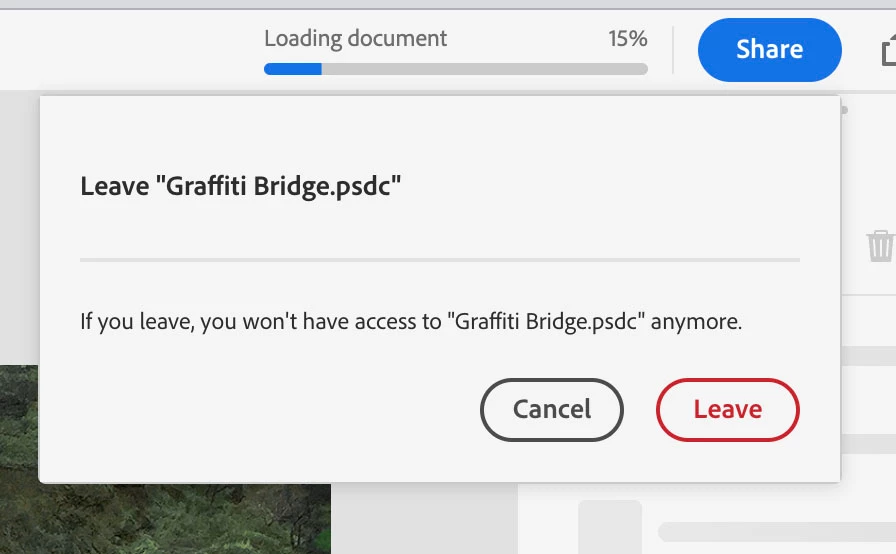
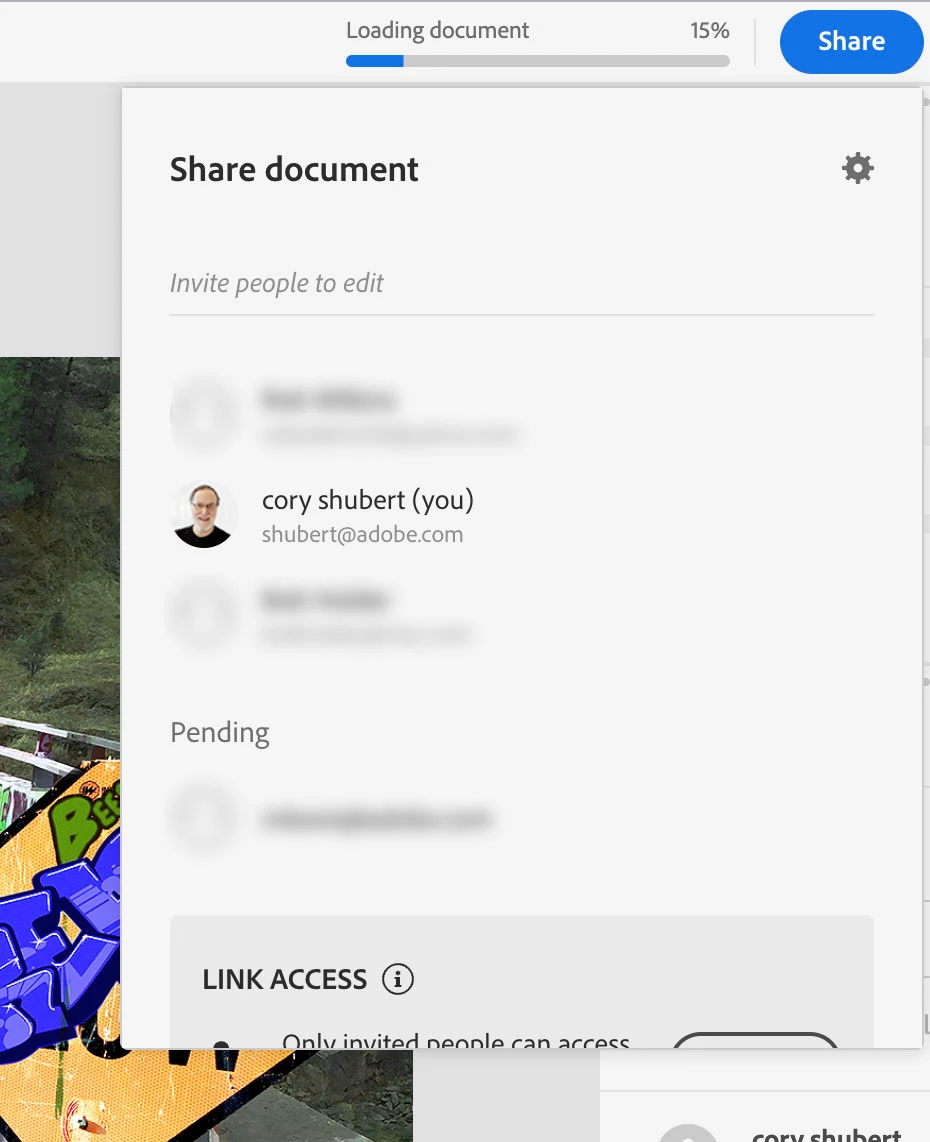
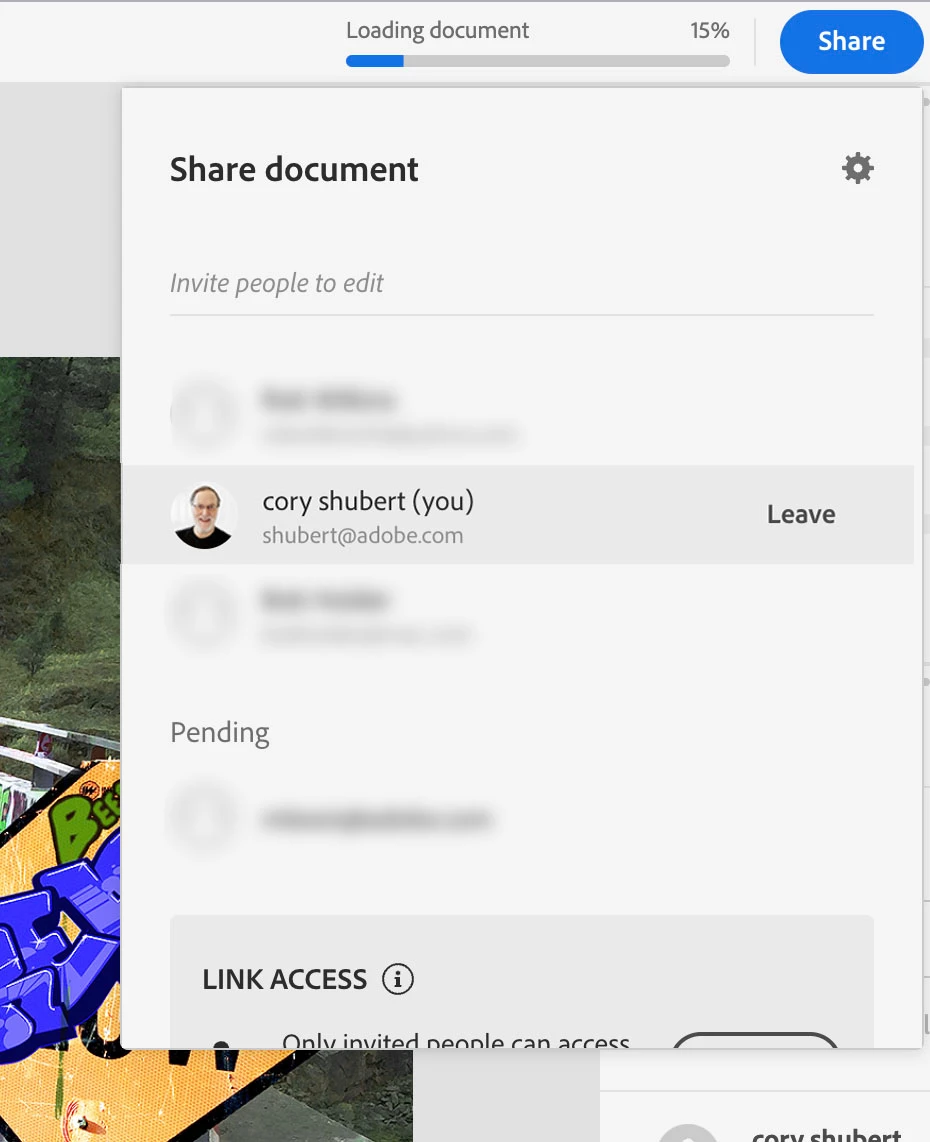
Thanks for your message. Currently, it is possible to leave a shared document by clicking on the Share button, then hover over your email and you should see a Leave link that if clicked on will allow you to exit the shared file.

If this is not what you meant or we misunderstood what you are looking for, please shoot us a message and we will be happy to dig into this further.

1 reply

CShubert
Community Manager
CShubertCommunity ManagerCorrect answer
Community Manager
April 8, 2022

Hi David,

Thanks for your message. Currently, it is possible to leave a shared document by clicking on the Share button, then hover over your email and you should see a Leave link that if clicked on will allow you to exit the shared file.

If this is not what you meant or we misunderstood what you are looking for, please shoot us a message and we will be happy to dig into this further.