


Photoshop menu's become inactive
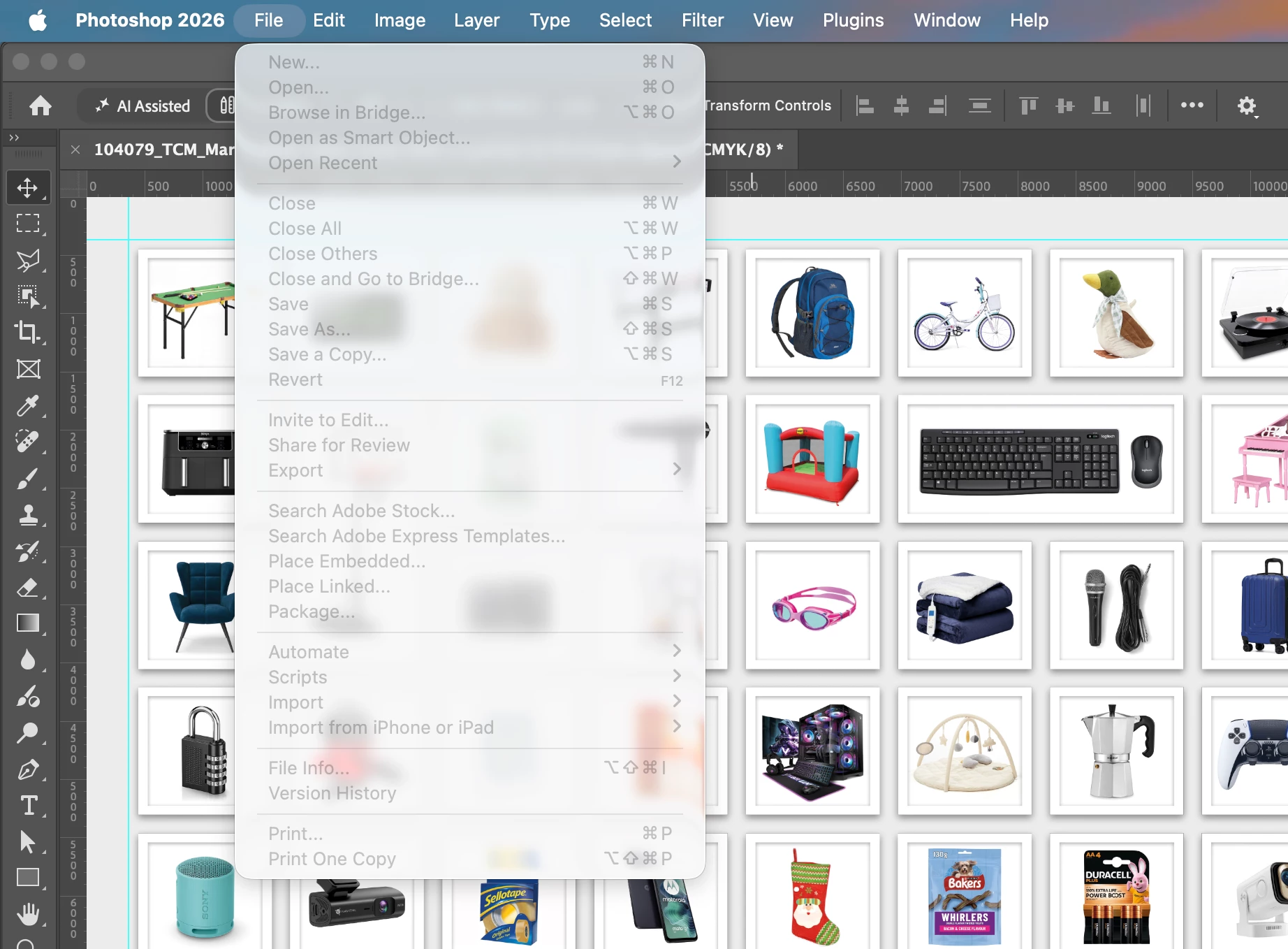
I’ve experienced this issue quite a few times over the last few weeks where I am using Photoshop and the whole menu system becomes inactive, every single option in the menu is greyed out. This is a huge pain as it stops me from saving my progress.
I believe the trigger for this is when I go to place an embedded image, the pop-up window opens to show me Finder, I then leave Photoshop for a little while with the window open to use other apps, then when I come back the bug has occurred. I can close the pop-up window but then every menu option is disabled.
As I’ve just gone to check which version of Photoshop I am using, by accessing ‘About Photoshop’ within the Photoshop app, the menus have now become active again.
I am using Photoshop 27.10.0 on an Apple MacBook using Tahoe 26.6.2.
 AdChoices