Participant
October 19, 2018
Question

关于在【移动】工具下双击文字层无法进入编辑状态的问题

  • October 19, 2018
  • 3 replies
  • 4211 views

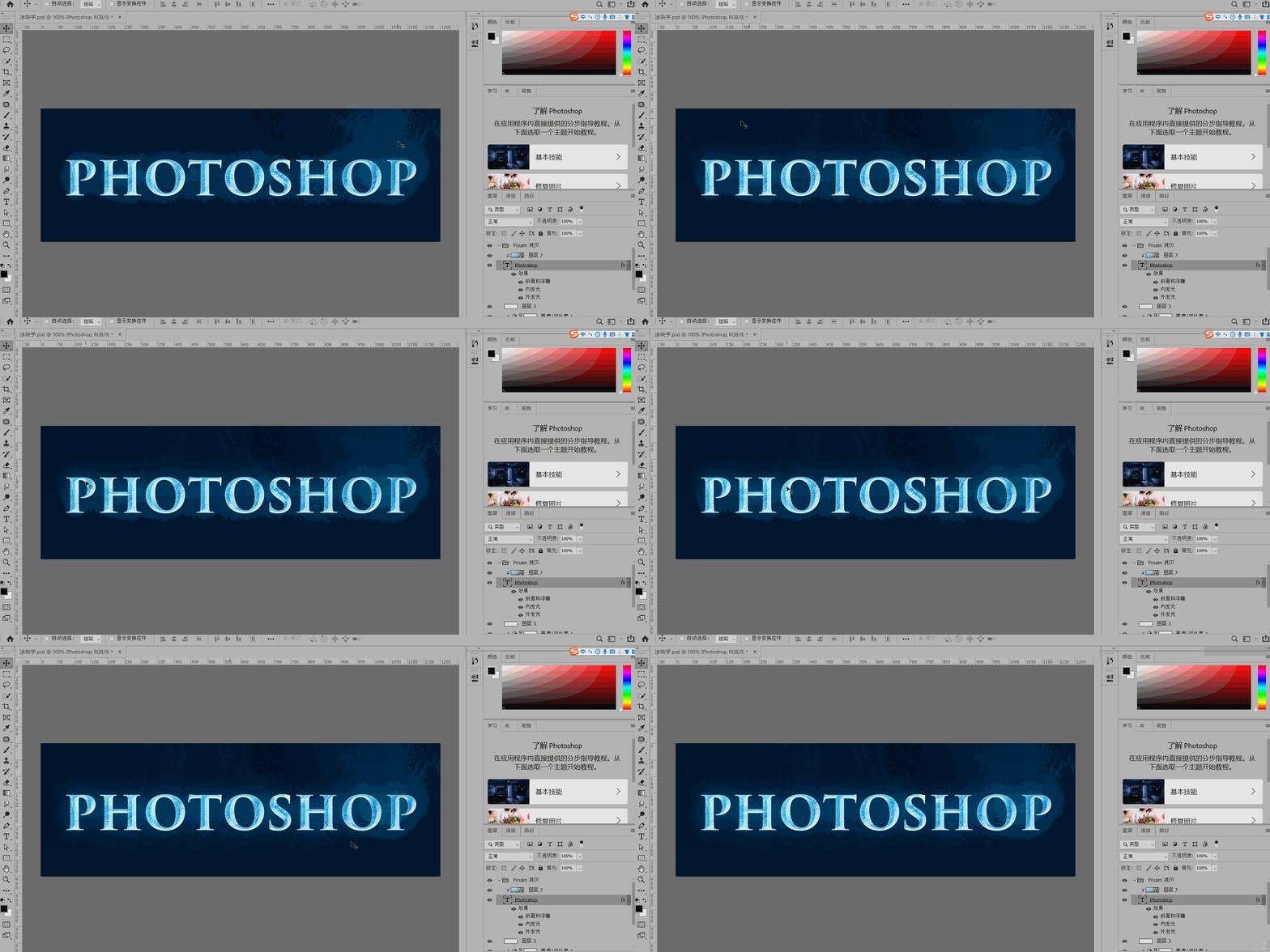
当文字层被图像或者形状创建了剪切蒙版,那么无法在移动工具下双击文字进入编辑状态~~~同理,编辑好后的文字也无法通过单击画布来提交修改过的文本~~~希望能修复这个问题~~~
    This topic has been closed for replies.

    3 replies

    October 19, 2018

    Hi

    Try resetting your Photoshop preferences

    Muqqarib Hassan
    Inspiring
    October 19, 2018

    For Selecting make sure you have select he move tool and enable these two options.

    For Editing Text make sure you have selected the Text tool.

    Muqqarib Hassan
    Inspiring
    October 19, 2018

    Yours these two options are not checked. So Please Check them.

    Thanks.

    Muqqarib Hassan
    Inspiring
    October 19, 2018

    Hi, please select the Text tool and then click on the text to edit it.

    Thanks.

    October 19, 2018

    In version CC2019 you can double click with the Move Tool to highlight the text which in turn selects the Type Tool

    New and enhanced features | Latest release of Photoshop CC

    Double-click to edit text

    You can now double-click a Type layer with the Move tool to quickly begin editing the text in your document. You do not need to switch tools anymore to edit text. 

    Muqqarib Hassan
    Inspiring
    October 19, 2018

    But for this make sure  those two Options must be checked  "Auto select option" AND "Show Transform controls option".
