
Participant
December 12, 2021
Question

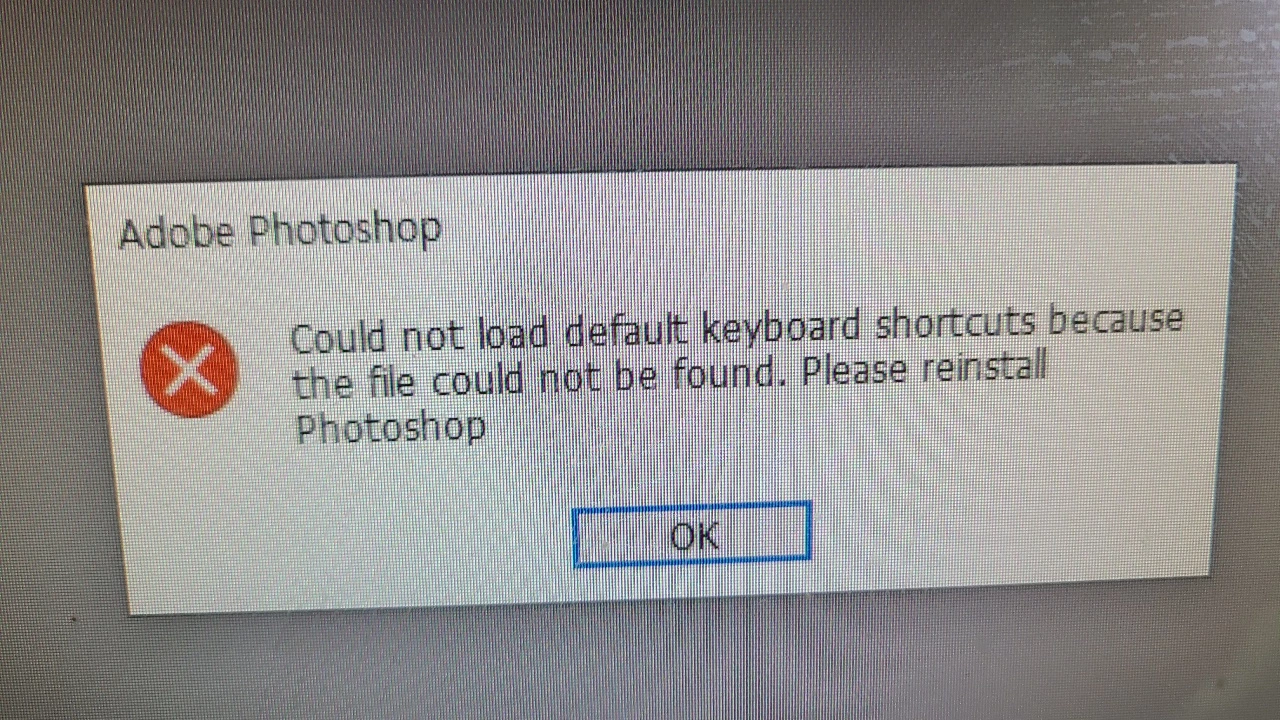
포토샵을 실행하면 이런게 떠요 해결방법은?could not load default keyboard shortcuts because the file could not be found
  • December 12, 2021
  • 1 reply
  • 1878 views


You need to ask program questions in the forum for the program you are using
To ask in the forum for your program please start at https://community.adobe.com/
Moving from Using the Community (which is about the forums) to the correct forum... Mod

This topic has been closed for replies.

1 reply

Bob_Hallam
Legend
December 13, 2021

Go to your Creative Cloud app and click the 3 dots on the list of Apps next to Photoshop.  Uninstall Photoshop then after it completes, Restart the computer and install Photoshop again.   

ICC programmer and developer, Photographer, artist and color management expert, Print standards and process expert.