
100% zoom display size changed and now it's much smaller than it was before...
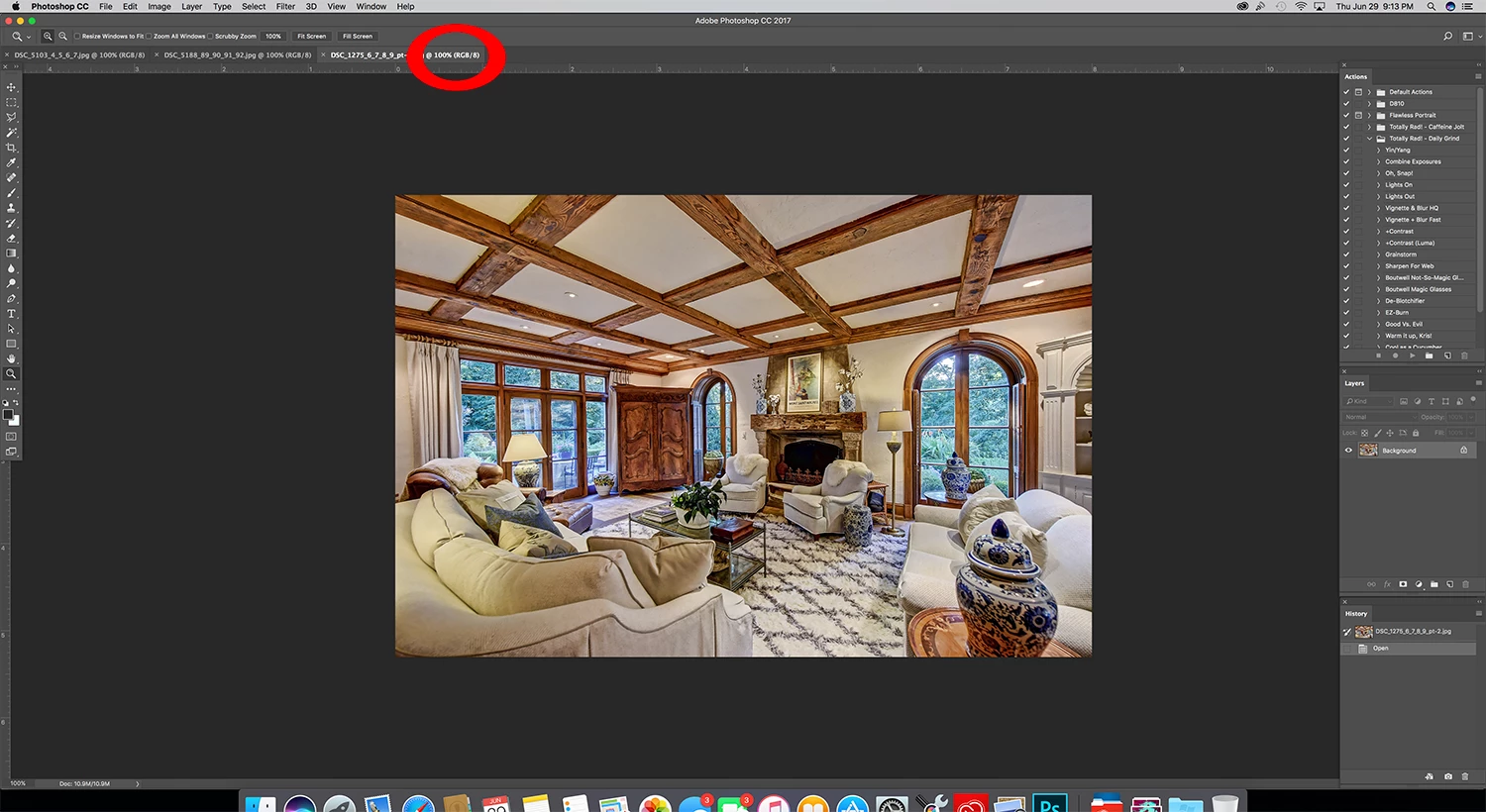
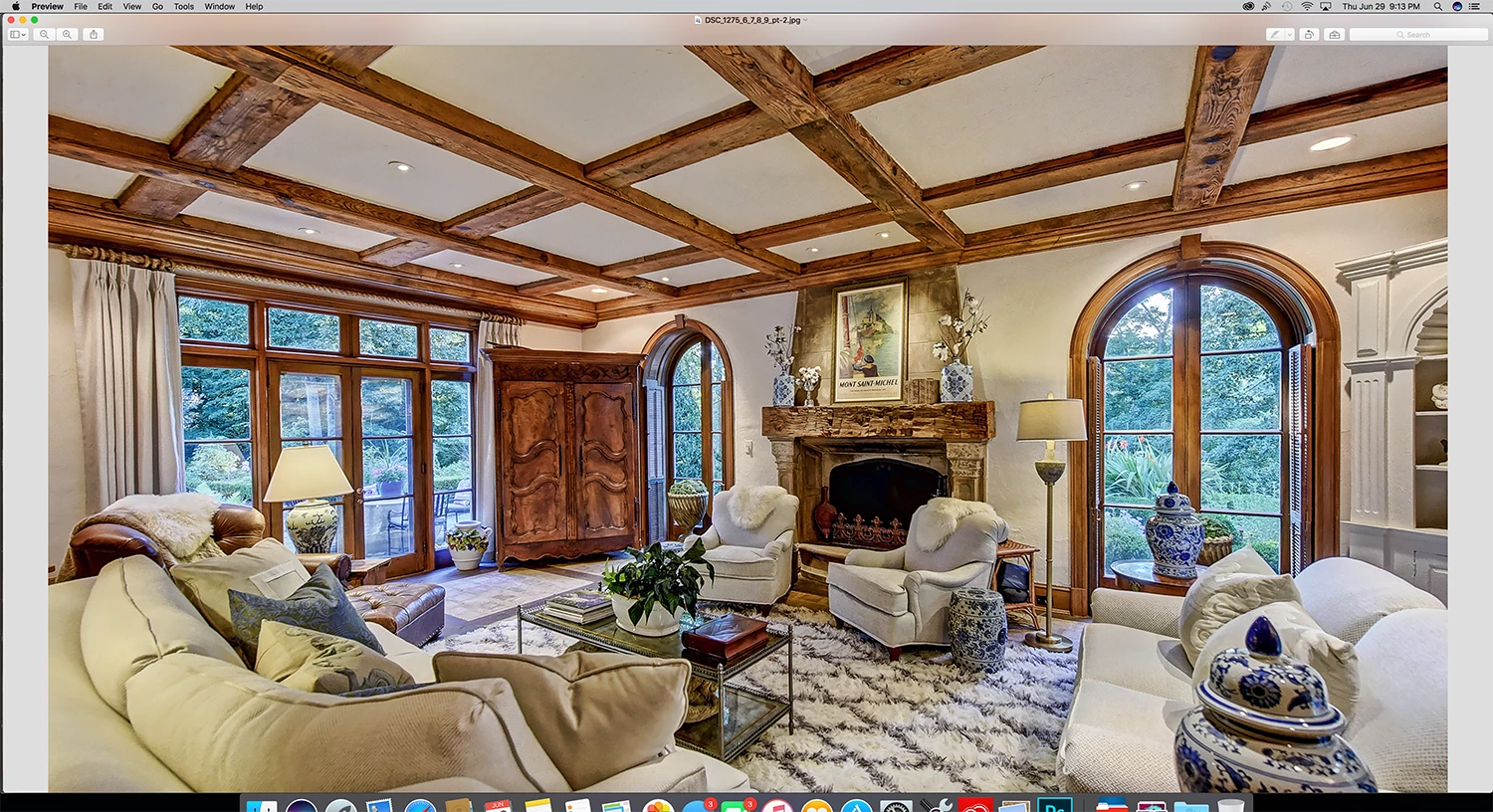
Hello! Any help would be so greatly appreciated! I was running some batch edits and photoshop stopped responding. Ever since I've started it back up, photos at 100% zoom are showing much smaller than they were before. Opening the same images (2400x1600) take up close to the whole screen in any other program when I click "show actual size" but in photoshop it shows very small at 100% zoom - it takes setting to 200% to take up the whole screen, which blurs the image. I attached some screen shots of the same image open at 100% in Photoshop and 100% in Preview. I'm very aware of the existing never-ending thread about this topic from 2013ish, but have been using Photoshop CC on my retina imac for months and have not had this issue until just now. Photoshop was not set to "Open in low resolution" before, so just not sure what changed to make it this way all of a sudden. Any idea what the problem could be? THANK YOU!
 AdChoices