Question
2 versions of Photoshop
In the creative cloud of desktop it turns out that I use 2 different versions. Edits are stored in both. How can I delete the oldest version (20.0.9) and transfer the saved data to version 21.1.1
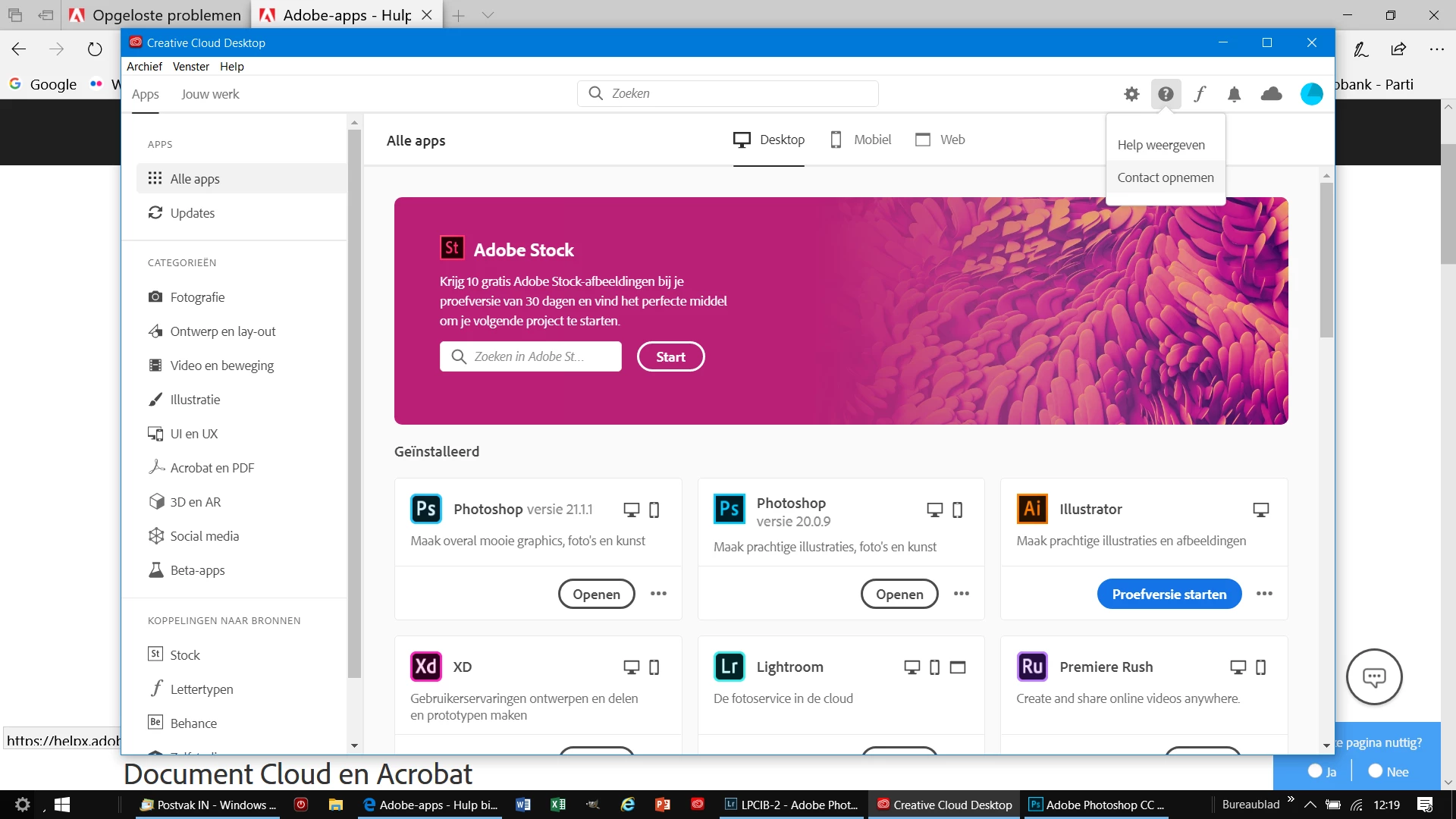

In the creative cloud of desktop it turns out that I use 2 different versions. Edits are stored in both. How can I delete the oldest version (20.0.9) and transfer the saved data to version 21.1.1
Already have an account? Login
Enter your E-mail address. We'll send you an e-mail with instructions to reset your password.
 AdChoices