

Question
2020 NEW UPDATE! Canvas become SO SMALL!! PLEASE HELP!
Hi, This is a 1920 x 1080 canvas in 100% view!!!?? It used to be a lot BIGGER. This size in the previous 2020 version it only just about 40-50% view. After I updated to the new PS 2020, it changes to so small. Does anyone know how to fix it? Thank you!
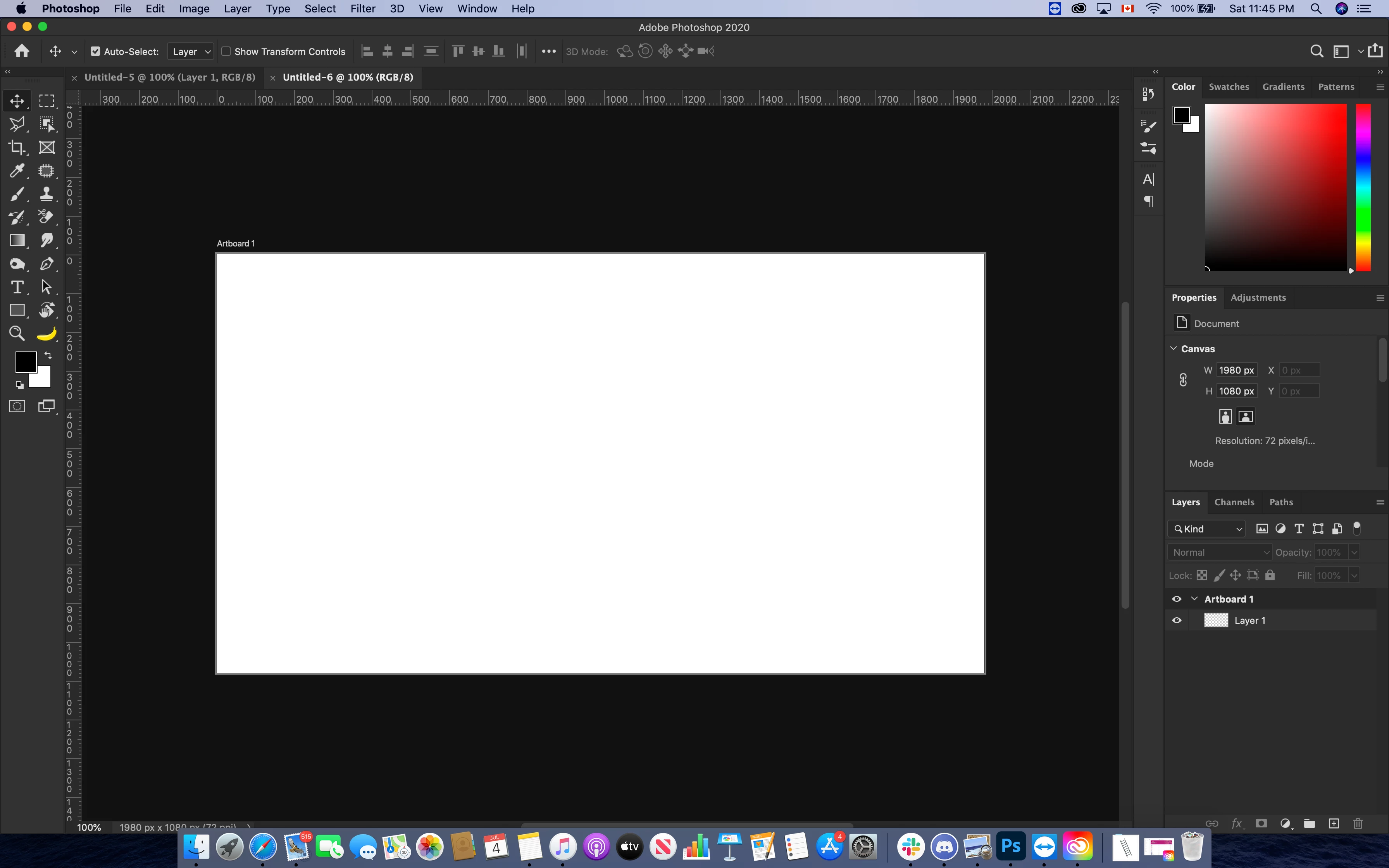
This is 1920x1080, 72 revolution, CS vs NEW UPDATED 2020. As you can see the difference between two canvas. CS is a lot bigger and it's only in 66%, while 2020 is much smaller and it's in 100% view.
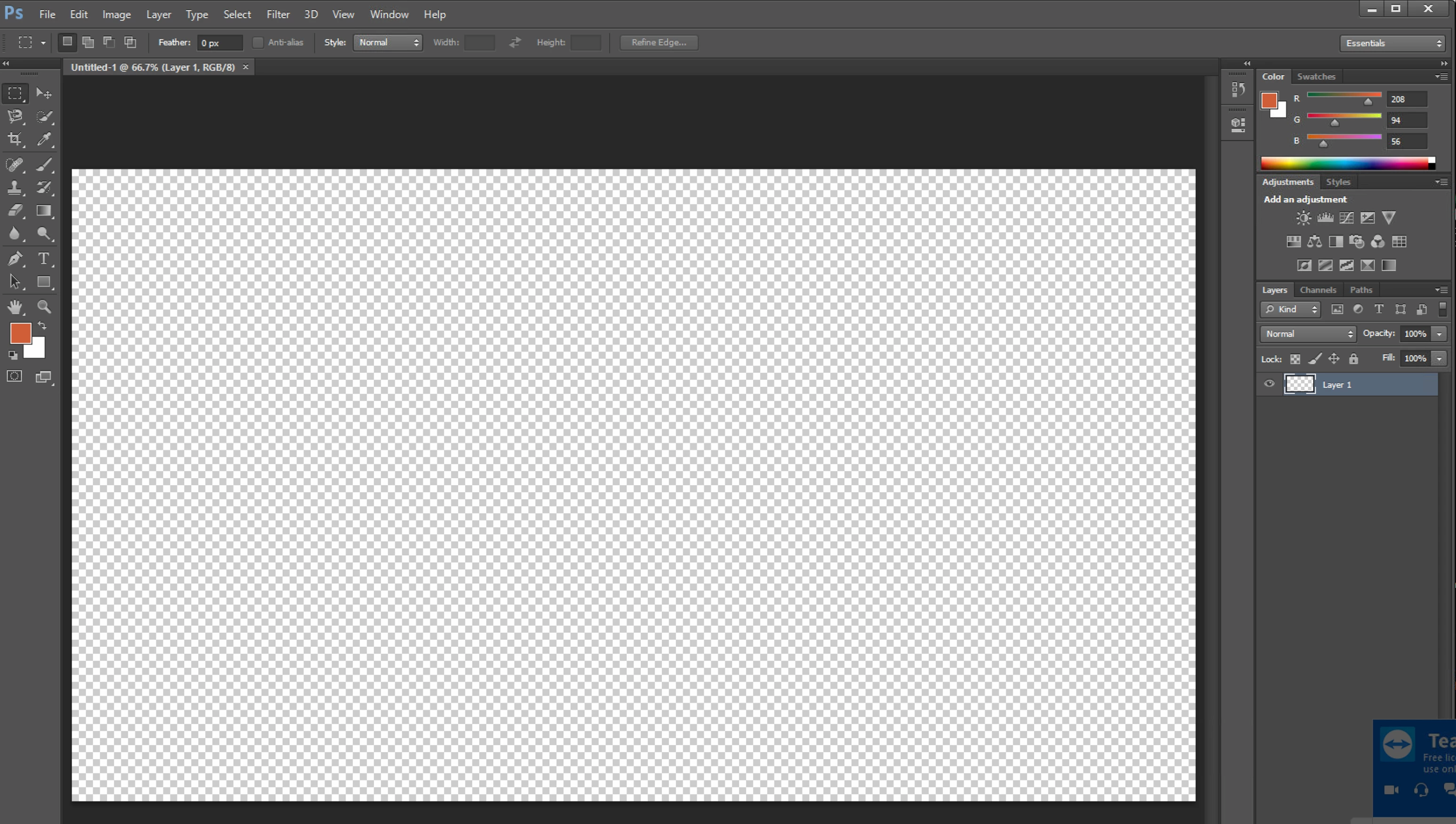
Please help! I can't zoom in to work on it because after I zoom in, the picture will become fuzzy,
 AdChoices