
Participant
August 15, 2021
Answered

3D Extrusion Splitting Into 4 Copies

  • August 15, 2021
  • 1 reply
  • 377 views

I'm trying to follow this guide  (timestamped to part I'm on) to create a custom version of a tv show's logo and when I go to create a 3D extrusion from layer instead of getting what I see in the guide:
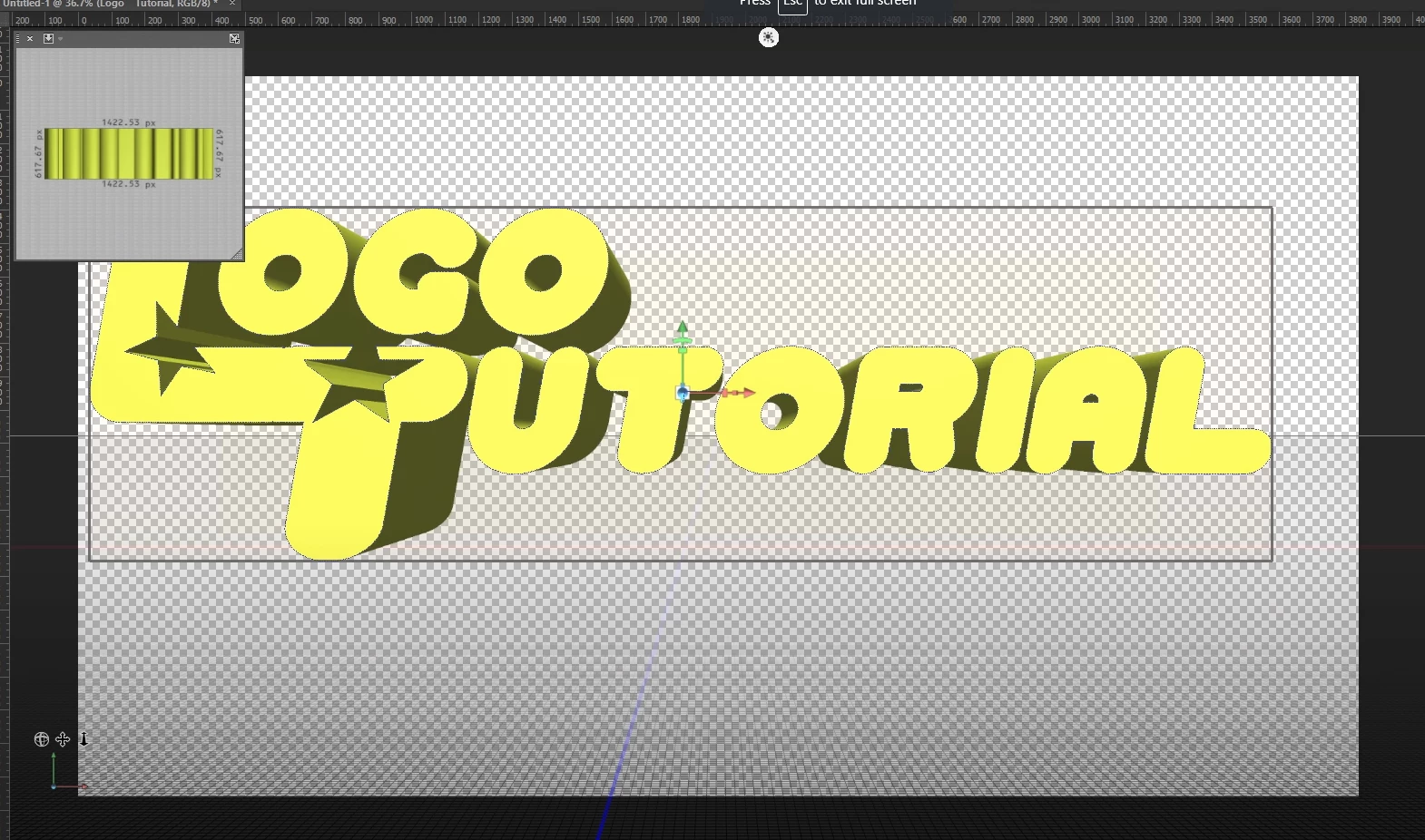


I get my picture split into 4 copies zoomed in on the corner:
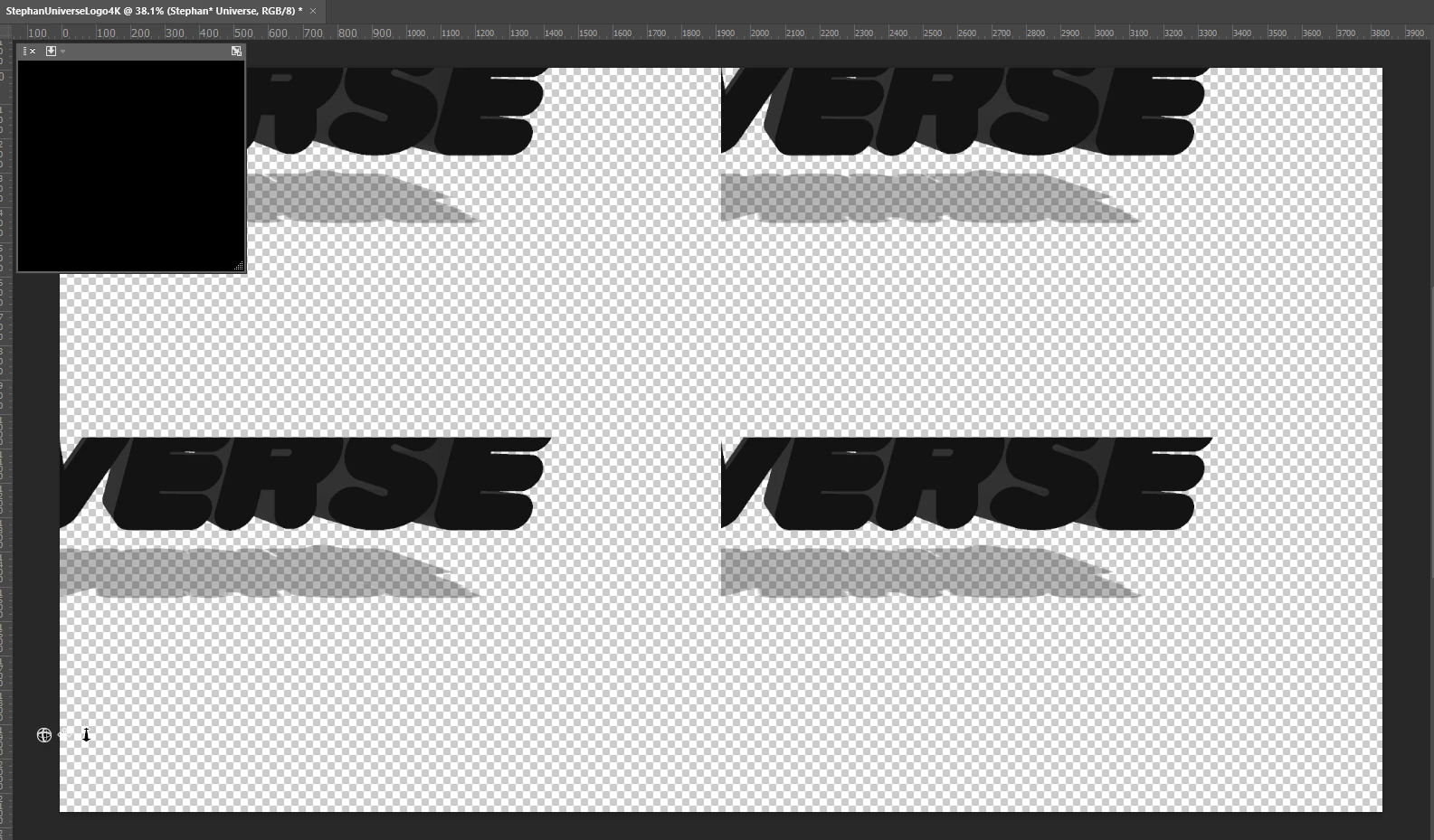
 

Does anyone know why this is happening and how to get what happens in the guide to happen for me?

Thanks for your time!

Stephan

This topic has been closed for replies.
Correct answer davescm

To use 3D in the current version of Photoshop which uses updated Direct X graphics functions, you will need to revert to Open GL. To do that go to Preferences >Technology Previews and check "Deactivate Native Canvas". Then close and restart Photoshop.


Dave

1 reply

davescm
Community Expert
davescmCommunity ExpertCorrect answer
Community Expert
August 15, 2021

To use 3D in the current version of Photoshop which uses updated Direct X graphics functions, you will need to revert to Open GL. To do that go to Preferences >Technology Previews and check "Deactivate Native Canvas". Then close and restart Photoshop.


Dave

Participant
August 15, 2021

Hey Dave! Worked perfect after I did that and then restarted photoshop, thanks!

davescm
Community Expert
Community Expert
August 15, 2021

You're welcome 🙂

Dave