roseg87625678
Participant
June 11, 2021
Answered

3d extrusion with text issue

  • June 11, 2021
  • 2 replies
  • 957 views

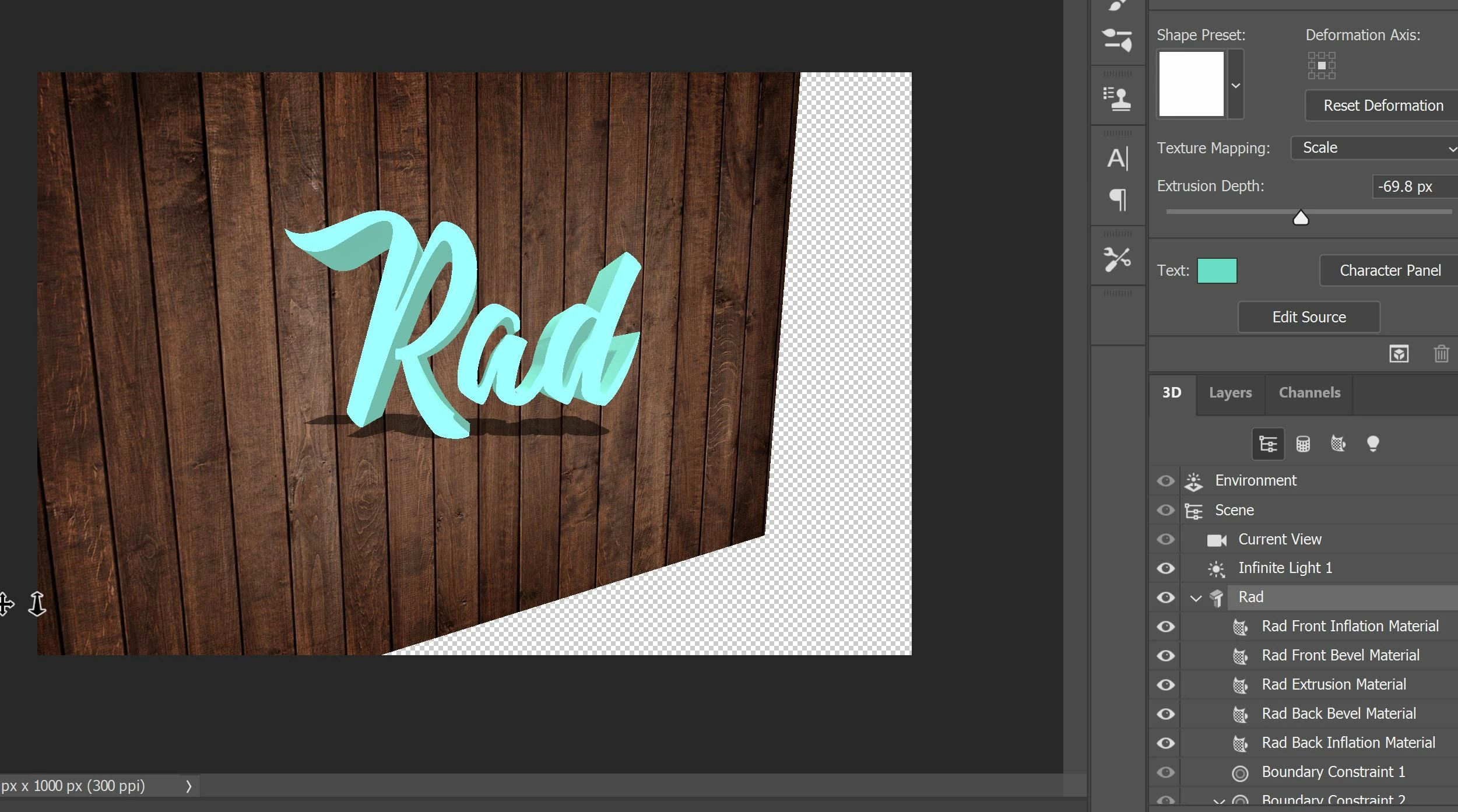
After typing in a text that I want to make into 3d, picking the option "New 3D Extrusion from Selected Layer", whether I want to rotate it or change depth/shadows/reflections, it never changes. It's as if it is stuck! Also I've watched many tutorials and these videos all have their text in the "Shape Preset" box but mine is a blank white too. I'm unsure why this is happening, any information would be greatly appreciated! Thank you.
 

This topic has been closed for replies.
Correct answer davescm

Adobe are updating the core graphics functions in Photoshop. This is driven by the operating systems of Apple and Microsoft in which the old Open GL functions are being removed in the case of Apple, or deprecated in the case of Microsoft. This means that the graphics functions that have worked for years must be rewritten to use Metal and Direct X. At the same time, Adobe are sensibly updating those core functions to deliver the additional speed we require to handle the very large files of today.

Some functionality in Photoshop, such as 3D, still relies on the older Open GL graphics functions. To make these work, an additional preference Preferences>Technology previews>Deactivate Native Canvas has been added in v22.4.x. This can be checked and Photoshop restarted to restore 3D functions to where they were in 22.3

Dave

2 replies

davescm
Community Expert
davescmCommunity ExpertCorrect answer
Community Expert
June 11, 2021

Adobe are updating the core graphics functions in Photoshop. This is driven by the operating systems of Apple and Microsoft in which the old Open GL functions are being removed in the case of Apple, or deprecated in the case of Microsoft. This means that the graphics functions that have worked for years must be rewritten to use Metal and Direct X. At the same time, Adobe are sensibly updating those core functions to deliver the additional speed we require to handle the very large files of today.

Some functionality in Photoshop, such as 3D, still relies on the older Open GL graphics functions. To make these work, an additional preference Preferences>Technology previews>Deactivate Native Canvas has been added in v22.4.x. This can be checked and Photoshop restarted to restore 3D functions to where they were in 22.3

Dave

roseg87625678
Participant
June 11, 2021

Thank you!

Ged_Traynor
Community Expert
Community Expert
June 11, 2021

Hi

Try enabling this option in preferences and restarting Photoshop

roseg87625678
Participant
June 11, 2021

Thank you, thank you so much! You're a life saver!