3D materials in Photoshop CC 2019 not working
Hello, dear Community,
I am new to Photoshop and I have two problems that others, who want to edit their 3d models in Photoshop, seem not to have. The first problem is that when I import my models the materials don't get imported, two. I read in the internet that Photoshop does not import .mtl files. Is that right?
That wouldn't for me if I could give materials to them in Photoshop. But exactly this is the second problem. When I try to add a material to one of my models, the model disappears from the screen, and I get this:
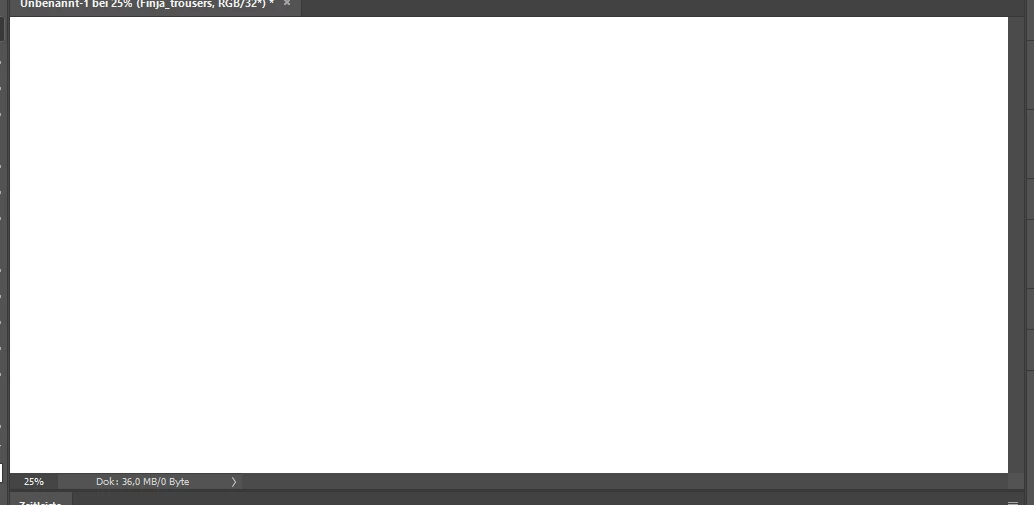
Okay, the object doesn't really "disappear". I just can't see it anymore.
But in the layer bar my it is still shown: 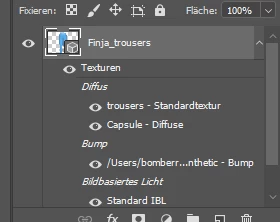
Here you can see my material settings: 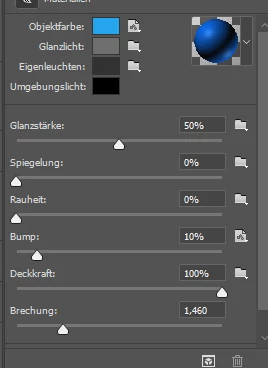
Meanwhile, adding textures to my objects works fine. My CC version is 20.0.2. What should I do?
 AdChoices