Inknsteintx
Participant
July 4, 2021
Question

3D Not Working when Extruding...
  • July 4, 2021
  • 1 reply
  • 214 views

Hello Photoshop Users,

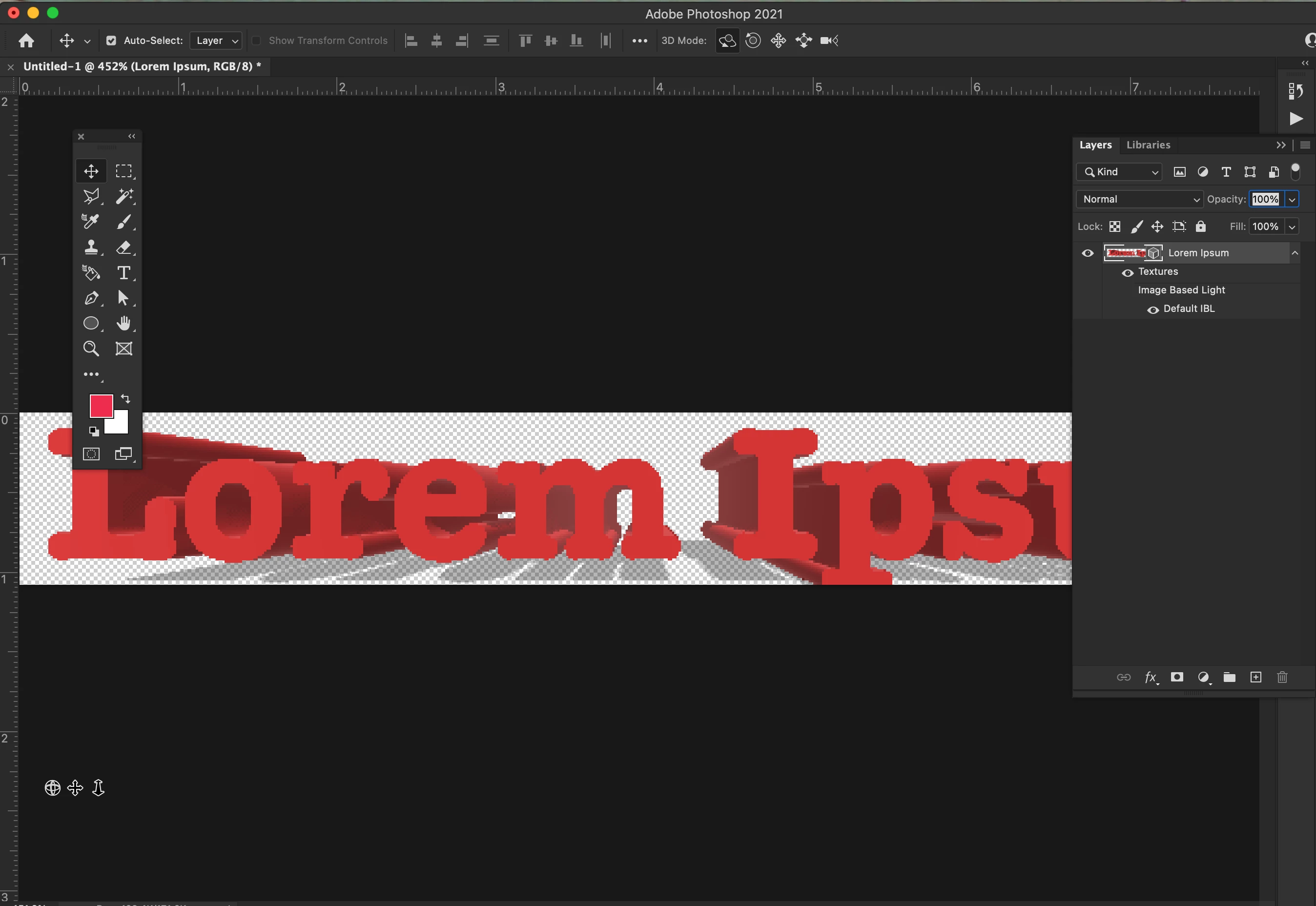
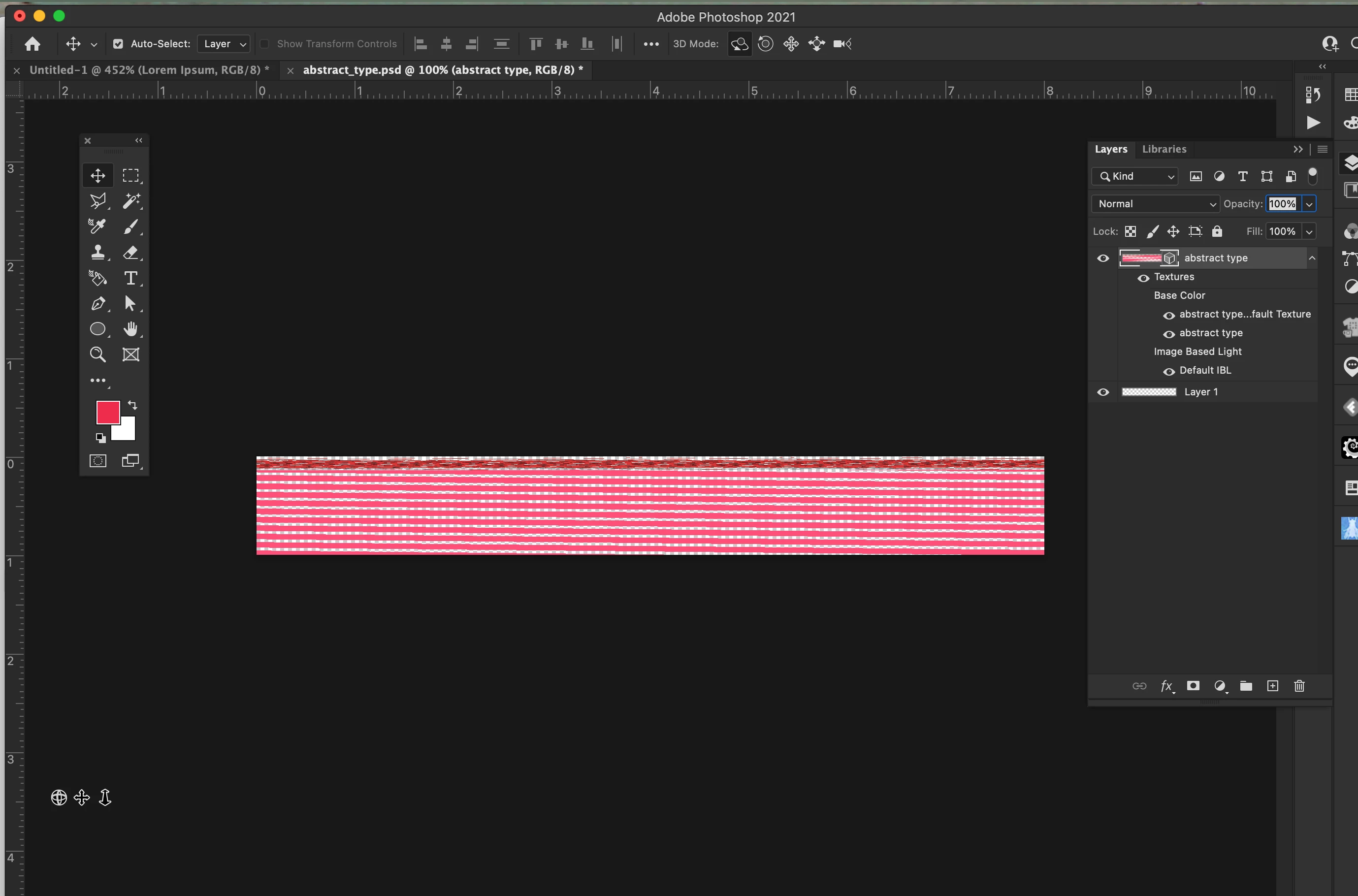
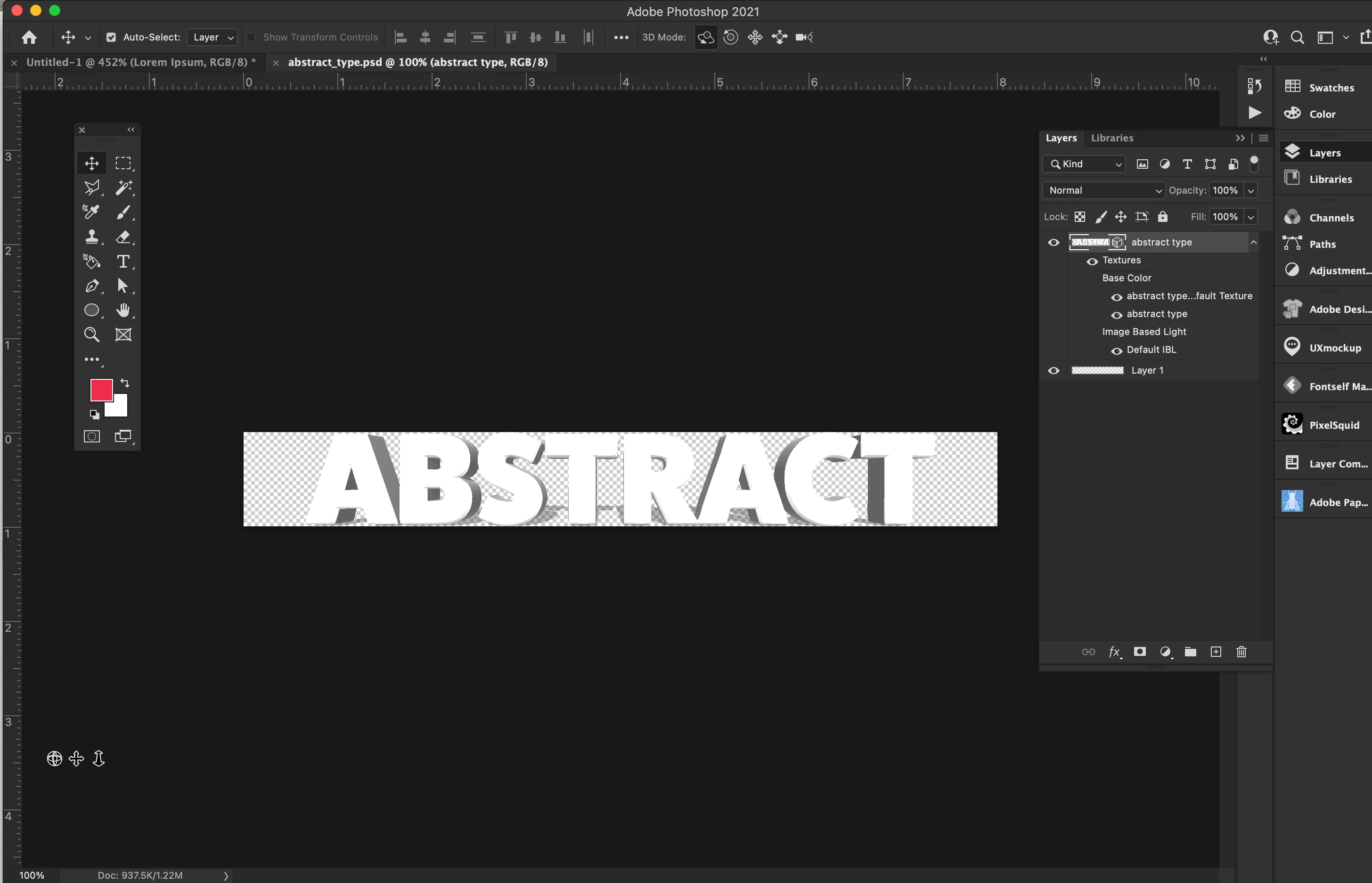
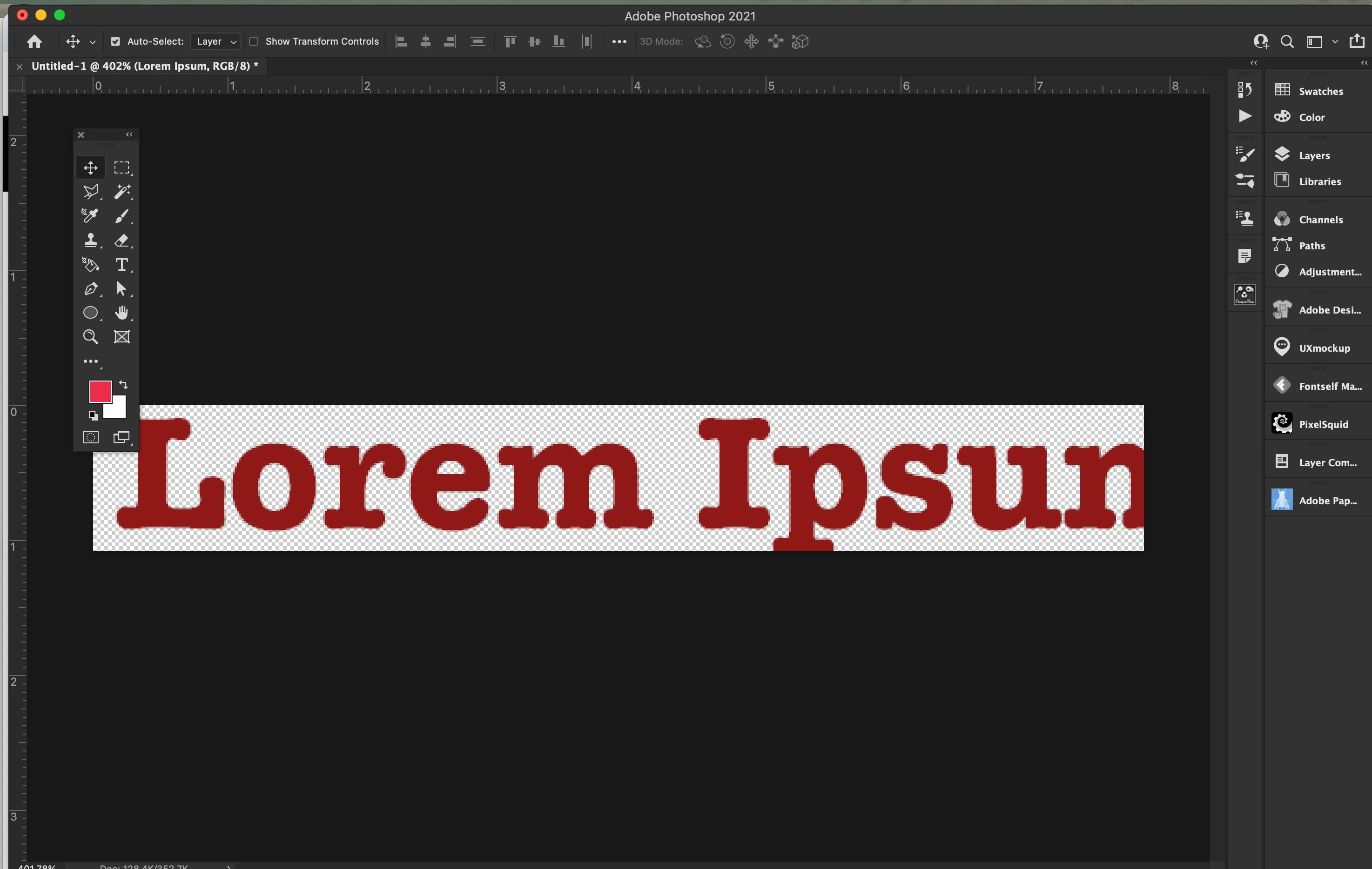
I just started to have this issue with 3D, has anyone started to have this trouble? I am uploading some photos to show...the 1st two photos are just type and extruding them, but I could not move them in any different angle even using thr tool. The other 2 photos are type I had done and wanted to go back and fix this file but when I go to move it does this...Any help on why all the sudden Photoshop is doing this, I even tried a simple shape and not luck...

This topic has been closed for replies.

1 reply

davescm
Community Expert
Community Expert
July 4, 2021

In Photoshop 22.4, to use 3D you will need to go to Preferences > Technology Previews and check Deactivate Native Canvas. Click OK, then close and restart Photoshop.


Dave

Inknsteintx
Participant
July 5, 2021

Hello Dave, I tried that and it works, it allows me to work on the files I have already created. But now I get this message pop up, never seen this one before...ehere should I look for this and what should I look for? Is it time to make an appointmnet at the Apple Genius Bar to look at my video card?