



Question
3D object from 2D layers
I am trying to create a 3D logo with text (or any shape) punched out. 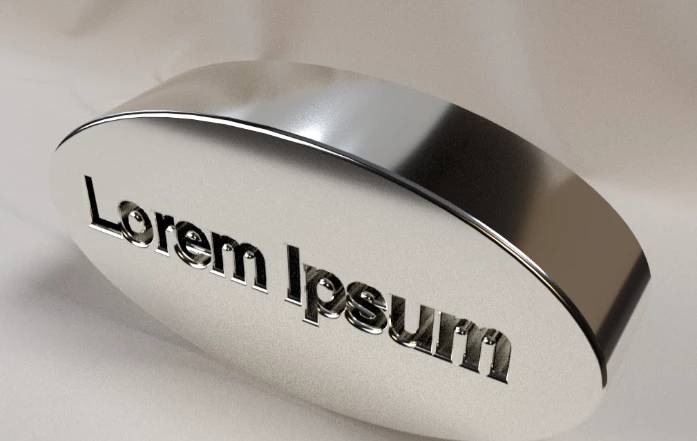 Adobe provided the following instructions:
- Create text layer
- Convert text layer to shape
- Create oval shape layer
- merge shapes
- 3D extrude w/ layer
They also provided a .psd file with a 2D layer on a transparent background that looks like this: 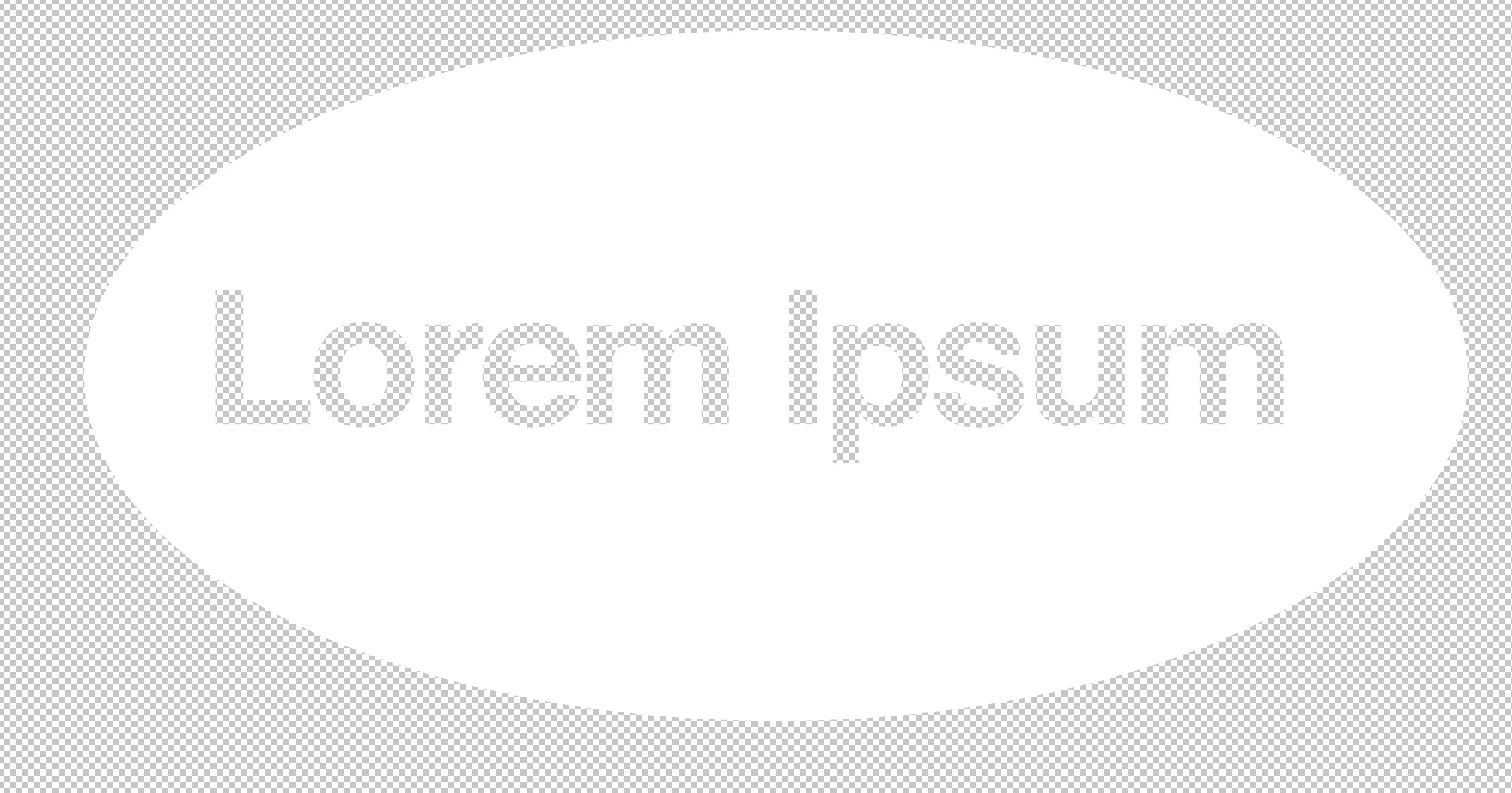 . Performing a 3D extrusion from this works, but I can't reproduce the 2D layer. When I merge shapes the text disappears. Is there a missing step in Adobe's instructions?
 AdChoices