Participant
December 3, 2021
Question

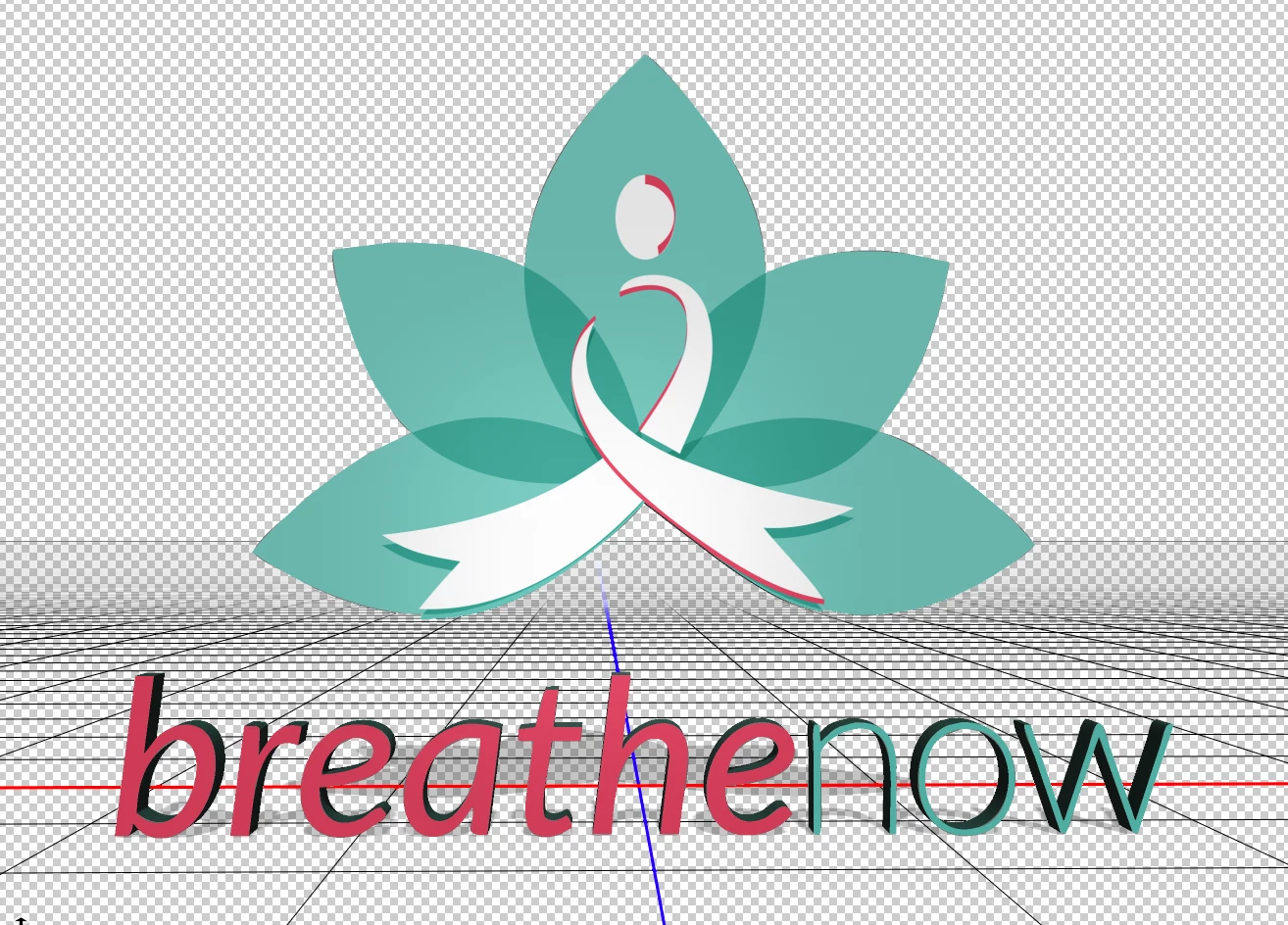
3D object in photoshop exporting with colors offset

  • December 3, 2021
  • 1 reply
  • 201 views

I can't seem to figure out why my 3D object I created in photoshop is exporting with the colors all shifted. I imported to photoshop as a vector smart object then applied the 3d effects. I've exported the file to both a GLTF/GLB and OBJ file but when I import them into adobe aero they preview with the colors shifted....

Does anyone have any tips or tricks to avoid this outcome?

This topic has been closed for replies.

1 reply

Eugenio.NYC
Participating Frequently
January 1, 2022

Hi, sorry about that

I don’t have a solution, but maybe if you check these links, will help you


Best practices to optimize CPU usage when working with 3D in Illustrator

https://community.adobe.com/t5/illustrator-discussions/best-practices-to-optimize-cpu-usage-when-working-with-3d-in-illustrator/td-p/12480495

Troubleshoot error messages when applying 3D materials to objects

https://community.adobe.com/t5/illustrator-discussions/troubleshoot-error-messages-when-applying-3d-materials-to-objects/td-p/12480487