Participant
June 28, 2021
Question

3D spherical panorama has stopped working

  • June 28, 2021
  • 2 replies
  • 1602 views

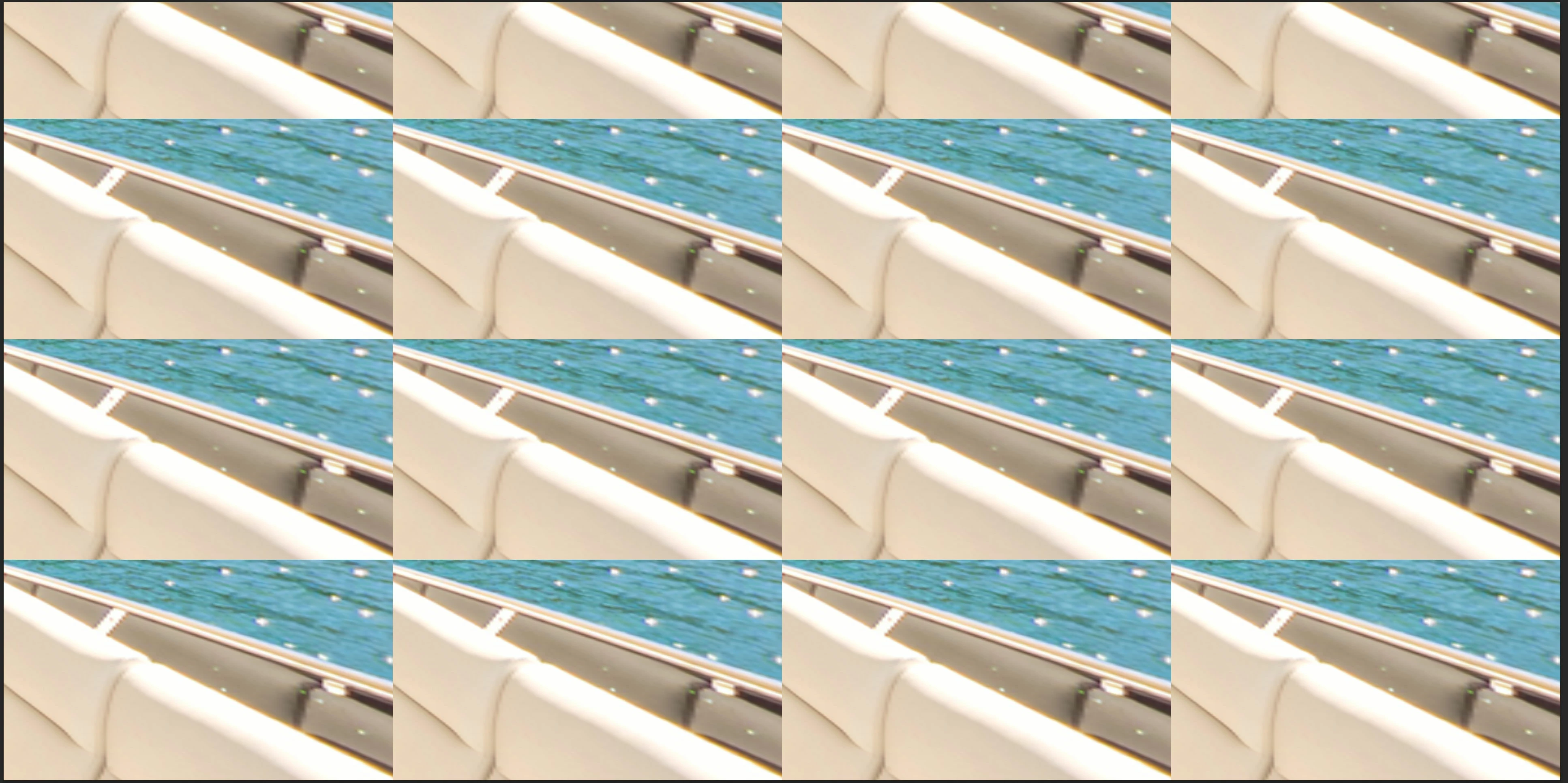
Using PS 2021, recently the spherical panorama function in the 3D menu has stopped working on all of my computers. When I first convert the image to a panorama, it appears to work, and as soon as the orbit tool is used to move it the display breaks making it useless. It appears to render repeated tiles that change in size, but all show identical content. The content doesn't update when trying to use it.


This is all of a sudden happening on 3 different computers, so I'm assuming a Photoshop issue or a preferences problem if Adobe is syncing this..?


Previously everything had been working well, although the preview resolution inside photoshop was pretty average. Does anyone know how to fix this? It makes creating 360º tours for work impossible at the moment.


Computers that previously worked now all don't:

  • 2017 5K iMac, maxed out RAM
  • 2019 5K iMac, maxed out RAM
  • 2018 Macbook Pro 15"


This topic has been closed for replies.

2 replies

urixx
Known Participant
July 6, 2021

Photoshop 22.4.2, MacBook Pro 2018 with Radeon Pro 560X and macOS 11.4.


The same issue. "Deactivate Native Canvas" just completely disables "Spherical Panorama" feature.


Last working version of Photoshop - 22.3.1

JJMack
Community Expert
Community Expert
July 6, 2021

I believe Photoshop 3D requires the use of your GPU. So is your GPU Detected and checked  use in your photoshop Performance section and in the technology section  is Native canvas checked to disable it?  Here is Photoshop 22.4.2 on my Windows PC...

JJMack
urixx
Known Participant
July 6, 2021

Yes, I use GPU, of course. Here are two ways to reproduce this bug (plus another one):


main bug at second 26, other bug at second 9:


bug at second 15:

JJMack
Community Expert
Community Expert
June 28, 2021

It may be a Mac or device driver issue if you have disabled native camera and reset your Photoshop preferences.  Adobe has not update Photoshop 3D feature yet to use Photoshop's  new Graphics interfaces, It requires Adobe older graphics support. I do not have a problem orbits 360 panos on Windows 10 in Photoshop 22.4.2. Read about Adobe 3D issues in Photoshop 2021 https://helpx.adobe.com/photoshop/kb/known-issues.html 


JJMack