Participating Frequently
July 6, 2021
Answered

3D workspace not working

  • July 6, 2021
  • 1 reply
  • 1731 views

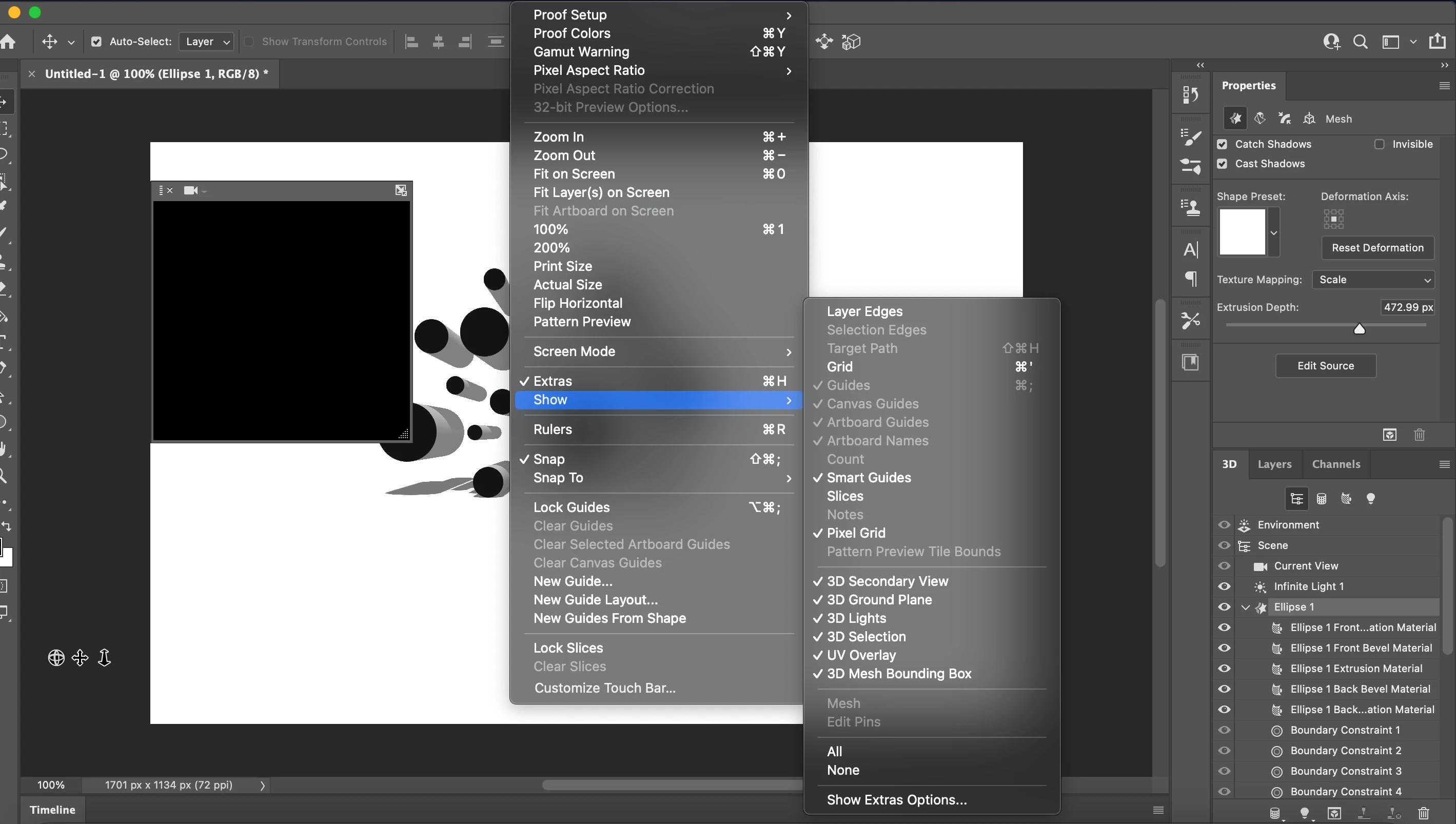
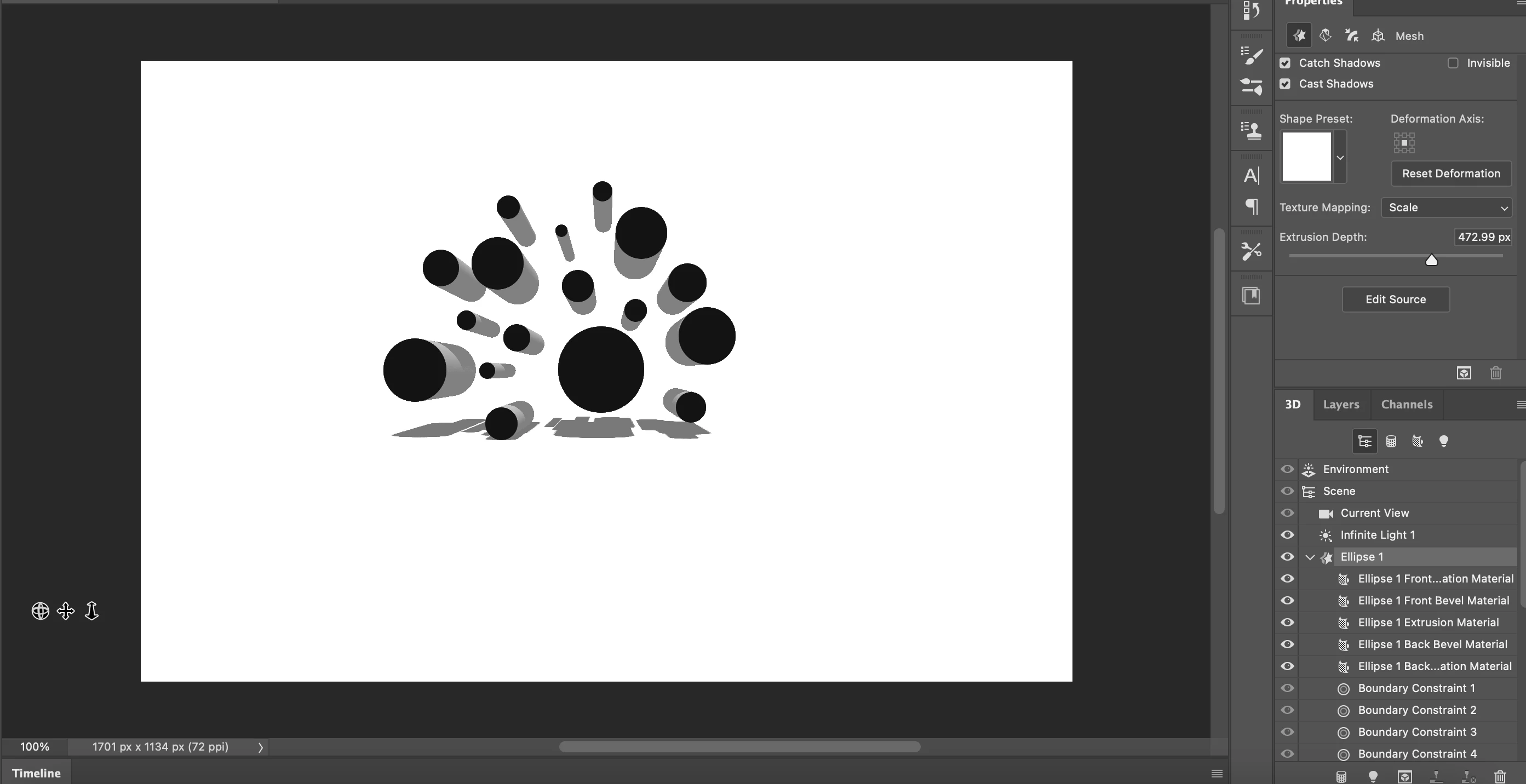
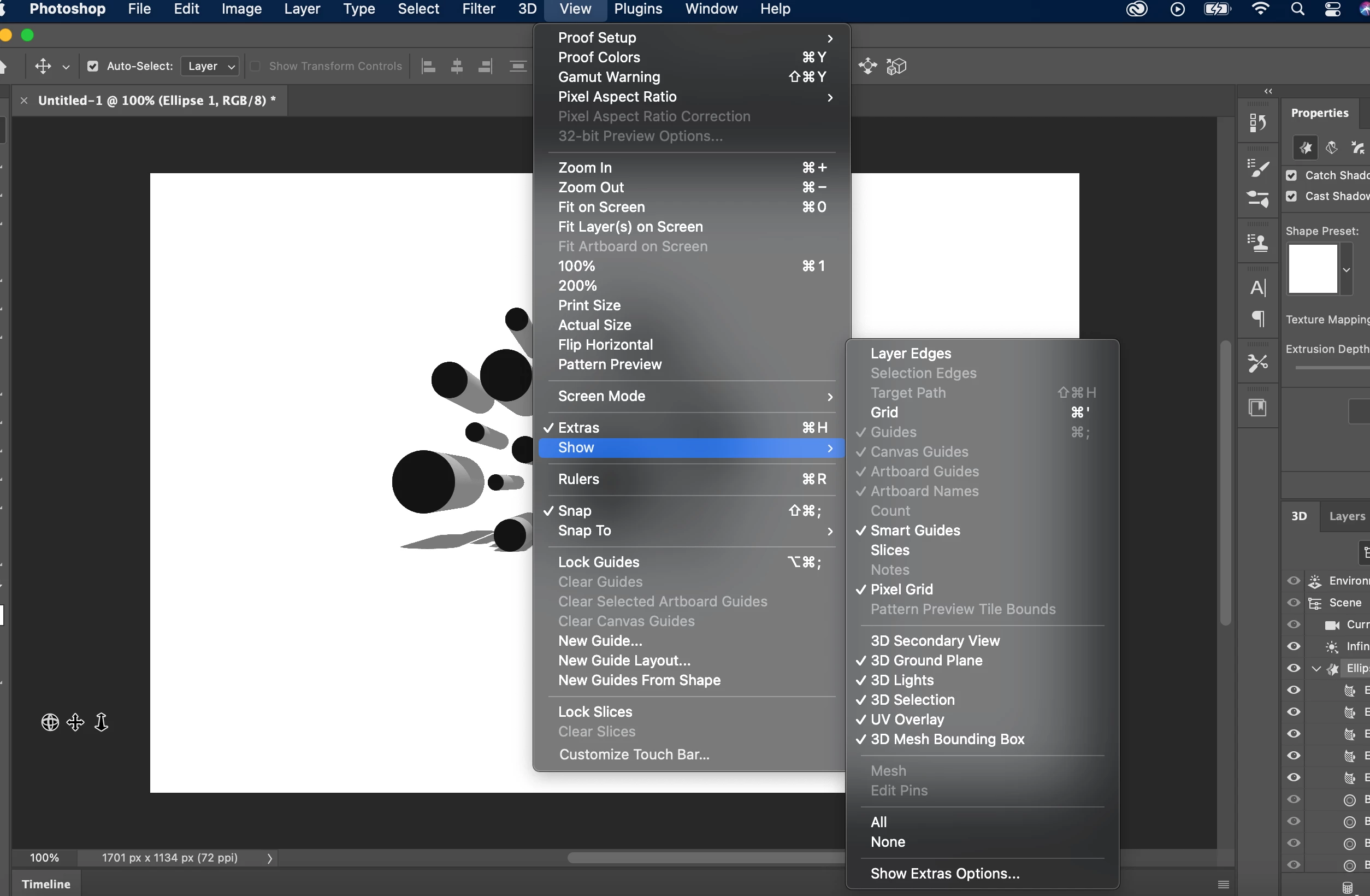
Hi! I've been getting into photoshop and have been exploring 3d excursions. For some reason my 3d workspace won't show the x, y, and z axis and I can't pan or move my objects. Any help? Attached are some photos showing the issues and my attempts to see what I could do to fix it and I'm officially stuck. 


P.S. I'm using a Mac and everything is up to date
This topic has been closed for replies.
Correct answer Ged_Traynor

Hi

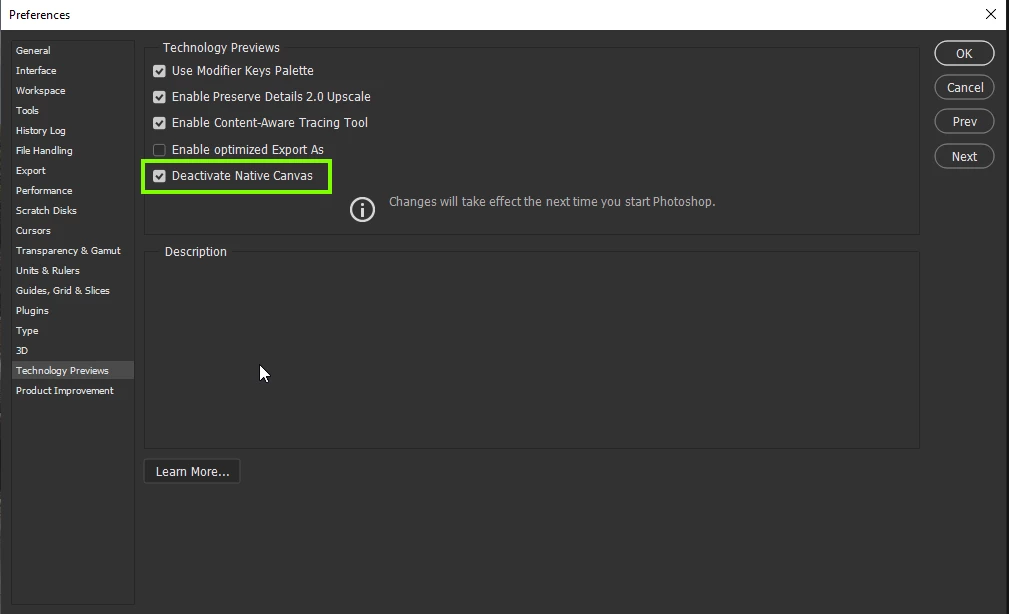
Try enabling this option in preferences and restarting Photoshop to see if it helps

1 reply

Ged_Traynor
Community Expert
Ged_TraynorCommunity ExpertCorrect answer
Community Expert
July 6, 2021

Hi

Try enabling this option in preferences and restarting Photoshop to see if it helps

Participant
July 10, 2021

Thank you so much for sharing this!