
Inspiring
August 26, 2023
Question

5DSr - How to Set Color Profile?

  • August 26, 2023
  • 1 reply
  • 856 views

My 2 5DSr's are showing "UNTAGGED" in the Metadata Adobe Bridge 2023vlatest 15.04.777.

I am having a small sharpness problem and my 90D and 5DSr's show "untagged" in the right panel whn a file is selected in Bridge.

Yet other bodies, 1Dx...show Adobe.


Where do I find the list to select from?

Thanks!
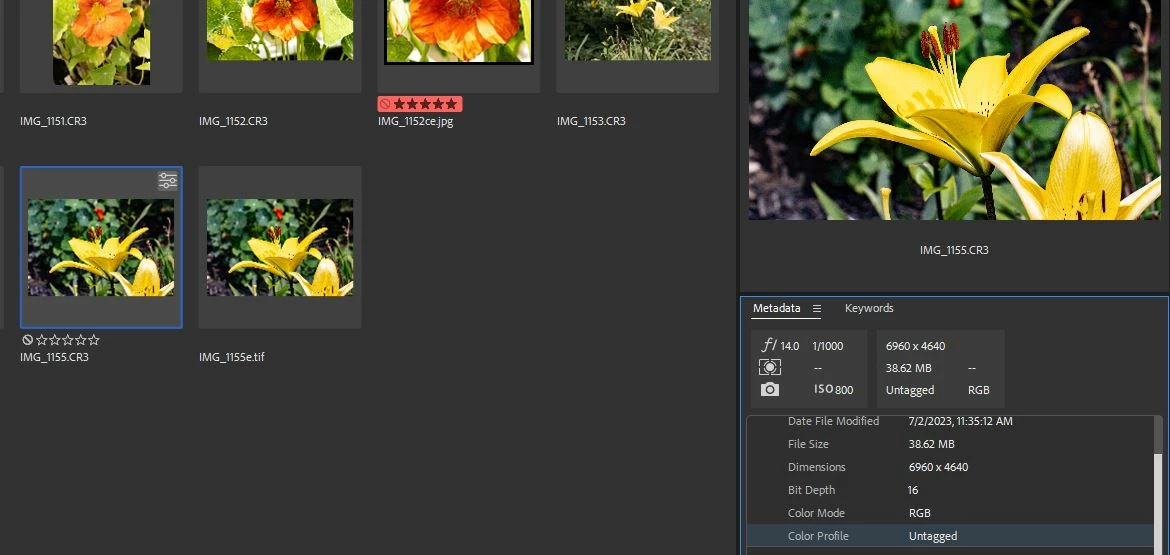


This topic has been closed for replies.

1 reply

Conrad_C
Community Expert
Community Expert
August 26, 2023

Can you post a screen shot of a .CR3 file that says “Adobe” (or do you mean “Adobe RGB”)?


Because if this is about raw files, the correct color space for a raw file is “Untagged” because by definition, a raw file cannot have a color space yet. (A raw file’s preview can have a color space, which is what a camera’s color space typically sets when shooting raw.)


So if you saw some in Bridge with the Color Profile set to “Adobe RGB” they might be photos from those cameras that were converted to a non-raw format such as JPEG, Photoshop, or TIFF.


quote

Where do I find the list to select from?

By @DanPBPhoto14053041


If you mean a list of color profiles that can be applied to a photo, Bridge has never offered that. There are ways to do color space conversions in Bridge, but they are always just that…conversions, when processing to a different format.


You can choose a color profile when a photo is loaded into Adobe Camera Raw, by clicking the underlined Workflow Settings text at the bottom of the Camera Raw window as shown below. But again, that does not change the color space of the raw file, it only sets the color space of the next non-raw copy, if you have Camera Raw make one.


Inspiring
August 28, 2023

I havespent hours looking for that 1 file. To no avail.

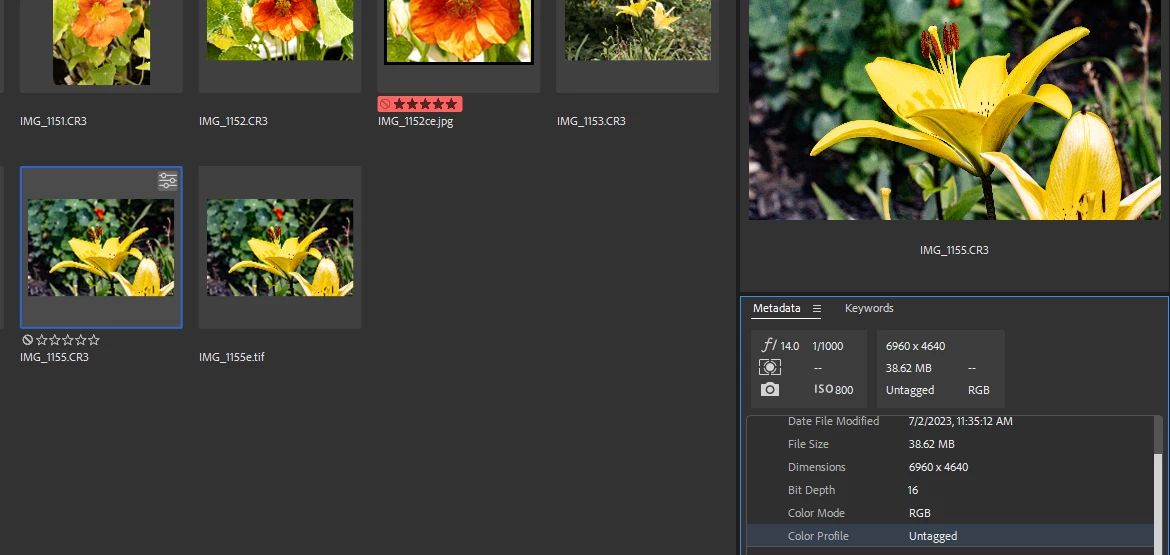
Yes the 1Dx does show "UNTAGGED" as shown.


Sorry I somehow got things confused. I apologize for wasting your time but I did learn theory I never knew before from your posts. So that accomplished me learning something.

Thanks!

Inspiring
August 29, 2023

No problem 🙂 We all get things mixed up from time to time. That's when internet forums come in handy 😉


Thanks for your understanding.