heatherv_rukket
Participating Frequently
May 14, 2018
Question

A faster way to remove the background from mesh/ net

  • May 14, 2018
  • 2 replies
  • 3582 views

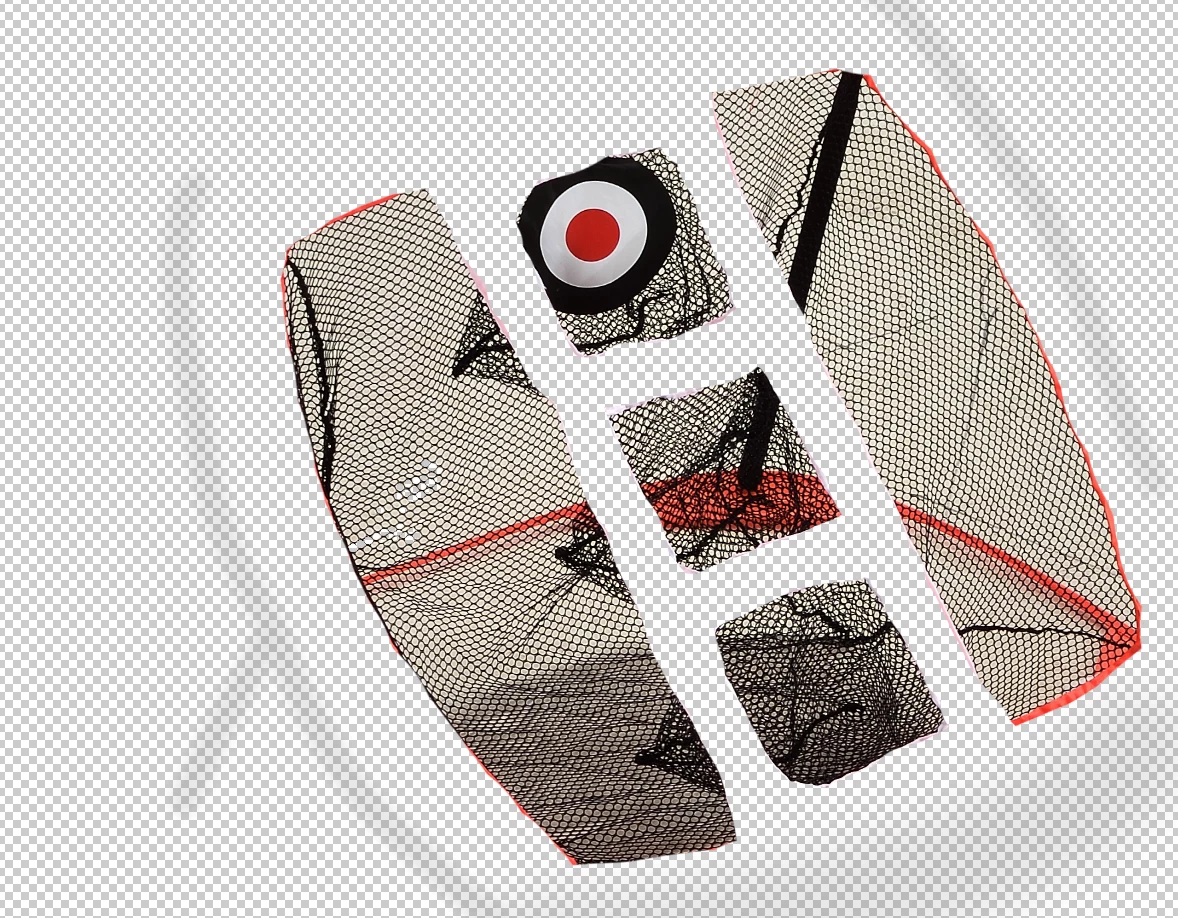
I currently was using the magic wand tool but sometimes it removes more then I need. I have a screen shot for reference any tips would be most helpful.

This topic has been closed for replies.

2 replies

Norman Sanders
Legend
May 14, 2018

In the sample above, as a demonstration, instead of placing a transparent layer below the image layer, I placed a white layer there. Then, to remove tone from the spaces in the mesh, the Blend > If command was applied.

To use this technique, place a layer below the image layer, return to the image layer and double-click. That will bring up Layer Style and at the bottom is the Blend If command.  Very slowly move the top right slider to the left to eliminate the tone inside the mesh. The sample above shows the result. As you can see, you may have to do this in sections and then combine them.

heatherv_rukket
Participating Frequently
May 14, 2018

This worked so well! Thank you so much!

davescm
Community Expert
Community Expert
May 14, 2018

Try making a mask from a channel - start with the channel with the most contrast - make a copy and use curves to get the mask you need - you may need to invert it and paint on some of the solid sections

Dave

heatherv_rukket
Participating Frequently
May 14, 2018

Thank you I will try that out