
alis28061006
Participant
January 5, 2019
Question

A value between 0.0 pixel and 1000.0 Pixels is required. Closest value inserted.

  • January 5, 2019
  • 2 replies
  • 7109 views

I'm having an issue when using feather in photoshop 2019 v20.0.0.24 .

i select a part of image and mask it . now when i try use feather option show error window.

A value between 0.0 pixel and 1000.0 Pixels is required.  Closest value inserted.
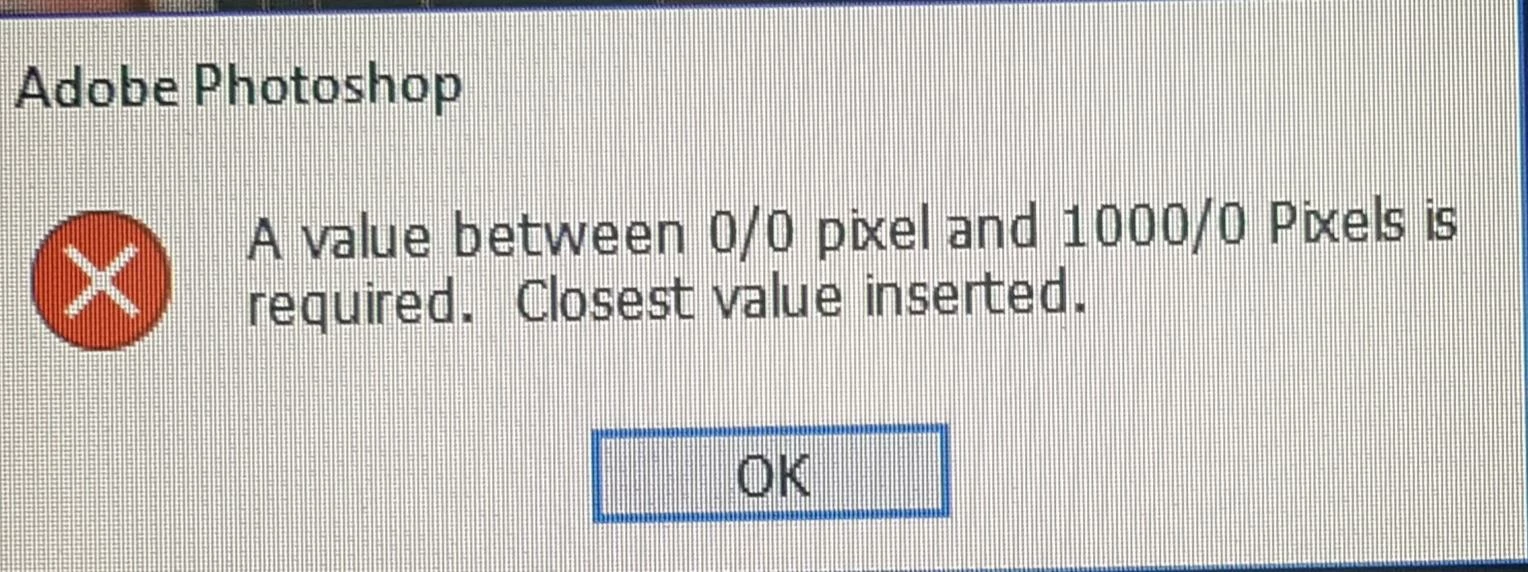
please help me to fix it

This topic has been closed for replies.

2 replies

May 31, 2019

Hi,

Go To Control Panel> Region> Choose Format As English (United States)   Done!

Ehsan

Trevor.Dennis
Community Expert
Community Expert
January 5, 2019

Are you applying the feather in the Options Bar?

or with Shift F6 ?

They both perform exactly the same function.

If using the Options Bar, either place a value in the field before making the selection, or if after making the selection, enter a value and Tab to the next field.  That should get it working for you.

A wee tip

If you enter Quick Mask by tapping the Q key after making the selection, you will get a visual feedback of the extent of the feather.

You can alter the value by dragging the cursor over the word ​Feather​ as shown in the screen shot below.

alis28061006
Participant
January 5, 2019

Thank's Trevor.Dennis.

None of them . i use properties panel

first select part of image, then click mask and then in properties panel move feather arrow left or right.

you can follow this link and view this image for my step work .

Trevor.Dennis
Community Expert
Community Expert
January 5, 2019

OK. That's a Layer Mask.  The trick there is to place the cursor in the field, and press either up or down cursor keys.  That will highlight and select the entire field so you can type in a value.  Or just use the sliders