Participating Frequently
August 14, 2022
Answered

Abstract Profiles in Color Lookup PS 23.4.2

  • August 14, 2022
  • 1 reply
  • 2011 views

I am using Photoshop CC 23.4.2 and am looking for Abstract Profiles in the Color Lookup. Specifically Gold Crimson.


I have Black & White, Blue Tone, Gray Tone, Lightness decrease and increase, and Sepia Tone. If I a missing others, I'm not aware of them as this is the first time I'm trying to use them.


Can someone tell me where I can find them?


MacOS Monterey 12.5


Thanks.
Correct answer Jeff Arola

Correct, I was. So now I found them.

The path to copy them to in the first response is the same. 

So I'm not sure where to copy them to. Should this then be the color profile in the user library?


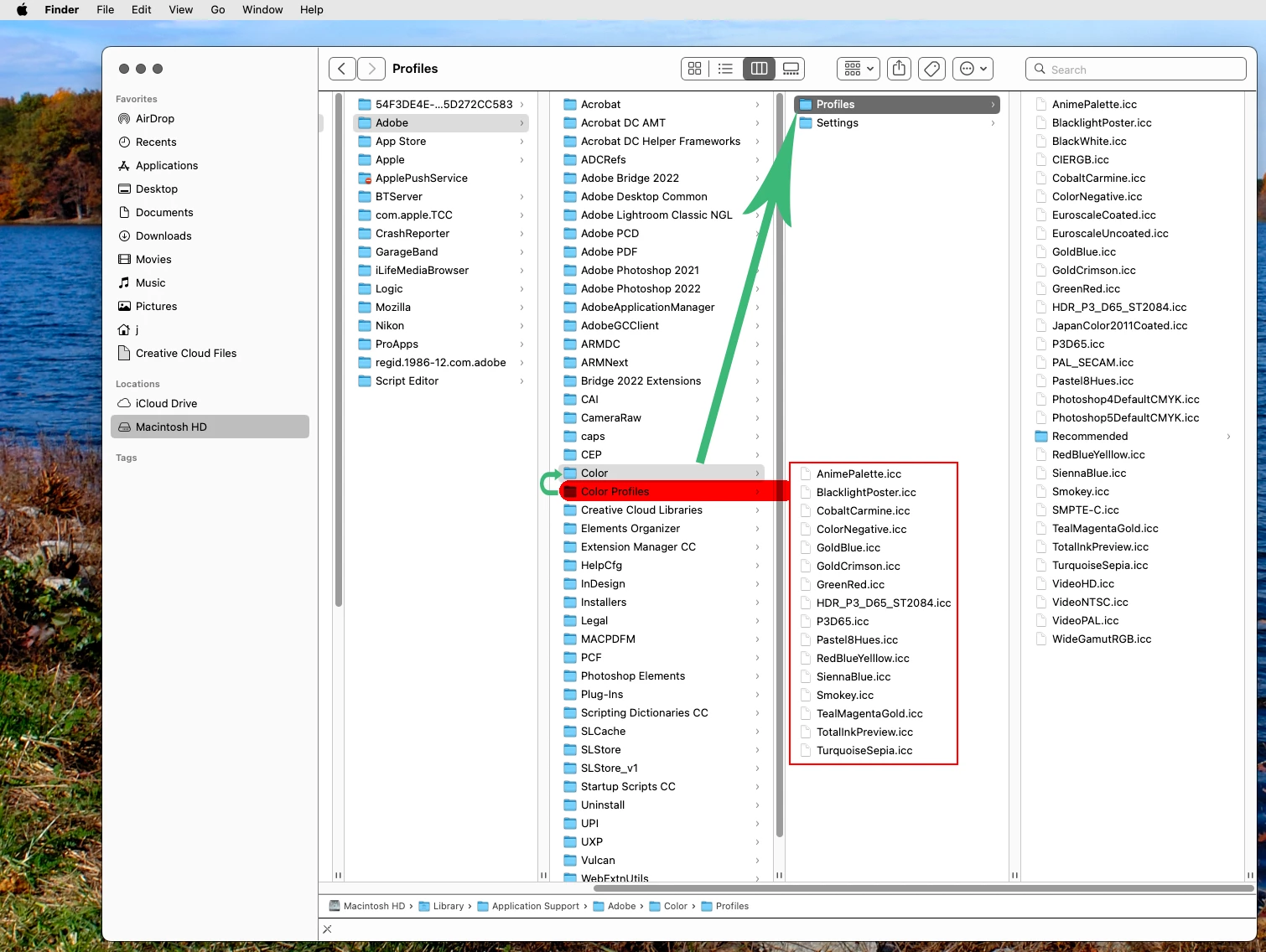
Copy the Profiles from Color Profiles to Color>Profiles


The folders are right next to each other in the Macintosh HD Library


1 reply

Jeff Arola
Community Expert
Community Expert
August 14, 2022

Go to

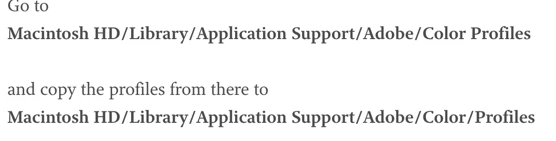
Macintosh HD/Library/Application Support/Adobe/Color Profiles


and copy the profiles from there to

Macintosh HD/Library/Application Support/Adobe/Color/Profiles


ZenistaAuthor
Participating Frequently
August 14, 2022

Thanks, but when I go to Library/Application Support/Color,
I do not have Profiles. my folders are Proofing and Settings both either empty or with hidden files.


If I go to Library/Application Support/Adobe Photoshop 2022, I have configuration, locales, plug-ins and presets. Presets contain a 3DLUTs fold but none of the Abstract presets. Not sure where else to look.


Jeff Arola
Community Expert
Community Expert
August 14, 2022

It sounds like your looking in your user Library. You want the top level or Macintosh HD Library.


An easy way to get there is to click on your desktop, open the Go menu, click Go to Folder and paste in

/Library/Application Support/Adobe