
Participant
October 19, 2017
Answered

Accessing Kyle T. Webster photoshop brushes takes me to a default Adobe screen

  • October 19, 2017
  • 1 reply
  • 3134 views

I am trying to access the Kyle T. Webster photoshop brushes. When I am in photoshop and select "Get more brushes" from the brush settings icon it takes me to my account settings page. Does this mean my CC account does not have access to the brushes?

Here is a screenshot of what I see when I select "Get more brushes"...

First it goes to this screen --
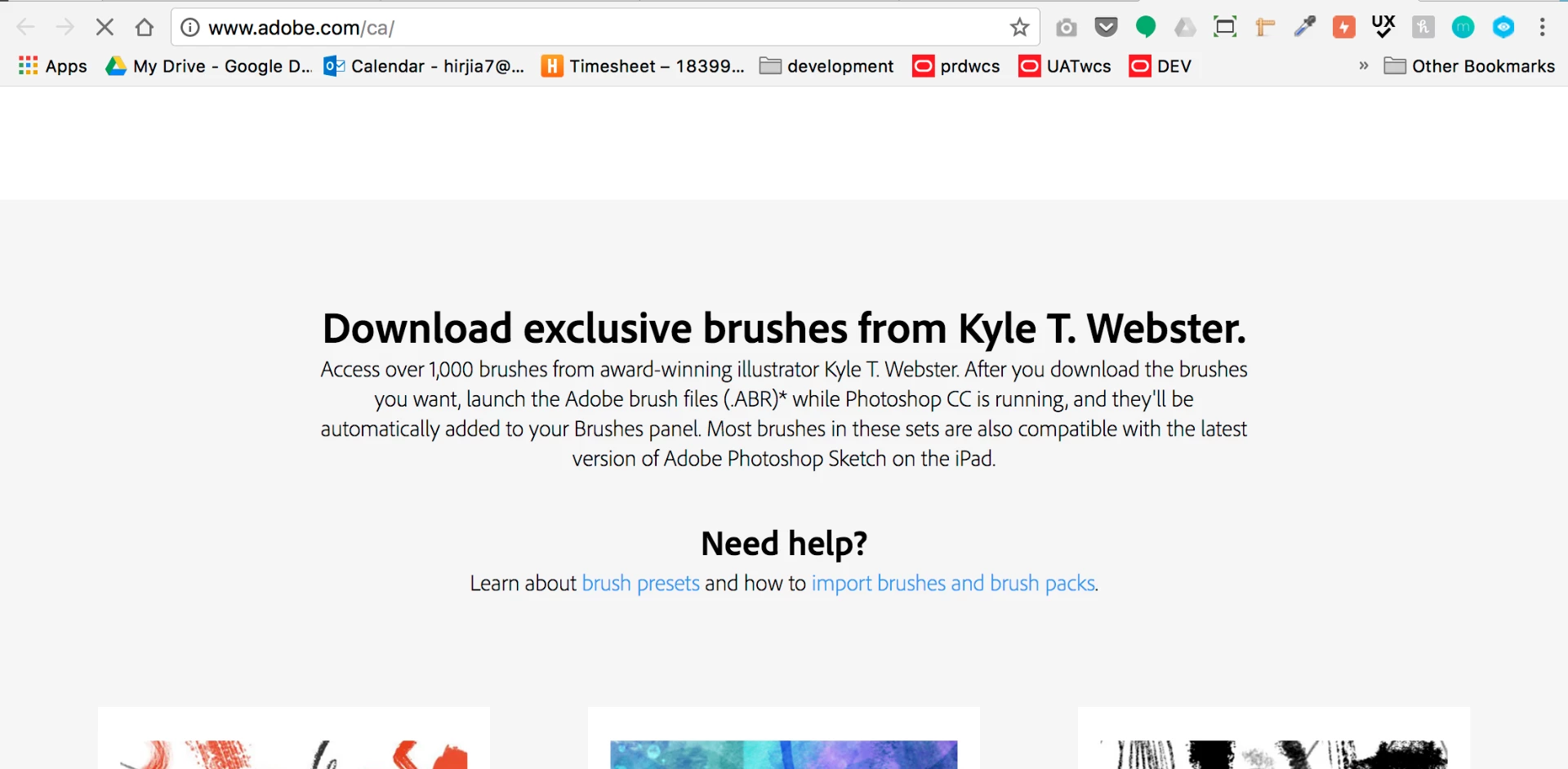
But then the screen changes to this before I can click anything --
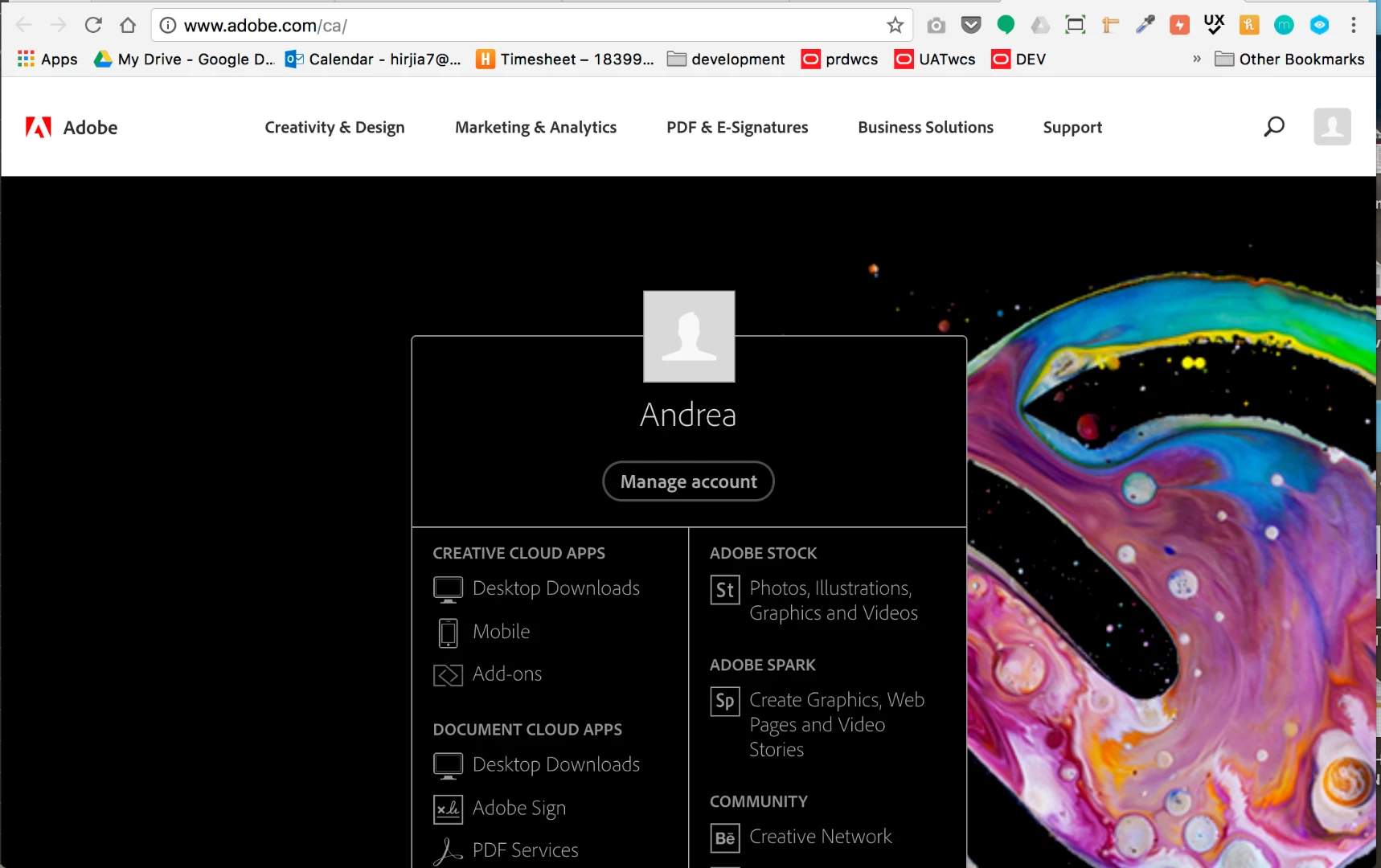
This topic has been closed for replies.
Correct answer davescm

Hi

On launch this only works in the US.   Adobe have said they are working on expanding the locales.

In the meantime there are workarounds in this thread, you need to scroll down it,   that you may wish to try:

Cannot download Kyle Webster brushes

Dave

1 reply

davescm
Community Expert
davescmCommunity ExpertCorrect answer
Community Expert
October 19, 2017

Hi

On launch this only works in the US.   Adobe have said they are working on expanding the locales.

In the meantime there are workarounds in this thread, you need to scroll down it,   that you may wish to try:

Cannot download Kyle Webster brushes

Dave

Participant
October 19, 2017

Thanks so much Dave! It worked, I was able to download the brushes

davescm
Community Expert
Community Expert
October 19, 2017

Great - enjoy !

Dave