
Known Participant
July 7, 2025
Question

ACR, panoramas and perspective

  • July 7, 2025
  • 3 replies
  • 290 views

Hi, I've used MIcrosoft ICE to stitch panoramas for years. Because of the potentially better quality and easier workflow, I've tried to use ACR recently. However, while spheric projection is usually working halfway ok, I usually don't get anywhere with perspective projection, which is unfortunately the one I'm using the most.


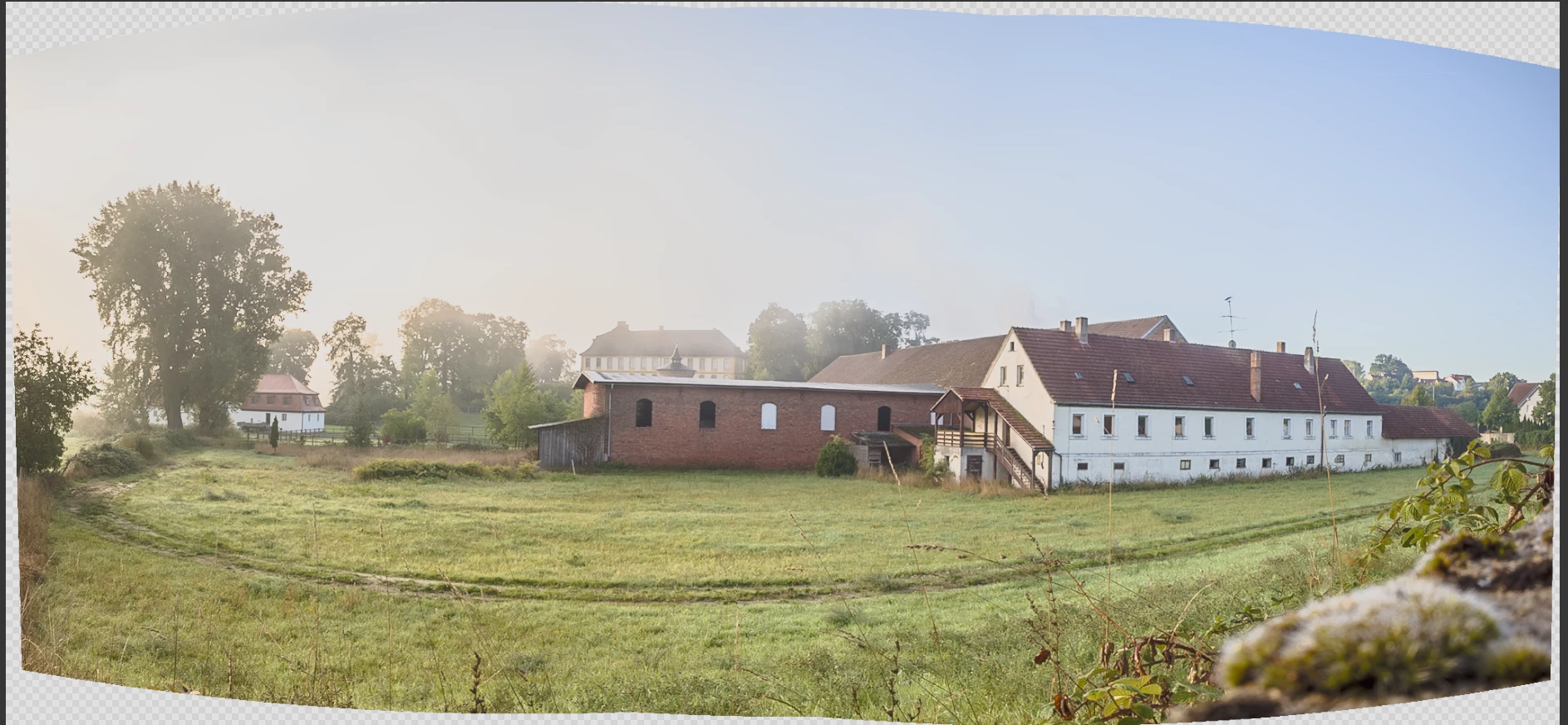
ACR with spherical projection looks halfway ok:

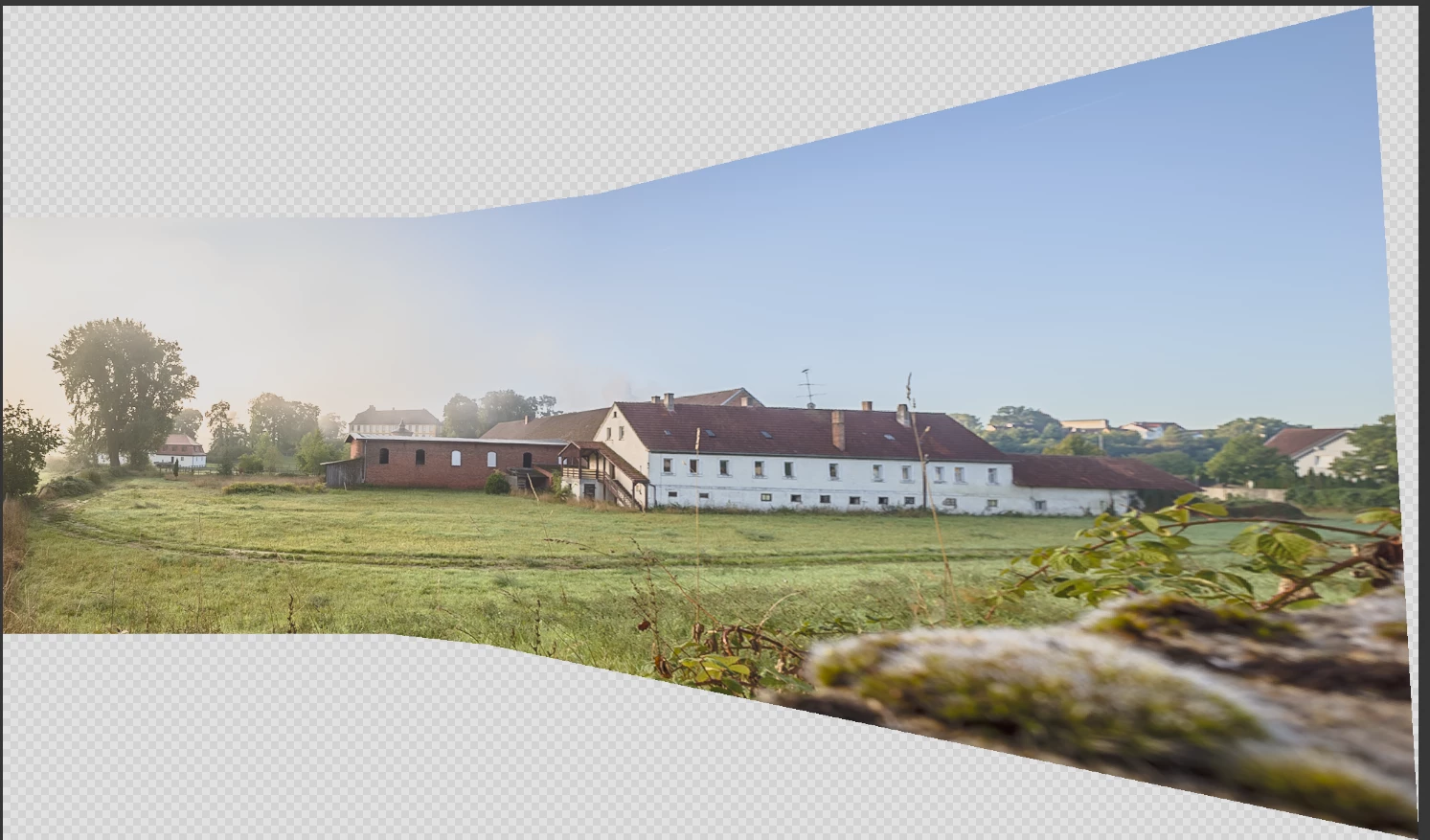
But ACR with perspective projection does not:


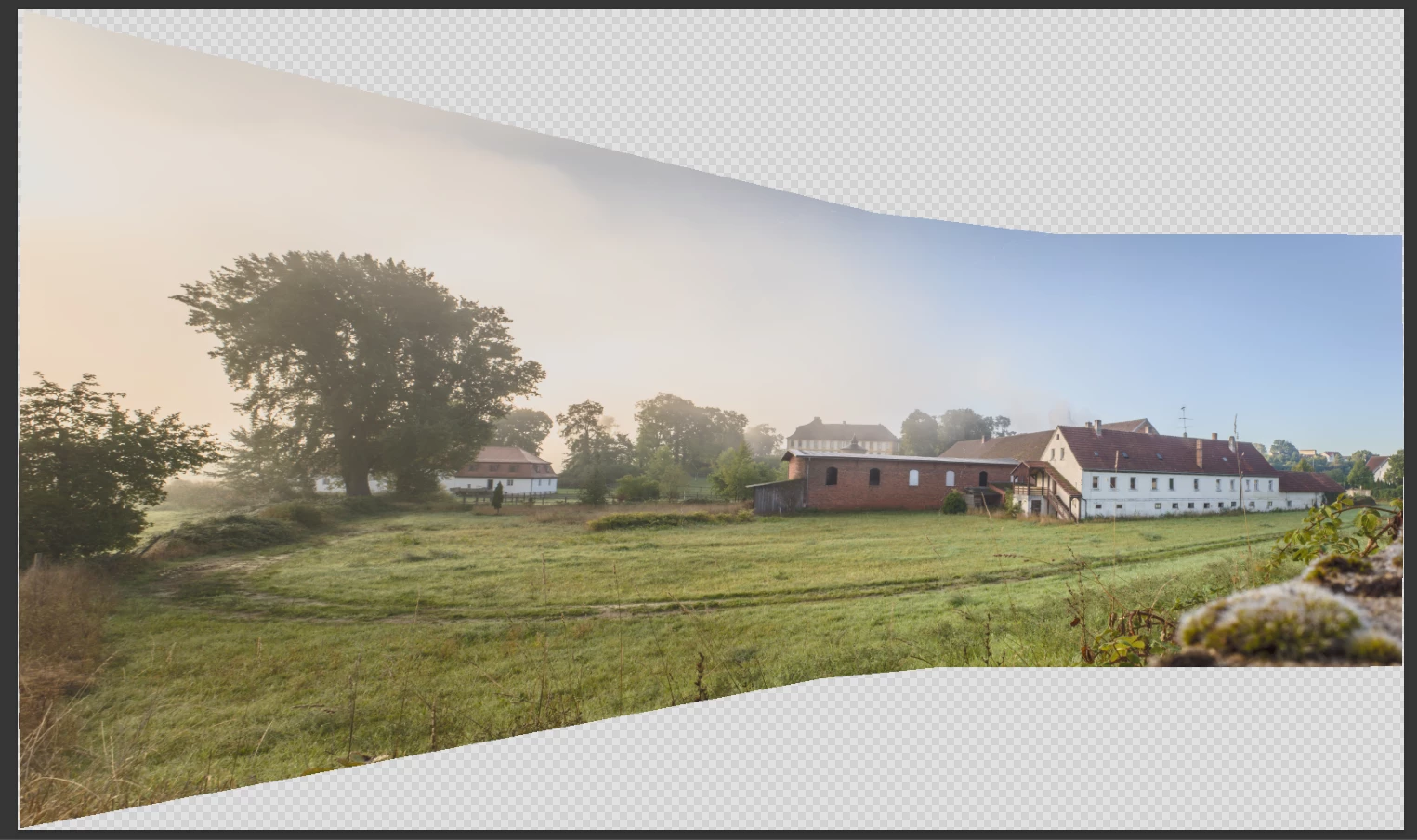
And with PhotoMerge it's not much better, just the other way round:

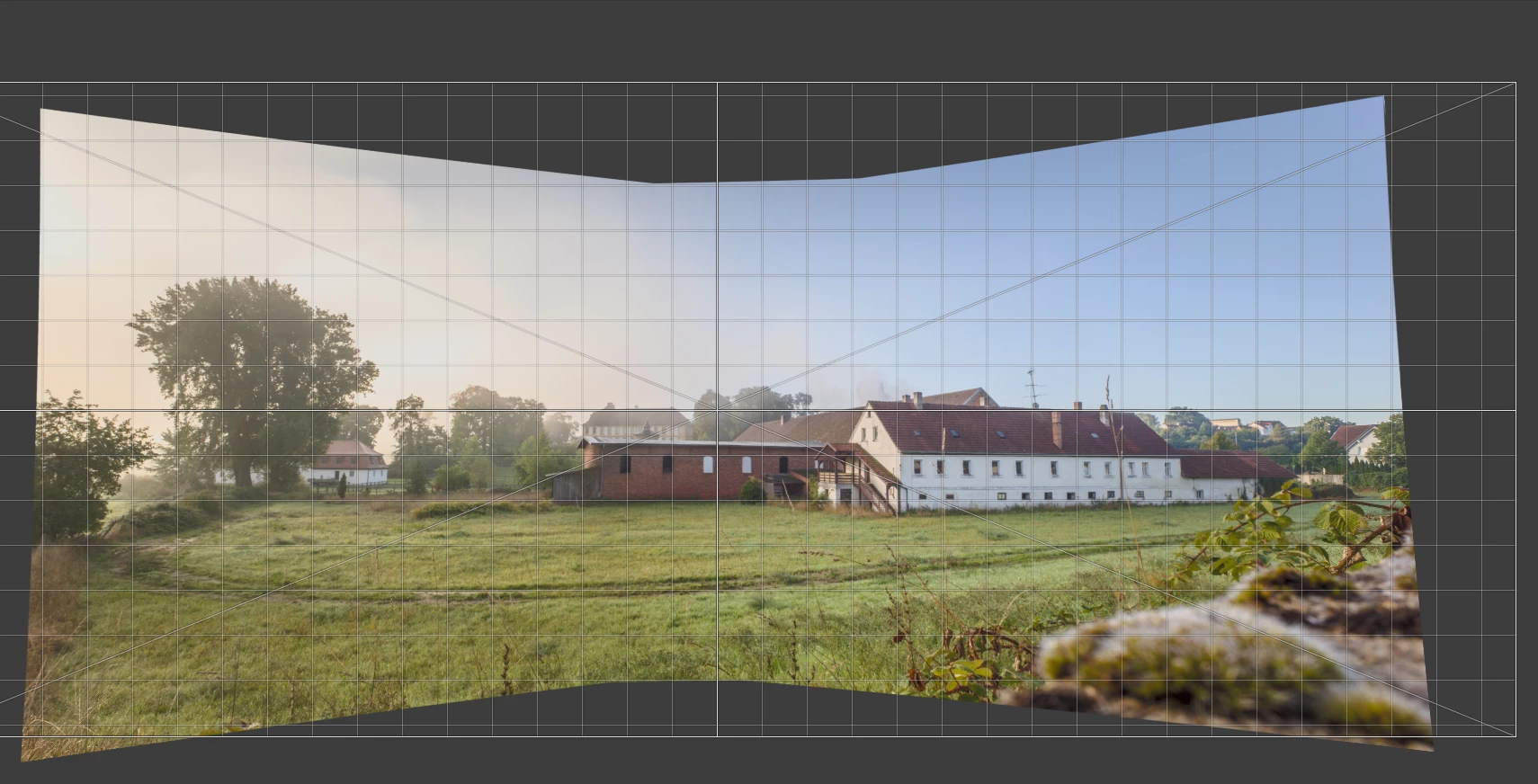
While with ICE it's simply perfect:

Am I overlooking something? Or is a 10-year old Microsoft freeware simply much superior to Photoshop when it comes to panoramas?


3 replies

D Fosse
Community Expert
Community Expert
July 10, 2025

You need to pay attention to the stacking order, which you can do in Photoshop, but I'm not sure that's possible in ACR. I haven't really looked. I do this in Photoshop because you have much more control there. Use Auto-align > Auto-blend, not Photomerge.


In Photoshop, the frame at the bottom of the stack is the reference frame that the others align to. So you put the center frame there. Then you get the "butterfly" shape you want.


That said, prepare your files well in ACR. Correct perspective and vignetting, and do as much global correction as possible. Make sure overall exposure is the same.

davescm
Community Expert
Community Expert
July 10, 2025

You can indeed pick the central image in both ACR and in Lightroom and it it will align the perspective panorama to that.

 
@stephan_7311  Open the images in ACR click the central image thumbnail of your choice. Then Shift click those to the left and those to the right. The chosen 'central' thumbnail will have a different border. Merge to panorama, using perspective, will then look like this:


Dave

Known Participant
July 10, 2025

@davescm Unfortunately not. Selected the middle image, then shift-clicked the other two, right-clicked the middle image and selected "Merge to panorama":


thomas_bredenfeld
Community Expert
Community Expert
July 9, 2025

generally the adobe stitching engine is kind of a random hit and miss thing when it comes to proper results. some colleagues in the 360° business say PS has the worst stitcher and the best blender 🙂 
if you've material not being correctly captured or being challenging otherwise, you need a more robust solution like the mentioned MS ICE.

if you really want to tackle with everything and want professional results, try https://ptgui.com. it's the industry standard for a reason.

creative explorer
Community Expert
Community Expert
July 9, 2025

@stephan_7311 Nope! You're not overlooking something major; it's a difference in design philosophy and capabilities. Microsoft ICE, despite its age, was a highly specialized and effective tool for panorama stitching, particularly for its flexibility in handling various shooting conditions and projections. Adobe's tools are integrated into a broader ecosystem and excel at other aspects, but sometimes fall short on niche, yet critical, features like robust perspective panorama stitching. Stick with Microsoft ICE (if you still have it or can find a safe download, as Microsoft no longer officially offers it) 

m