Participant
July 9, 2023
Question

Acrobat and Photoshop Not Working

  • July 9, 2023
  • 4 replies
  • 386 views

Recently got a new Mac because the old one had a 2012 operating system. Redownloaded Photoshop and Acrobat from the web onto my computer. Acrobat is saying all of my files, located in Droopbox are "empty". Assumed it was a Acrobat or PDF problem, but just tried to open a jpeg from photoshop and that's not working either! From dropbox I can click on my images, both pdfs and jpegs and they seem to be fine. IT does say "zero bytes" next to the image before opening a pdf thats selected. 
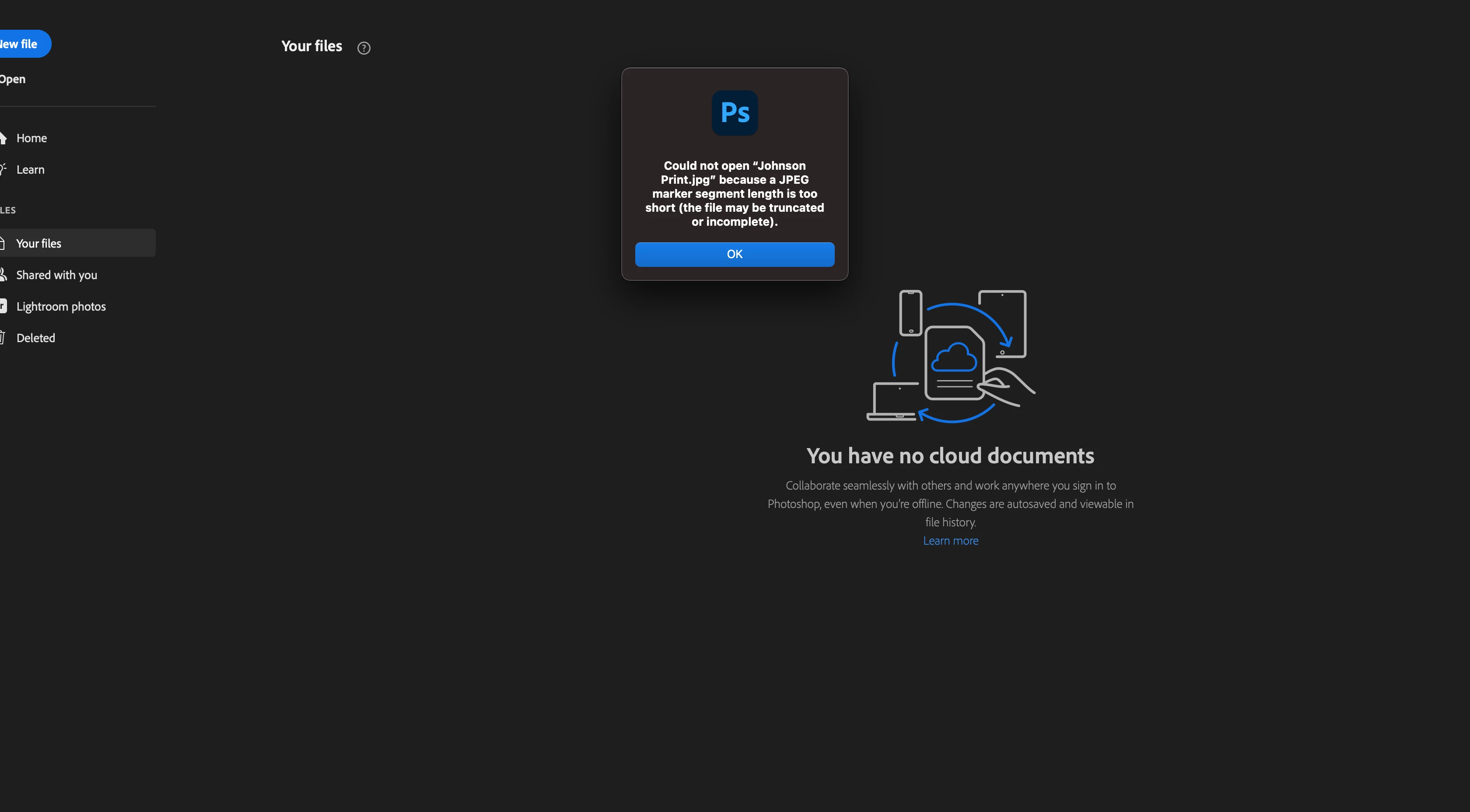
This topic has been closed for replies.

4 replies

Participant
July 10, 2023
Wow, i wonder. Thats scares me. The old computer is still at the house, may
have done a factory reset. Thanks
Kevin Stohlmeyer
Community Expert
Community Expert
July 10, 2023

@Benjamin30976411851j Hopefully everything completed syncing from your old machine before you decommisioned it. Having 0kb showing for files it concerning. It makes me think the sync did not complete or errored out when you uploaded and there is no data available. Hopefully the drag to local works...

Participant
July 10, 2023
Thank you! I will try that. At this point i cannot open jpegs using using
Photoshop, or pdfs using Acrobat. Seems like it must be dropbox.
Kevin Stohlmeyer
Community Expert
Community Expert
July 10, 2023

Hi @Benjamin30976411851j this sounds like a dropbox sync issue - if you have a lot of file it may take time to sync them all to your new computer. After that I would try dragging some files to your local HD - out of the sync folder and try opening them.