Participant
July 23, 2021
Answered

Action File to XML script not working

  • July 23, 2021
  • 4 replies
  • 1556 views

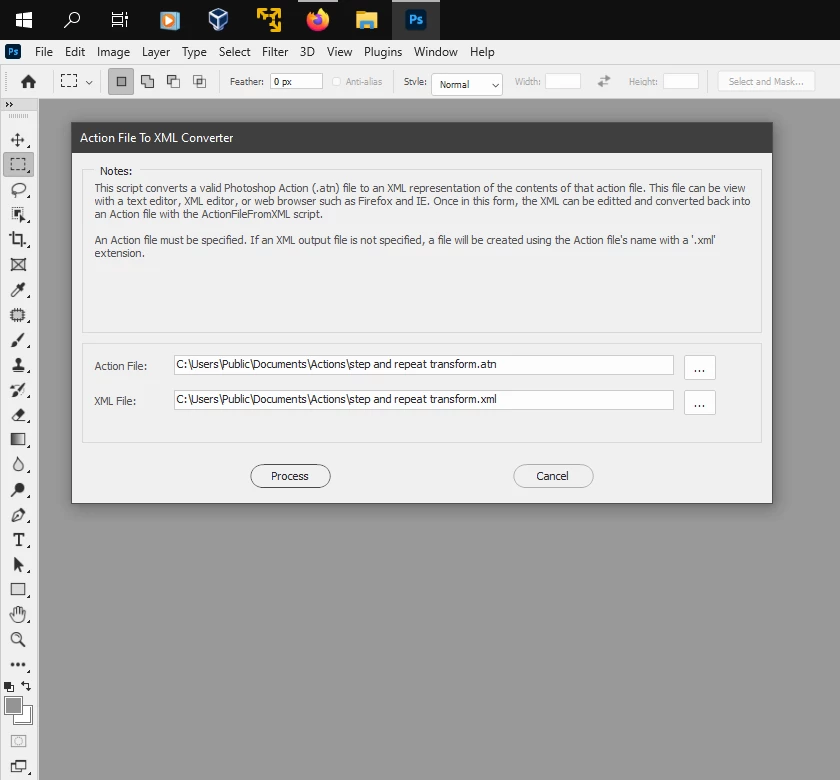
I am trying to convert a photoshop action to a script so I can replace the filename in save steps with the variable for the current photoshop document but I cannot seem to convert my ATN file to an XML file in order to code this. 


I tried using the script and steps listed here:  What is an ATN File? 

but I keep getting an error message when opening the script in photoshop. Am I missing a step? Please help!

On a mac using Photoshop 2021 for reference.


Error message:

Error 8: Syntax Error

Line: 35

->        var ga = document.createElement('script'); ga.type = 'text/javascript'; ga.async = true;
This topic has been closed for replies.
Correct answer Jeff Arola

You need a more updated version of xtools from here:

(version 2.3 is the one you want)


xtools


4 replies

Kukurykus
Legend
July 23, 2021

The code from error you posted is common for javascript when creating websites, not for extenscript for Ps.

Jeff Arola
Community Expert
Jeff ArolaCommunity ExpertCorrect answer
Community Expert
July 23, 2021

You need a more updated version of xtools from here:

(version 2.3 is the one you want)


xtools


Bex5E99Author
Participant
July 23, 2021

Thank you! Yes it seems the version I was trying to use was outdated and I couldn't find the most updated one.

This worked!!!

Stephen Marsh
Community Expert
Community Expert
July 23, 2021

@Bex5E99 


Why not share the action file so that others can try converting it?

JJMack
Community Expert
Community Expert
July 23, 2021

It sound like you are referring to Xtools apps. I believe the script you should use is "ActionFileToJavascript.jsx"  to convert an  Action to a photoshop script  that you can then add logic into it to name output files with an appropriate file name. I have not user XTool script is some time  I would think they should still work work even though they are 5 years old.

JJMack