
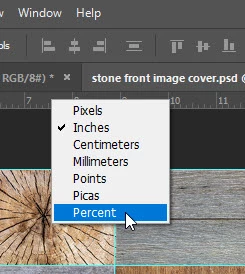
Action for Watermark, based on % and not Pxls?
So, I'm no PS guru (clearly...), I'm just trying to see if I can speed up my final touches in PP specifically in relation to bordering and watermarking.
Thus far I have successfully set up a Action to apply a thin black border around the image followed by a far thicker white one (where the watermark sits and additional text could be applied).
Example;
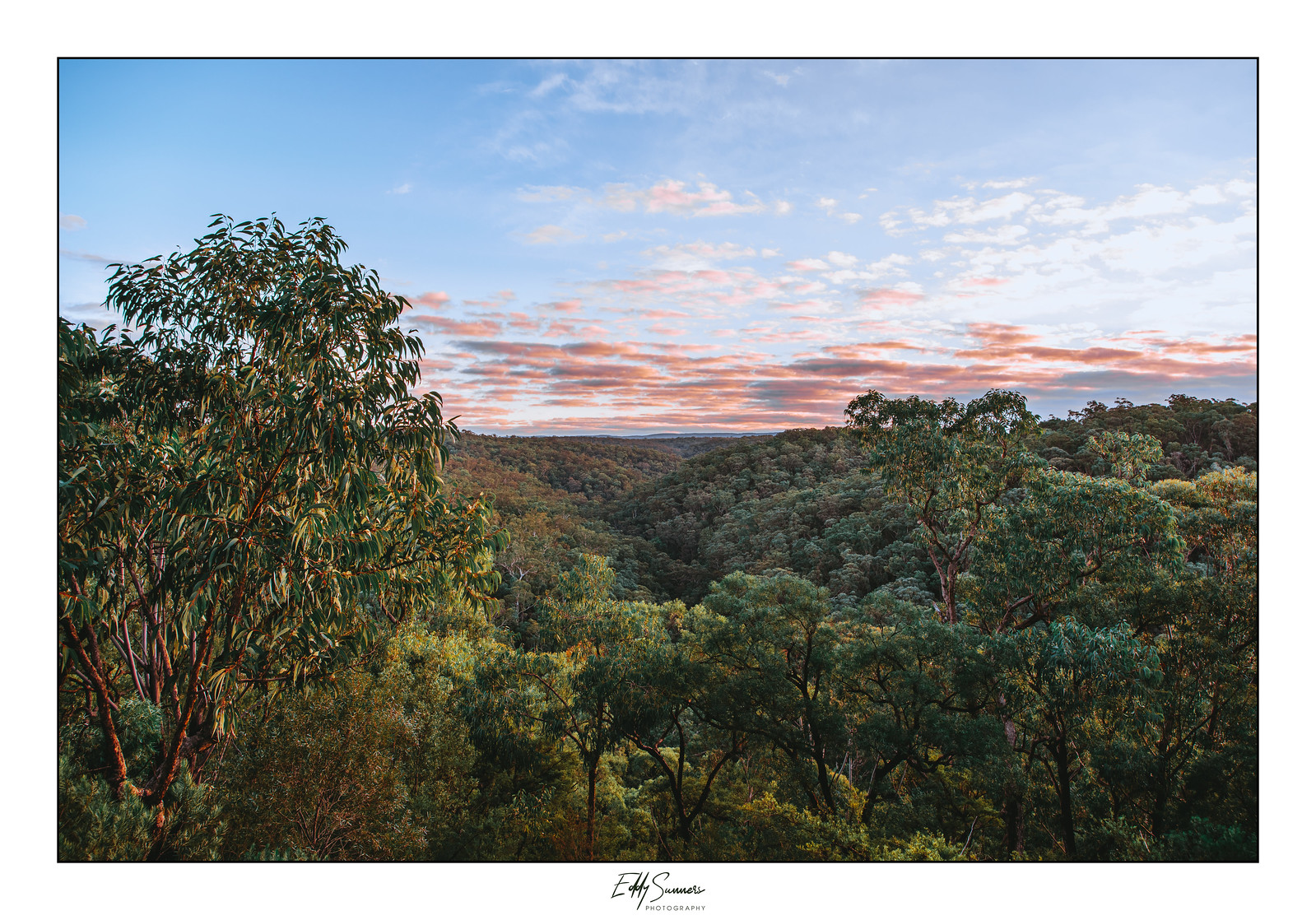
The Watermark is a PNG file and I pretty much drag it in, Free transform etc etc.
I'm looking to streamline this process and possibly add the option to have it off centred slightly for additional text to be added next to the water mark, but once that text is complete then the whole thing (watermark + description of the image) would be centred nicely. But for now I'd be happy to just have the watermark situated perfectly and relative to the image for every file I create/edit.
The issue I have found thus far is when bringing the png file in (and it's a layer), in regards to resizing (I used 15%) that was fine, but then telling it where to sit was based only on pixels and not points or percentage of the Background layer/image, or rather I cannot figure out how to do that.
My images vary, some 1:1 aspect ratio, some portrait, some of the images are hardly cropped (36mp), some heavily cropped (15mp etc), so to have the watermark placed at certain pixels means that when running this action it is not consistent with where it sits. Can this be done? It feels as though I need to somehow tell the watermark where to place in relation to the background layer and in terms of percentage rather than pixels, or points? Not sure...
Furthermore, can we include a space for text to be inputted next to it and then the watermark and text together get centred?
Hmm... I'm just getting out of my depth here so need some help.
Cheers!
Eddy
 AdChoices