Inspiring
May 11, 2023
Answered

Add logo to photo

  • May 11, 2023
  • 2 replies
  • 4079 views

I have taken some pictures of products i want to sell.

Other stores also sell similar products.

I don't want them to use mine.

How do i add my logo onto the photos i have taken similar to how the stock websites add their logo onto their preview photos


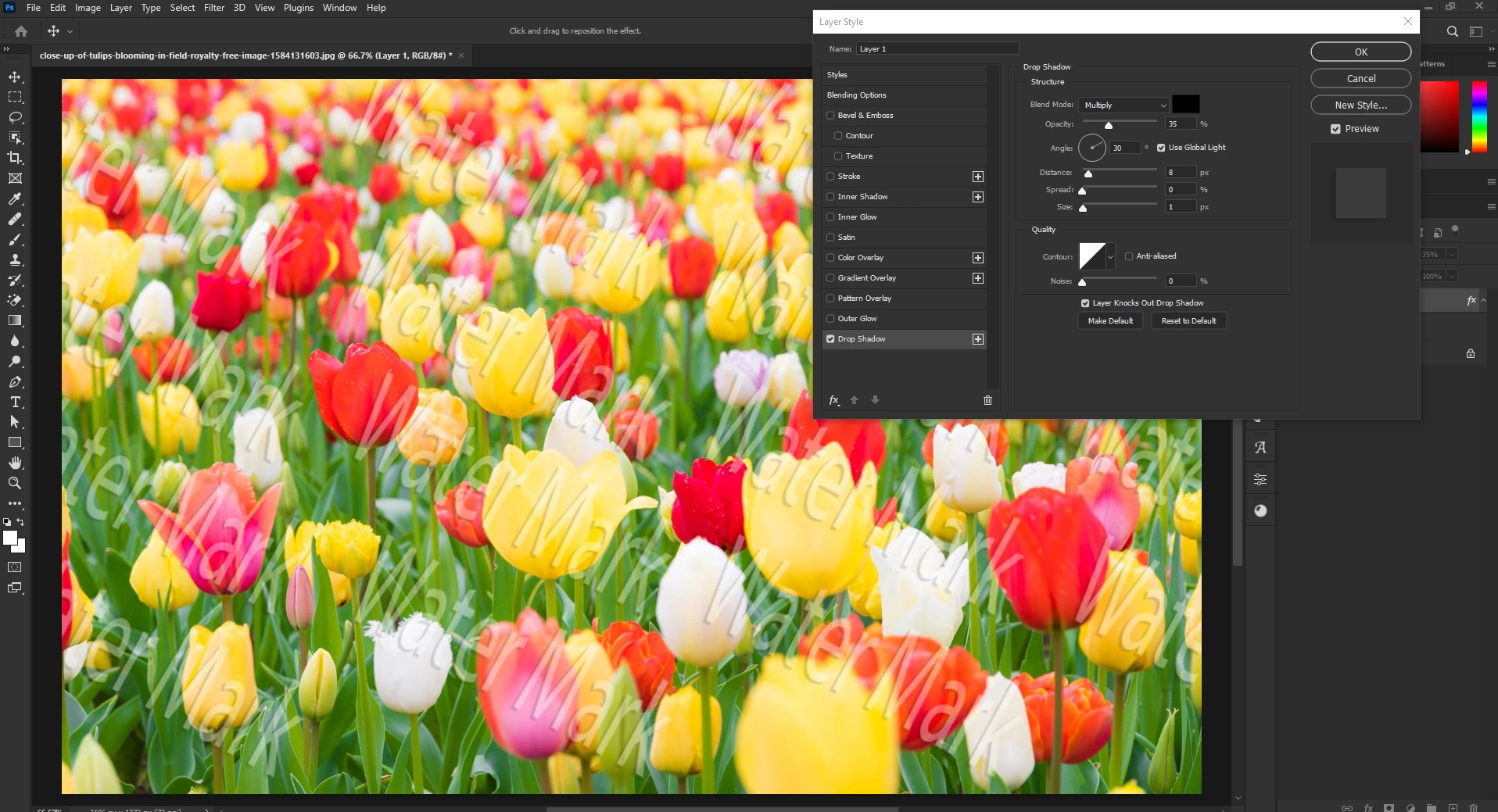
See example below of a previes image downloaded from adobe stock.

You can see the logo and at the same time its not obscuring the image.



This topic has been closed for replies.
Correct answer Ged_Traynor

Create your text and rasterize it, then copy it multiple times, position to where ever you want, merge all the layers together and then go to Edit > Define Brush Preset, name it whatever you like.

Then select the brush and the newly defined brush, then just click on the canvas, you can then add a drop shadow

2 replies

gener7
Community Expert
Community Expert
May 12, 2023

Place Embedded and Place linked is another way of doing this.

Have a look at this video.

https://vimeo.com/84865445

Ged_Traynor
Community Expert
Community Expert
May 11, 2023
Inspiring
May 11, 2023

Thanks.

I'd like the watermark to be repeated.

It also looks like there is a shadow added to the adobe stock watermark

Ged_Traynor
Community Expert
Ged_TraynorCommunity ExpertCorrect answer
Community Expert
May 11, 2023

Create your text and rasterize it, then copy it multiple times, position to where ever you want, merge all the layers together and then go to Edit > Define Brush Preset, name it whatever you like.

Then select the brush and the newly defined brush, then just click on the canvas, you can then add a drop shadow