Answered
Adding colour to purple ellipse
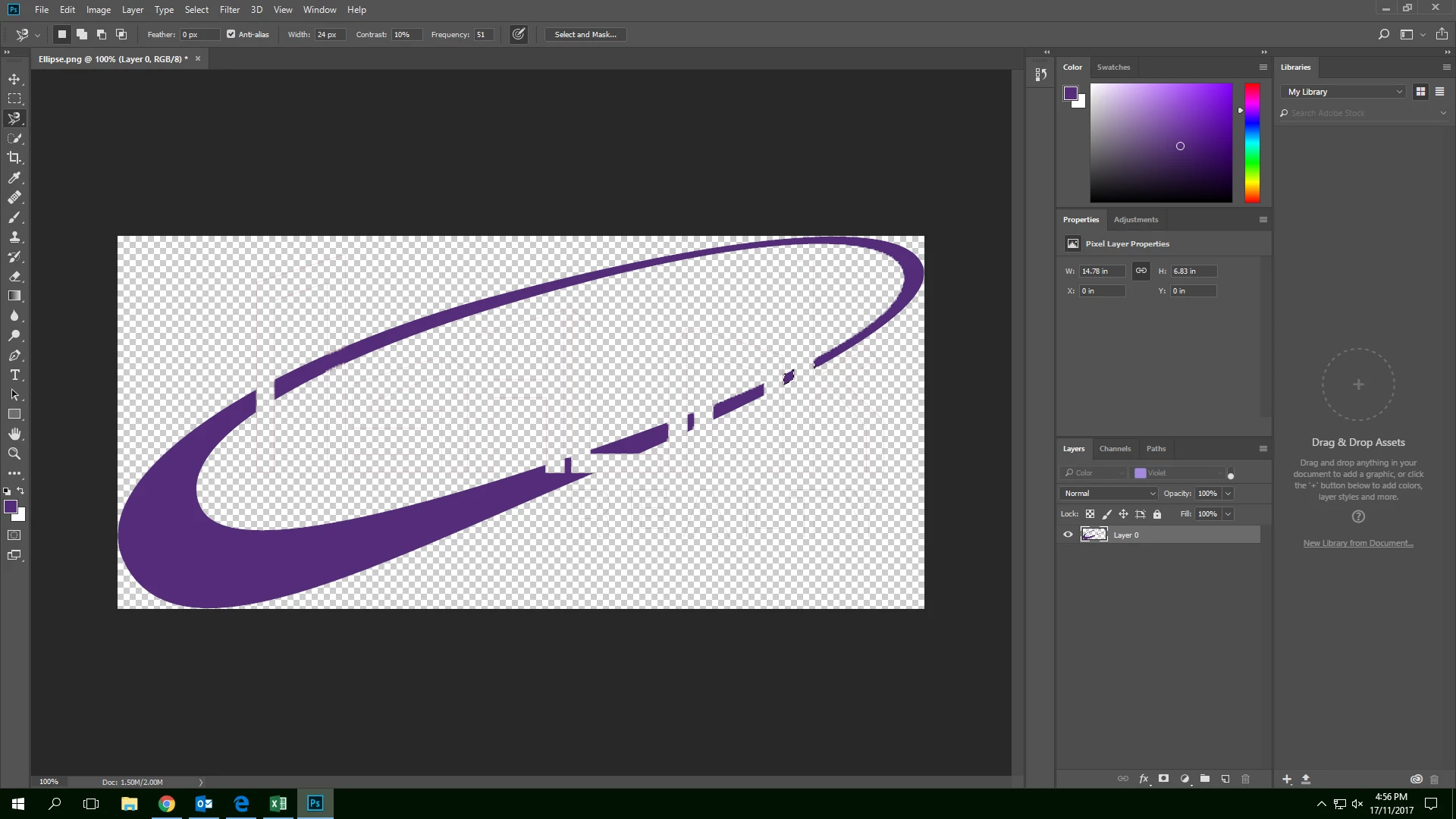
Hello,
Anybody able to advise how to add purple colour to the ellipse to fill in the blank areas?
Thanks in advance.
Cheers,
Benjamin Wong

Hello,
Anybody able to advise how to add purple colour to the ellipse to fill in the blank areas?
Thanks in advance.
Cheers,
Benjamin Wong
You need to draw round the outside of the oval with the Pen tool.
Escape out of that, and set Path Option to subtract, and draw round the hole.
This gives you a workpath of the shape.
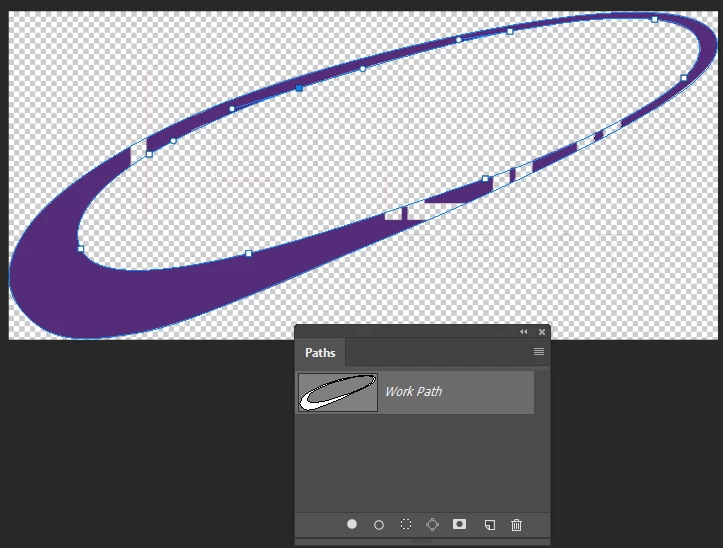
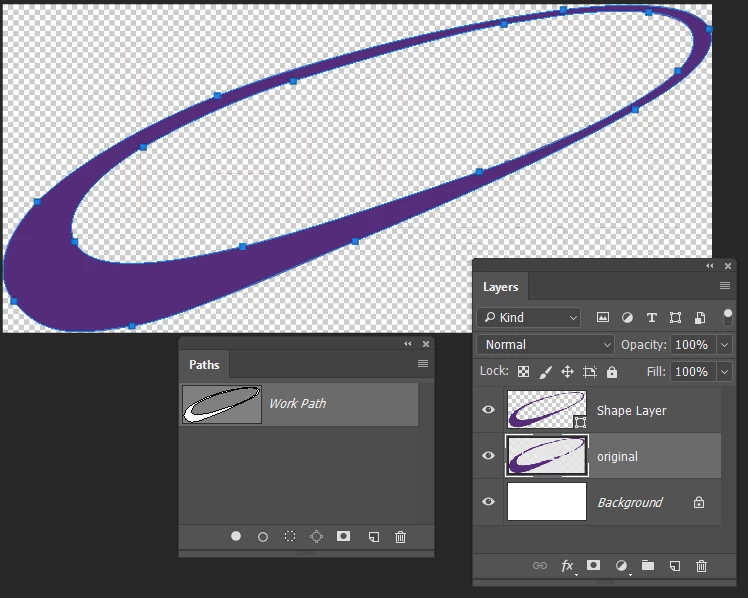
Then go layer > New Fill Layer > Solid Color with that workpath selected, and you end up with a vector shape layer of the ellipse.
Already have an account? Login
Enter your E-mail address. We'll send you an e-mail with instructions to reset your password.
 AdChoices