Participating Frequently
January 16, 2019
Question

Adding fountain spray to a photo

  • January 16, 2019
  • 1 reply
  • 8189 views

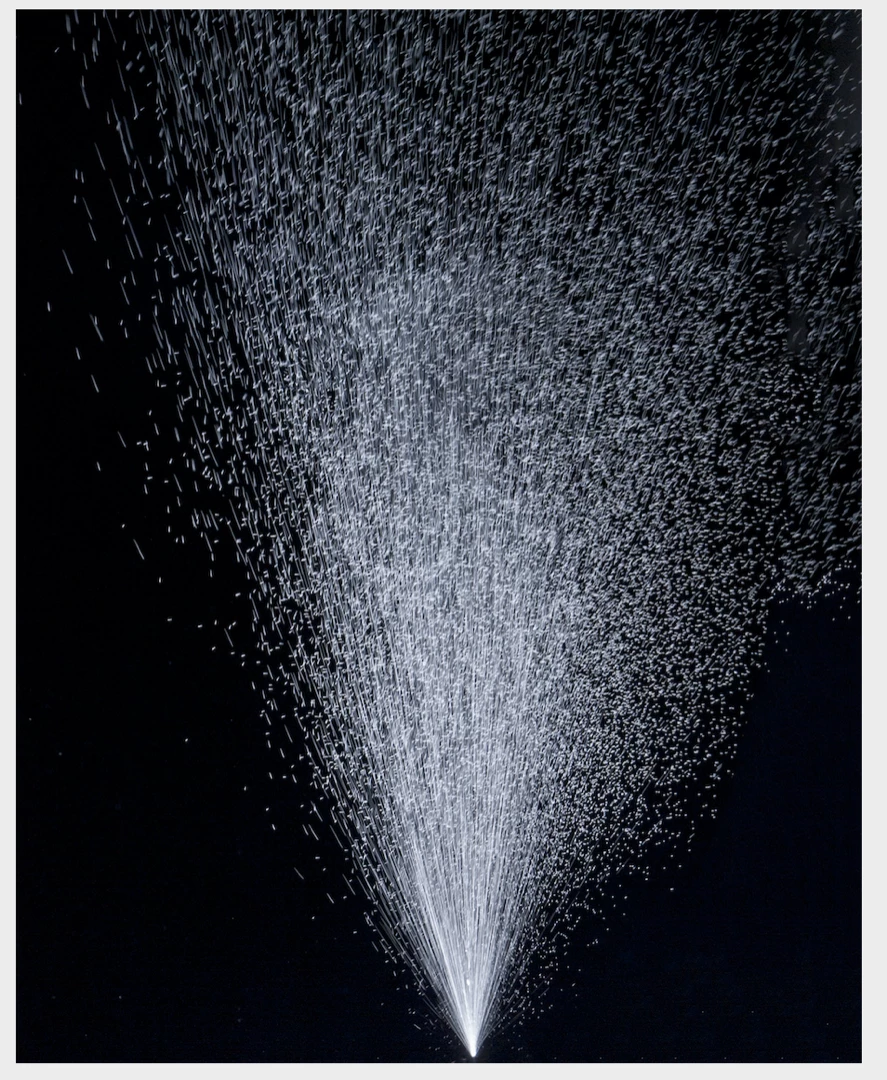
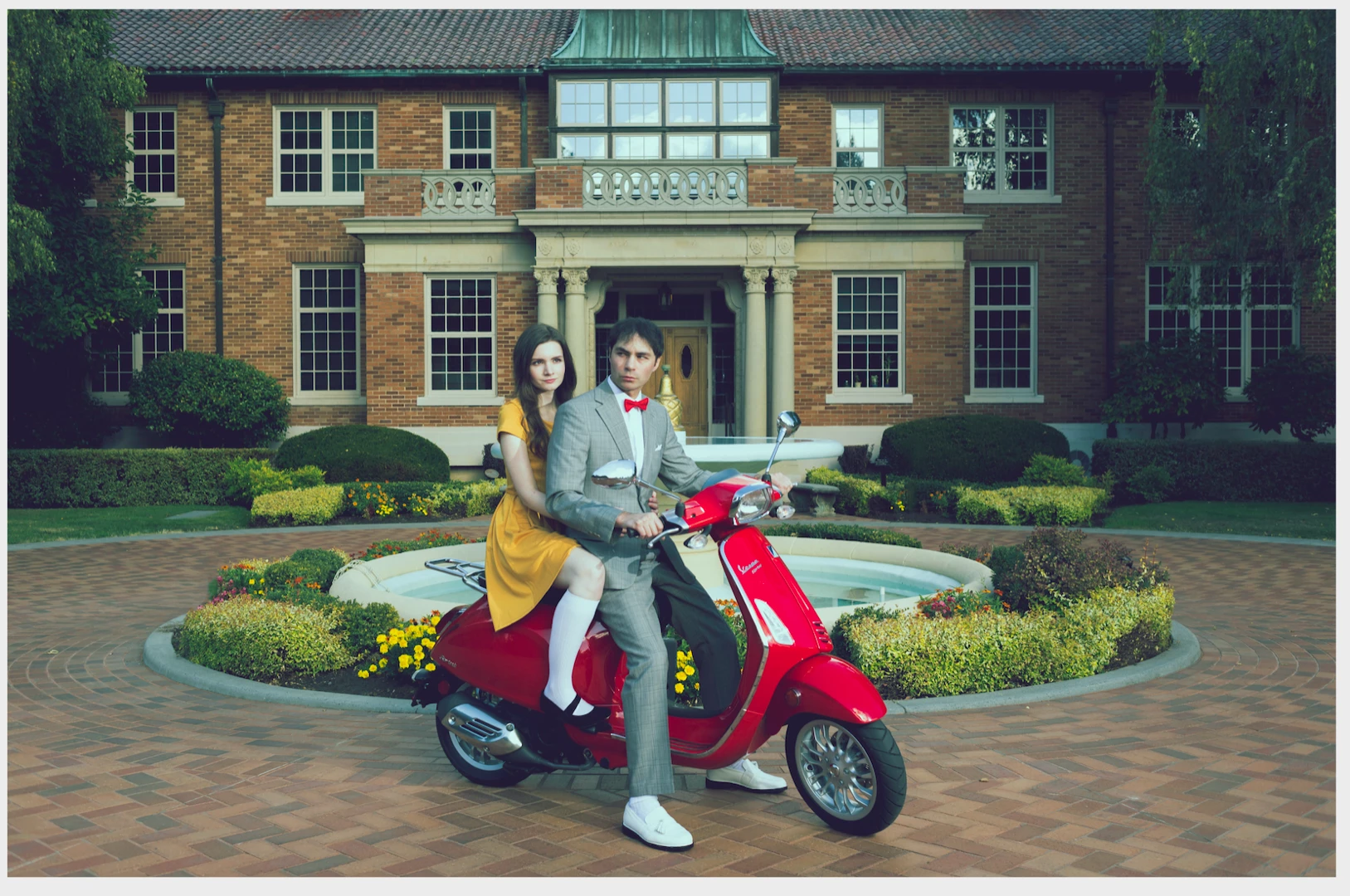
I am much more familiar with Adobe Illustrator than Photoshop so I'm looking for some tips on how to add a fountain/water spray into a photograph. I will attach one of the water sprays I have that I hope can be used. And a screenshot of the photograph where I'd like to apply it. Please walk me through the steps to make a natural fit for this effect, if possible. Thanks in advance!
    This topic has been closed for replies.

    1 reply

    Trevor.Dennis
    Community Expert
    Community Expert
    January 16, 2019

    Copy the couple to a new layer and place above the fountain layer

    Set the fountain layer to Screen

    I removed the white border from the fountain because it would have shown.

    Trevor.Dennis
    Community Expert
    Community Expert
    January 16, 2019

    I changed my mind.  There is an edge with the fountain set to screen

    So I Ctrl clicked the layer to load as a selection

    Added a layer mask

    Unlinked the mask from the layer.

    Free Transform mask to make it smaller than the layer, and feathered the edge in Mask properties.

    Edge gone

    You could set the fountain layer to Lighten, but you loose the top half of the spray.

    Trevor.Dennis
    Community Expert
    Community Expert
    January 16, 2019

    You look again at something  like this, and you realise that something is missing.  Where is that water going? It goes up, so it has to come down again (unless it is Kinder Downfall)

    So copied the fountain layer, and free transformed to invert vertically, make it wider, warp to give the falling water a curved path, and masked a hole through the middle to let the original layer through.