

Legend
February 7, 2021
Answered
Adjustments copied onto transparency problem
- February 7, 2021
- 1 reply
- 1211 views
I don’t know how to solve the following problem:
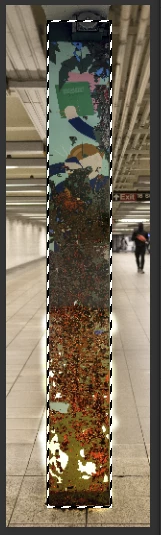
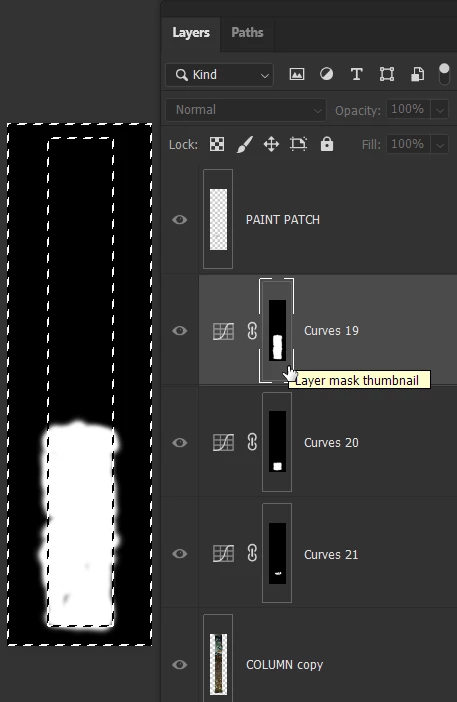
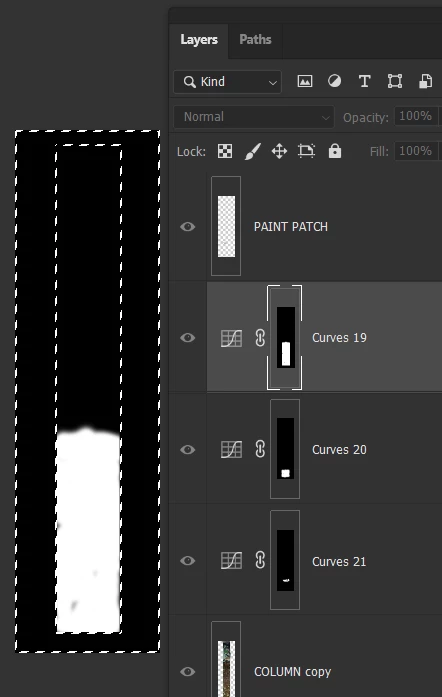
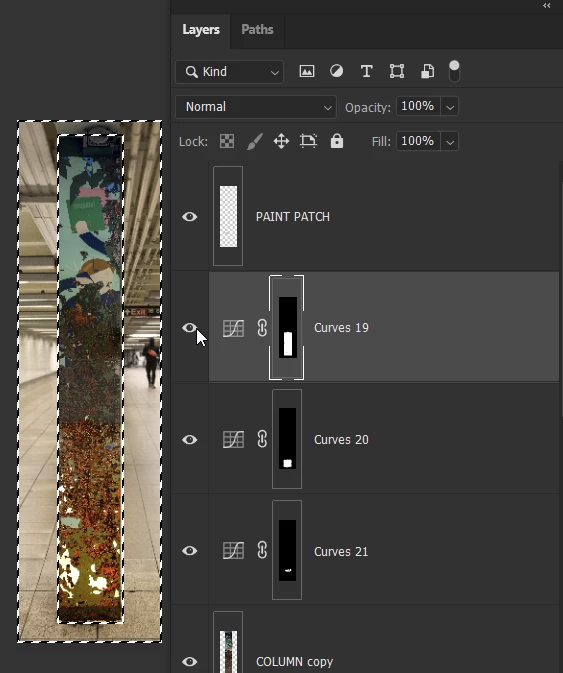
In screenshot 1, I have applied adjustments to the COLUMN copy Layer in Curves 19. Some of the brush strokes have bled over onto the transparent area outside the column.
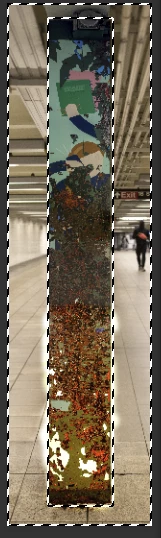
I then selected an area in the column that I copied to a “PAINT PATCH” Layer and moved to the top of the stack (screenshot 2).
The brush strokes I applied in Curves 19 are being reflected in the PAINT PATCH Layer as can be seen in the whitish areas outside the column. Why is this happening and how can I not have these reflected here?
Thanks,
Barton
 AdChoices