Answered
Adobe CC 2019 Photoshop - Vector Smart Objects
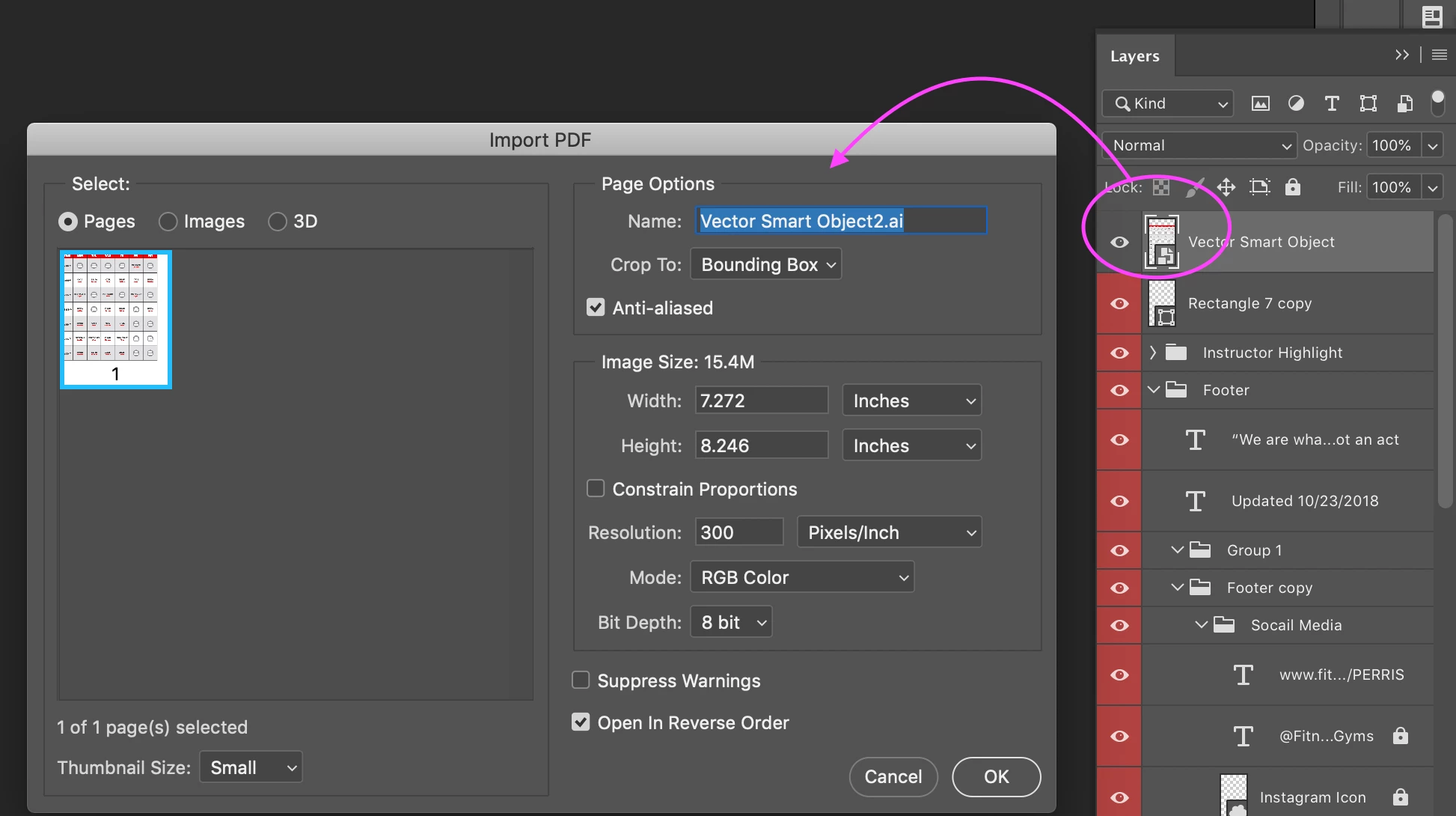
Adobe CC 2019 Photoshop will not open Vector Smart Objects into Adobe Illustrator to edit by double clicking the smart object. Instead, it is opening this dialog window and opening the file as a raster image in a new Photoshop window. Does anyone know how to go back to how it was? Secondly, ever since I updated my Adobe CC to the 2019 version my computer now refuses to associate .ai files with Illustrator but instead automatically opens in Photoshop.
 AdChoices