Participant
April 13, 2019
Question

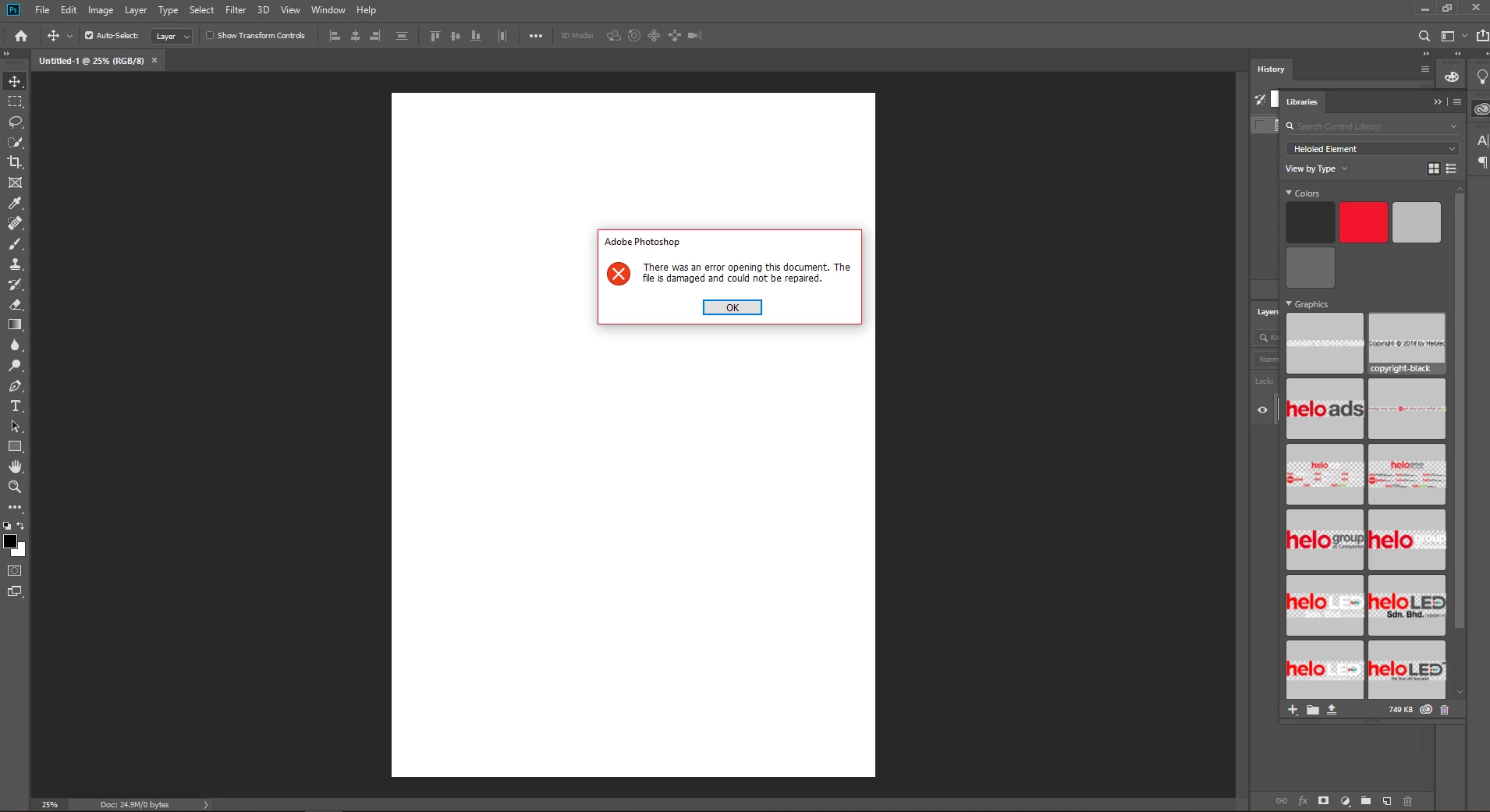
Adobe cc library problem

  • April 13, 2019
  • 4 replies
  • 373 views

Hi .. it has been a year since this problem occurs, in my old windows 10 pc.. but after I'm making new pc, the problem still persists... I can drop the artwork to the CC library panel, but cannot retrieve it back. 'The files is damaged, and could not be repaired.'.  
This topic has been closed for replies.

4 replies

David__B
Legend
September 1, 2023

Hi @Veddex 


Sorry to hear about your difficulties. In addition to the suggestions from others there were a few troubleshooting steps I wondered if you could test


Are you able to successfully export the library as a .cclibs file as described here? 

Do you get this error with a new blank PS document (saved locally on the desktop)?

Are all Windows updates installed on the computer and have you rebooted?


Please test these and share the results,

Dave

Kevin Stohlmeyer
Community Expert
Community Expert
September 1, 2023

@David__B this is a 4 year old thread...

David__B
Legend
September 1, 2023

Sorry @Kevin Stohlmeyer I was confused 😛

Ussnorway7605025
Legend
April 19, 2019

also is the version of Photoshop that put the files in your library different to the one you are trying to recover them with?

Michael Bullo
Community Expert
Community Expert
April 19, 2019

Hi @Veddex. Could you get more specific about the problem. For example...

  • Is the problem with all content or maybe just vector content?
  • Is this a Photoshop only problem?
  • Can you edit the Library items but just not place them?
  • etc...
Abambo
Community Expert
Community Expert
April 18, 2019
Discussion successfully moved from Adobe Creative Cloud to Photoshop

ABAMBO | Hard- and Software Engineer | Photographer