
m0rf3us 05
Participant
March 14, 2021
Answered

Adobe CC running in Compatibility Mode (OS says it isn't), won't update PS due to OS requirements

  • March 14, 2021
  • 2 replies
  • 1394 views

Hi all,


Been having trouble updating PS to any version of v22.  Everytime I load up Adobe CC app, a notification pops up saying something along the lines "Adobe Creative Cloud is currently running in compatibility mode and likely can't install new versions of software."  When I go to install v22 of PS, I see this:

 When I click on "Not Compatible," this is what comes up:
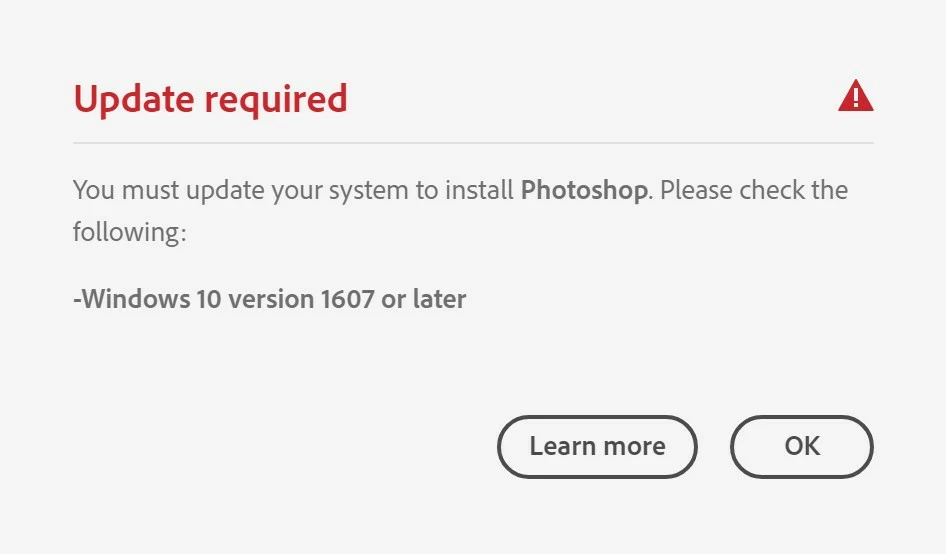
The thing is...Win10 1607 launched two and a half years ago, I'm running 20H2, which is several versions above 1607.:
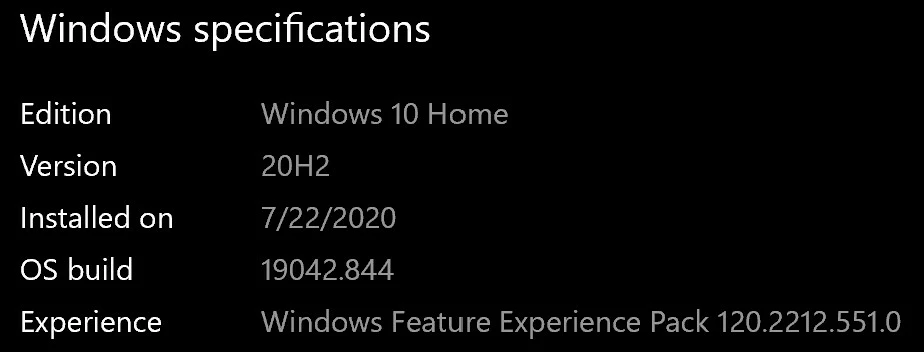
 

I have no idea why Adobe CC thinks my PC is running an older version of the OS and cannot update PS to v23.  The same goes for all other software from Adobe CC:
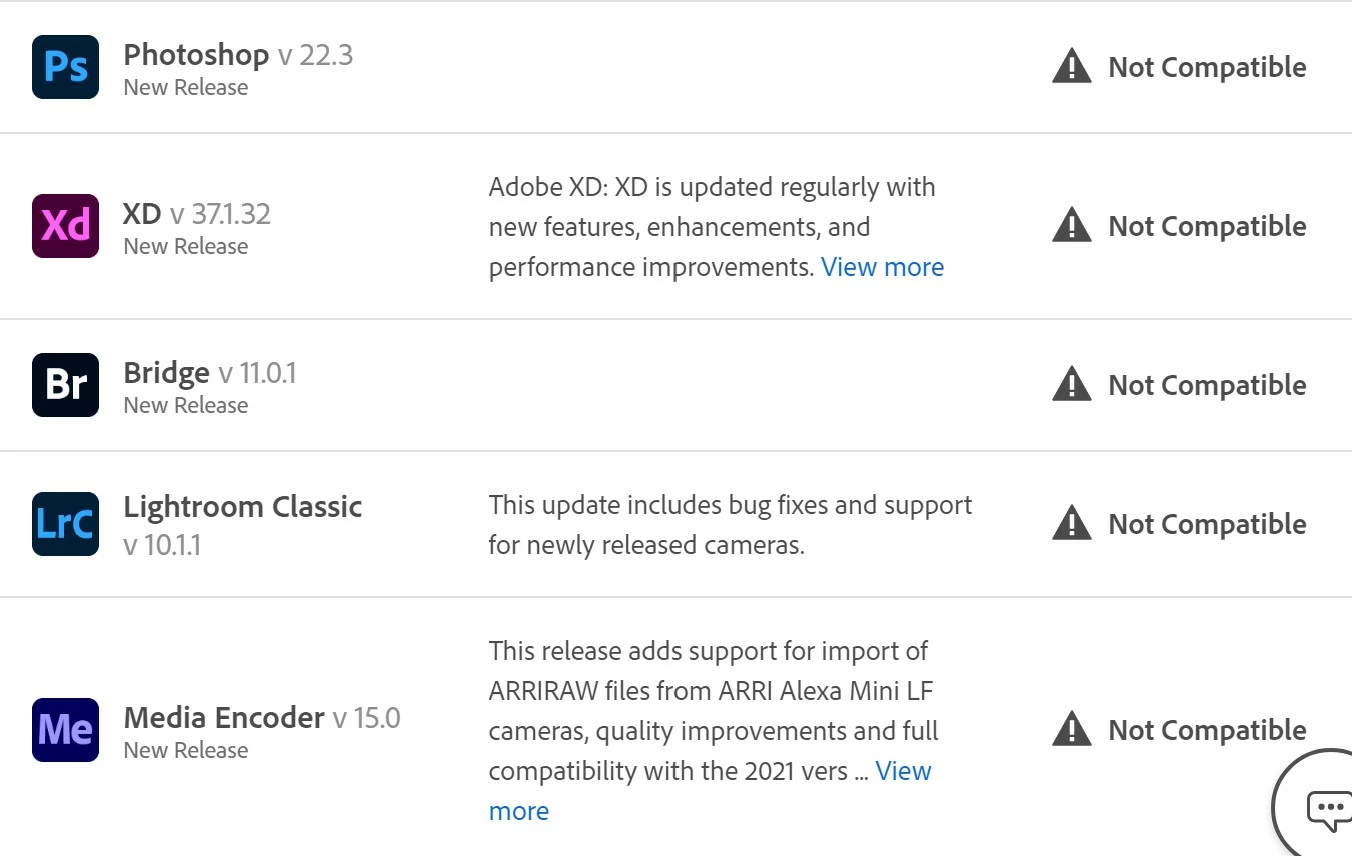
 

I have not yet tried uninstalling/reinstalling Adobe apps, but will go that route if it might work.  Just looking for ideas here.  Thanks!

 

This topic has been closed for replies.
Correct answer m0rf3us 05

Solution found!


While the CC Desktop and all of the CC suite software (PS, Bridge, LR) was not in compatibility mode, the Adobe Installer, AdobeServiceInstaller, AdobeUpdateService apps were running in Win8 compatibility mode (I have no idea how this happened...). 

If it weren't for an Adobe tech pointing me here, never would have known these applications exist (but given their titles, it makes sense why CC Desktop believed my OS wasn't compatible.  


If you come across this issue, follow the file path in the screenshot above to check if these files are in compatibility mode (right click them, click Properties, click the Compatibility tab, check to see if Compatibility Mode box is checked (if it is, uncheck it).


Thanks all!

2 replies

D Fosse
Community Expert
Community Expert
March 14, 2021

Is the CC desktop app running in compatibility mode? That would explain it. Check as per JJ's screenshots above.

m0rf3us 05
m0rf3us 05AuthorCorrect answer
Participant
March 14, 2021

Solution found!


While the CC Desktop and all of the CC suite software (PS, Bridge, LR) was not in compatibility mode, the Adobe Installer, AdobeServiceInstaller, AdobeUpdateService apps were running in Win8 compatibility mode (I have no idea how this happened...). 

If it weren't for an Adobe tech pointing me here, never would have known these applications exist (but given their titles, it makes sense why CC Desktop believed my OS wasn't compatible.  


If you come across this issue, follow the file path in the screenshot above to check if these files are in compatibility mode (right click them, click Properties, click the Compatibility tab, check to see if Compatibility Mode box is checked (if it is, uncheck it).


Thanks all!

Participant
September 2, 2024

You're a life saver sir I can't thank you enough. I needed this for my course in college

JJMack
Community Expert
Community Expert
March 14, 2021

All Photoshop 2021 version 22.x have major issued. However I have not experienced the issue you seem to have.  Like you I use Windows 10 Pro version 20H2. All 22,x version have issues on my workstation  but have the issue you see.

All version 22 updated ran without needing to set a compatibility option.

JJMack