
Answered
Adobe Color Themes in Prophoto RGB
I have several color themes that I want to use in my ProPhoto RGB workspace. However, I notice when I use the colors that they are off compared to the color swatch found in the color themes under the libraries tab and Adobe Color Themes tab (Photo for example). When I assign a color profile of sRGB the color matches the color swatch. Is it possible to get the Adobe Color themes to update the swatch to match the color space I'm working in? 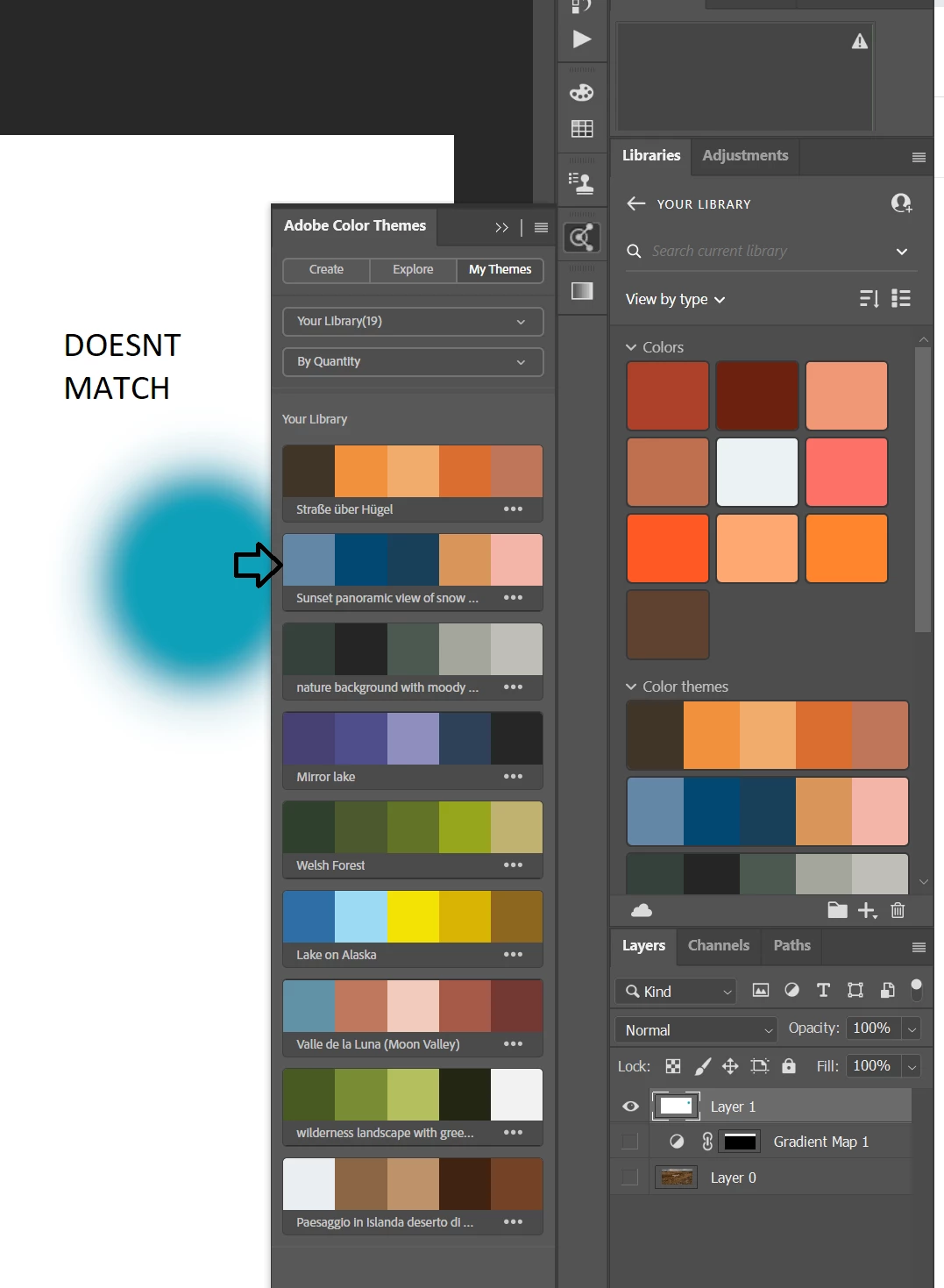
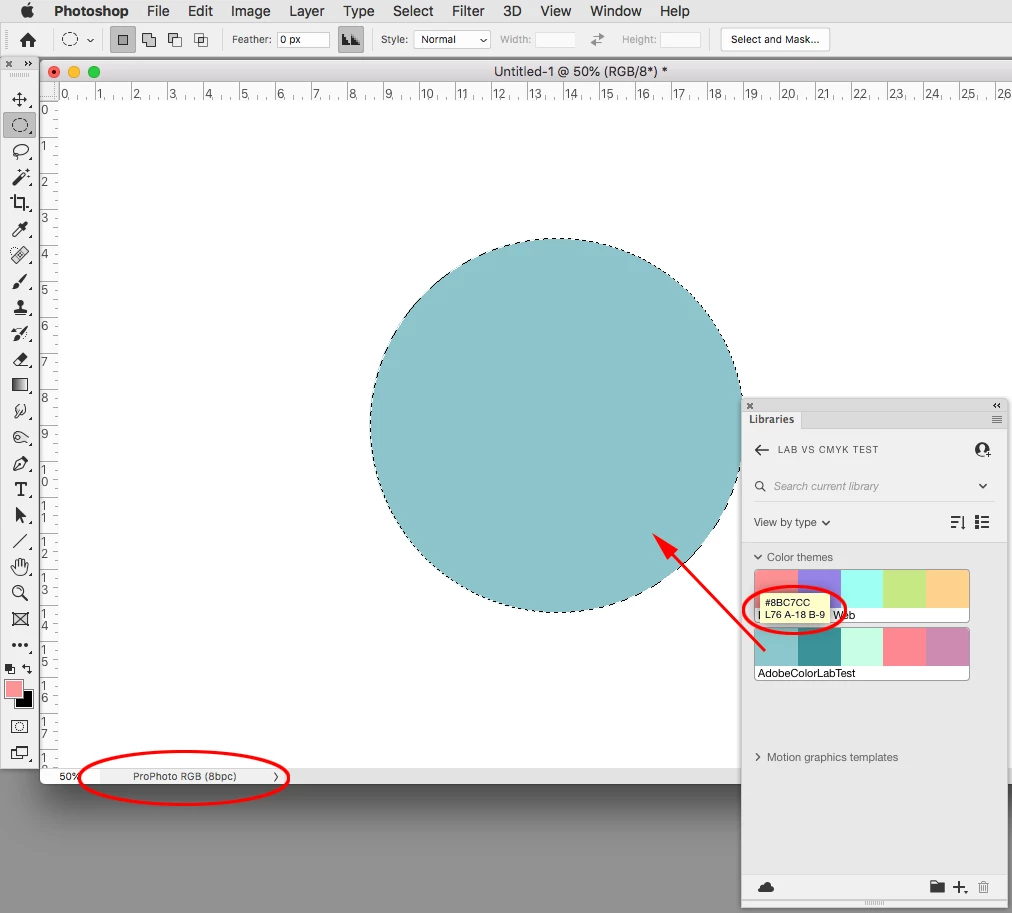
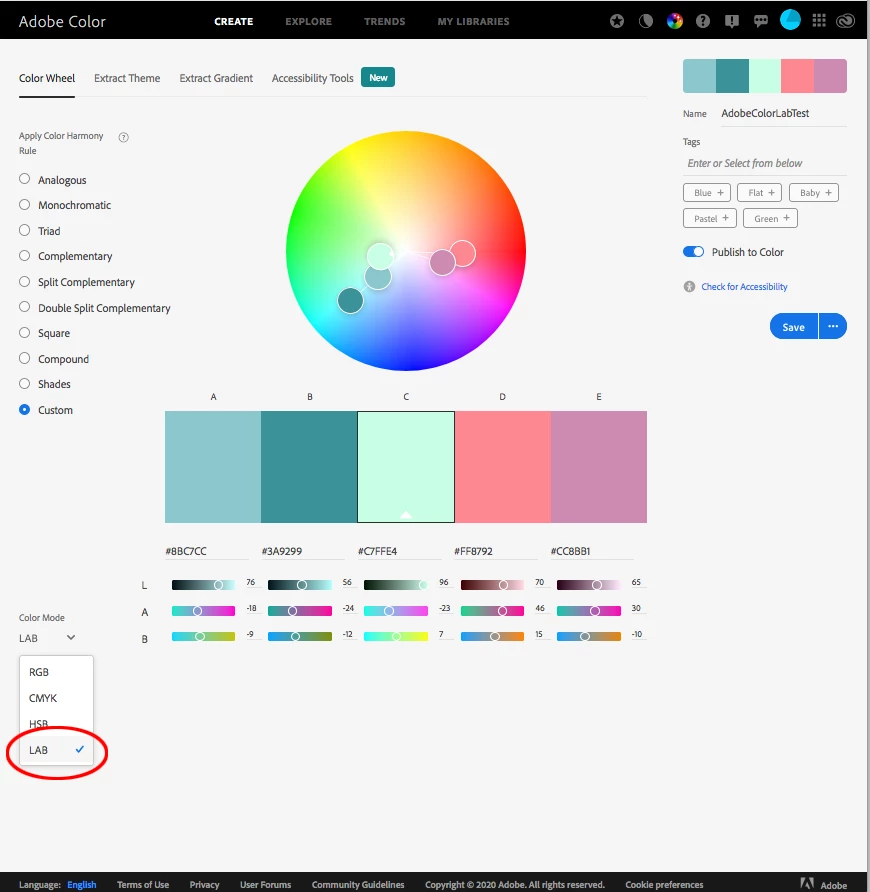
 AdChoices