
Participant
February 18, 2020
Question

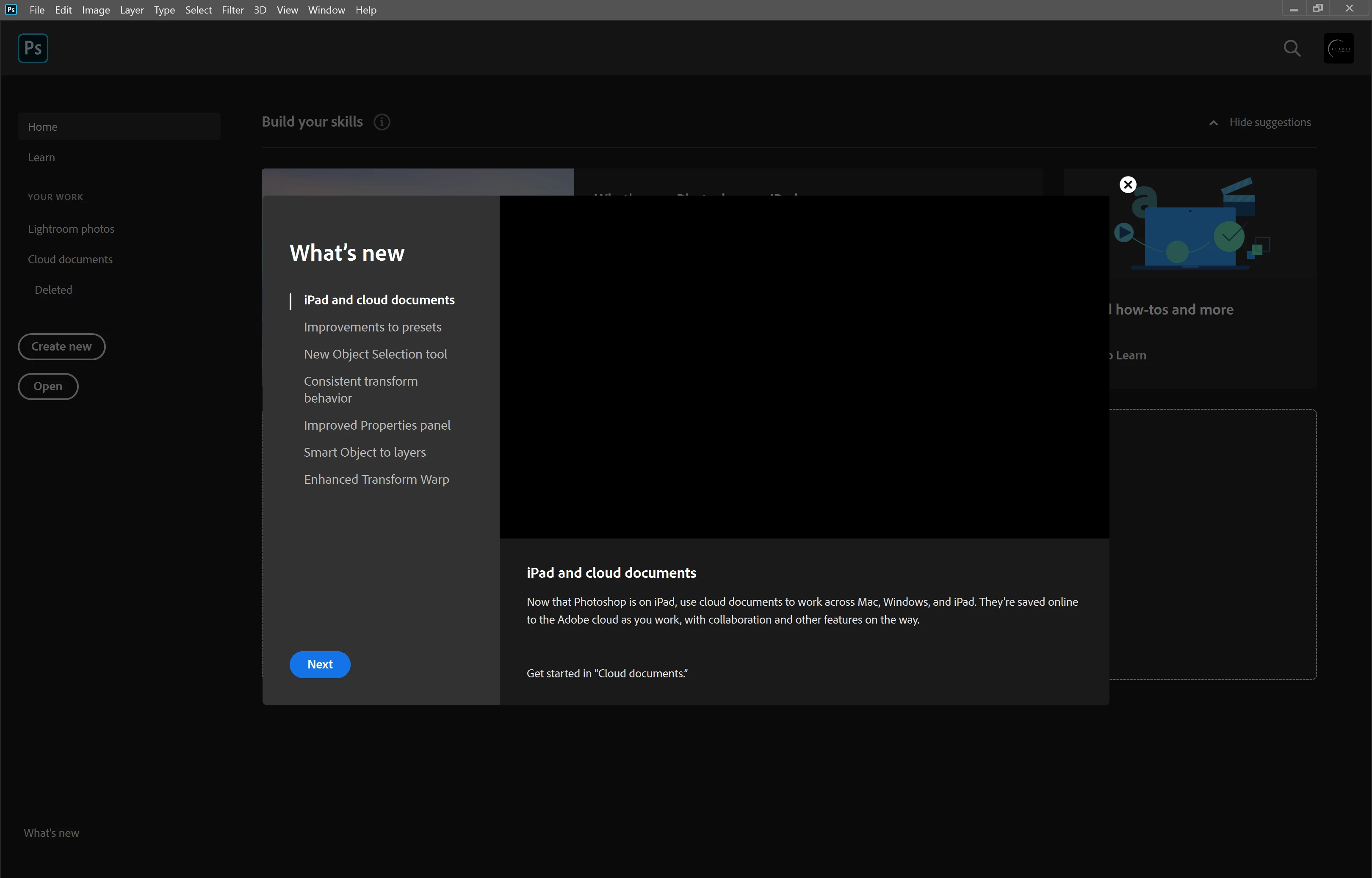
Adobe Photoshop 2020 in Stuck What's New Screen

  • February 18, 2020
  • 2 replies
  • 1449 views

When I open Photoshop 2020, it gets stuck in the what's new screen. I can't close any window nor go to settings, just nothing. The only thing I can do is to force the app in the Task Manger window. As you can see the images won't load either. Help please!
This topic has been closed for replies.

2 replies

Kevin Stohlmeyer
Community Expert
Community Expert
February 18, 2020

Hold shift+Opt+Cmd (shift+alt+ctrl in Win) when you go to launch Photoshop.

It will ask if you want to reset preferences. Say yes.

melissapiccone
Community Expert
Community Expert
February 18, 2020

Have you tried resetting the preferences?

Melissa Piccone | Adobe Trainer | Online Courses Author | Fine Artist