Participant
January 5, 2021
Question

Adobe Photoshop 2020 raw black photo problem when opening images in Camera Raw 12.2.1

  • January 5, 2021
  • 1 reply
  • 1316 views

I am opening the RAW photo and I am facing a black screen when it should show the image. What is the solution please help!
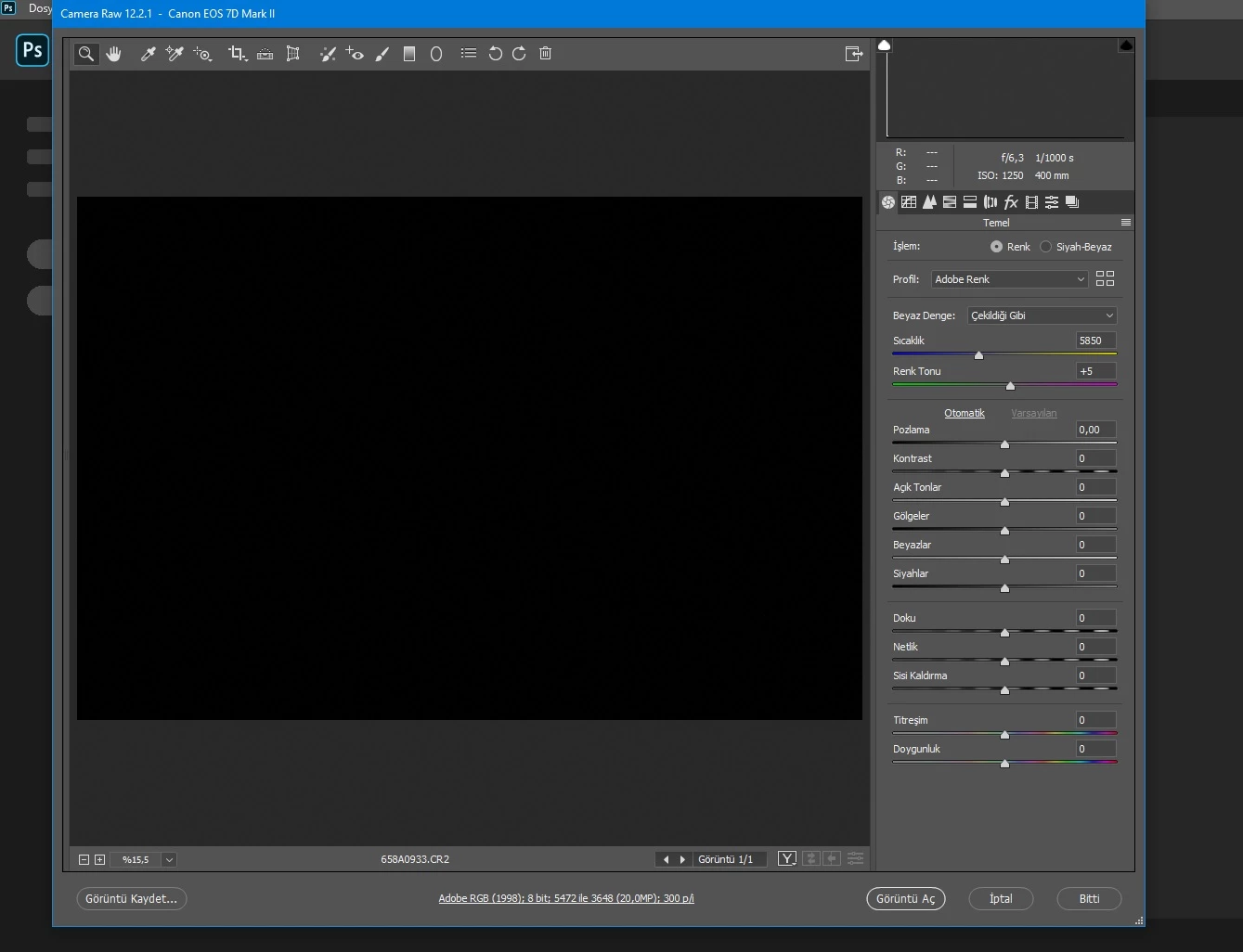


{Thread title edited by moderator}

This topic has been closed for replies.

1 reply

nikunj.m
Legend
January 5, 2021

Hi,


We're sorry about the trouble with Photoshop & camera raw. Please go to the Preferences for Camera Raw by going to the Edit menu (on Windows) or the Photoshop menu (on Mac) in Photoshop, then Preferences, Camera Raw preferences. Then select Performance & disable the option to Use Graphics Processor. Once done, quit & relaunch Photoshop to check if that helps.


Let us know how it goes!

Regards,

Nikunj