

Question
Adobe Photoshop 27.6.0 - Rotate Object doesn't work
Hello,
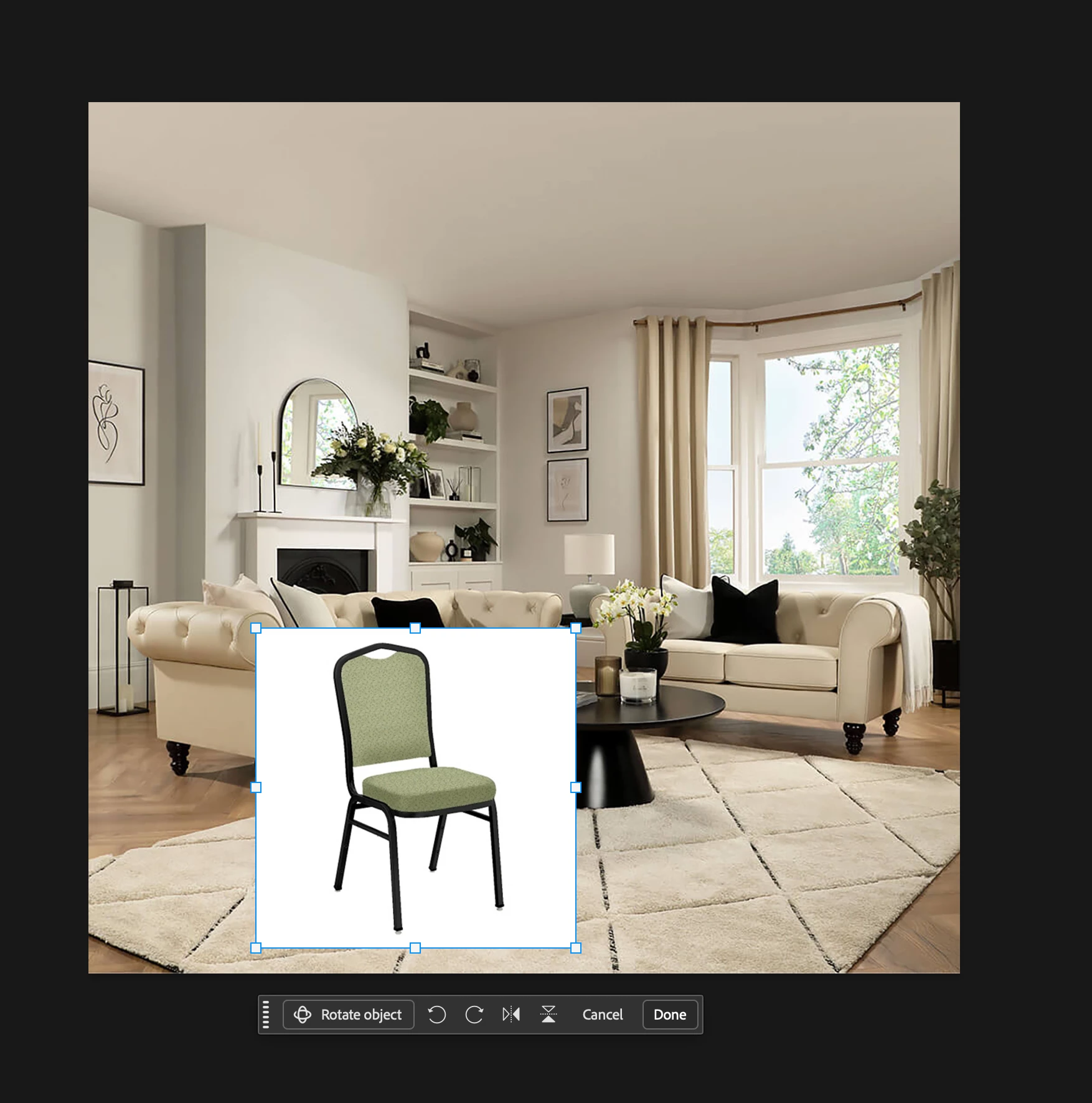
I have the latest version of Photoshop installed. I did made sure the file was at RGB 8-bits. I selected image, pressed crtl+T, and clicked the Rotate Object button from the Contextual Task Bar. A pop up window with message “Finding the subject in the image...” then “Preparing rotatable object...” After that, nonthing happened. I didn’t see any new anchors on the image that allow me to rotate the image as if it went back to normal free transform anchors. Does anyone know why would Photoshop acts like this?
I am using MacBook Pro with M4 Max chip.
 AdChoices