
Adobe Photoshop Artboard Dimensions
I use Adobe Photoshop for my photography instagram so I can post horizontal photos in a vertical format, so in a carousel of images, you can swipe from one to another and it complete one horizontal image. I've never had this issue with artboards before, but when I have two artboards side by side, they overlay each other even when their dimensions are correct, i.e. artboard one is 4x5, and artboard two is 4x5 so the X of artboard two is 4. In an instance like this, since the width of artboard one is 4in, the X of artboard two being 4 inches should not overlay the artboards, and never has before, but is overlaying them now. It's very tiny, but it messes up my instagram posts. I have the latest version of photoshop and have tried restarting my macbook as well as quitting and restarting photoshop itself.
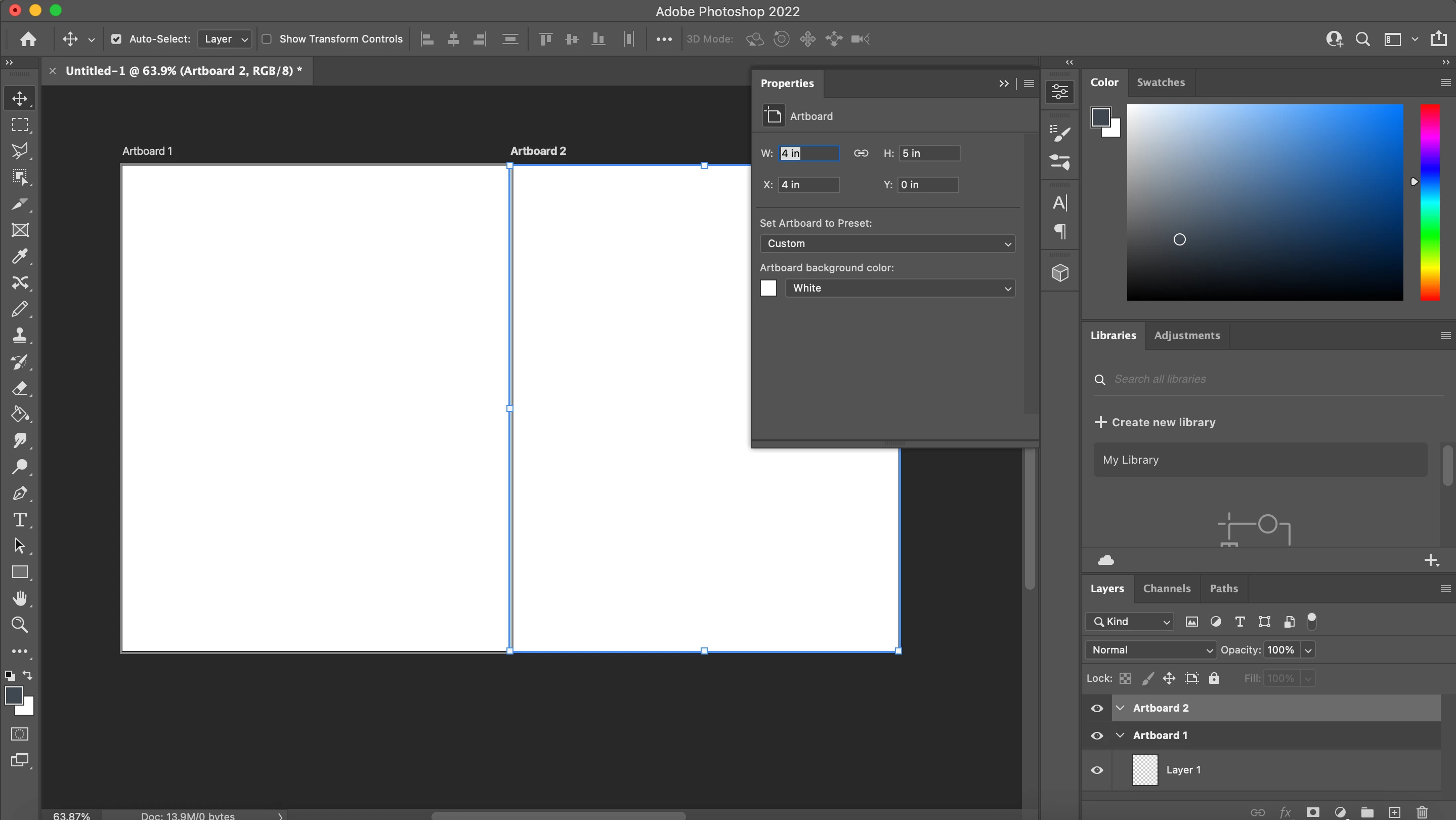
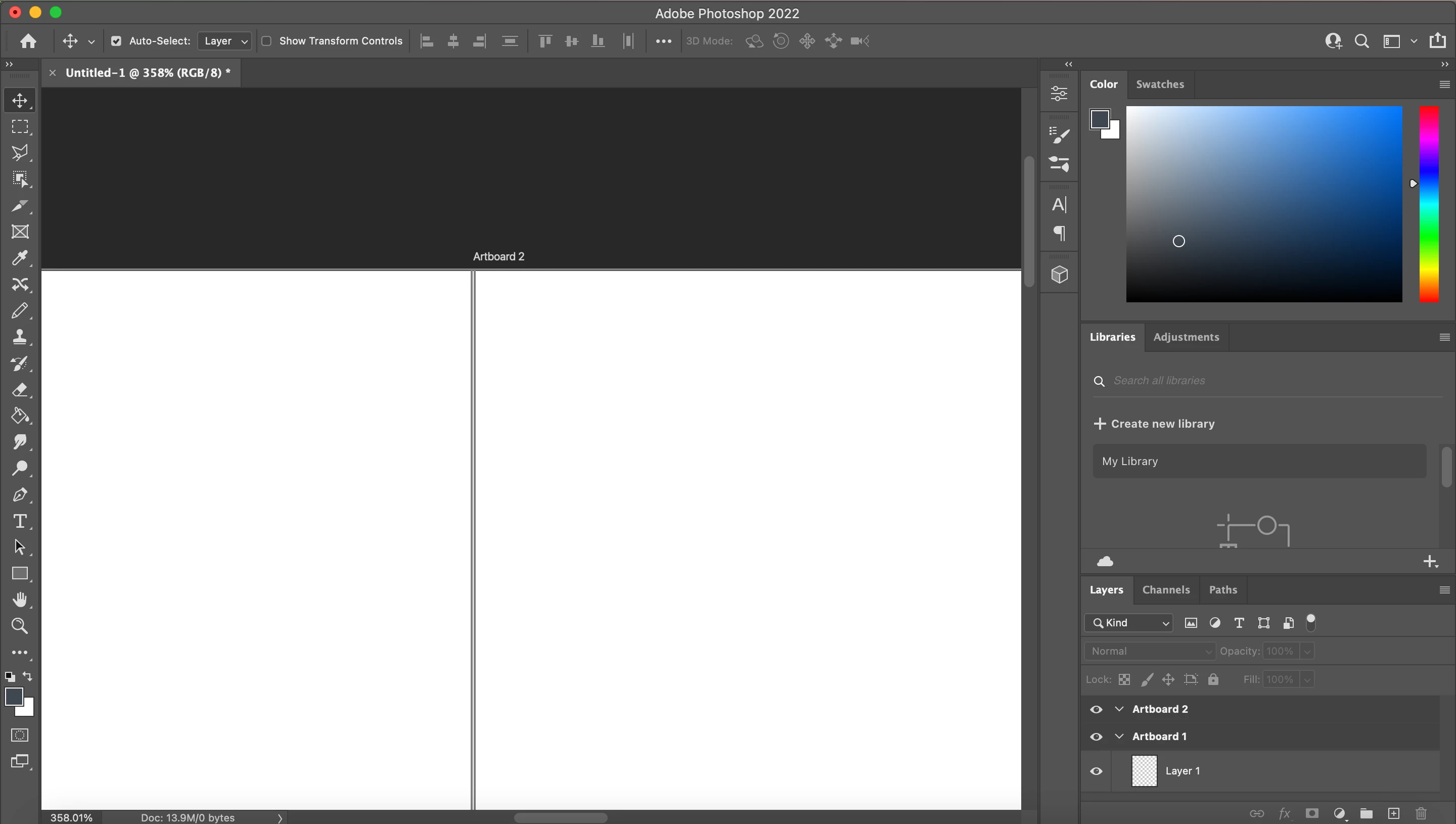
Below image one shows artboard one demensions, image 2 shows artboard two dimensions, and image three shows the way they are overlaying.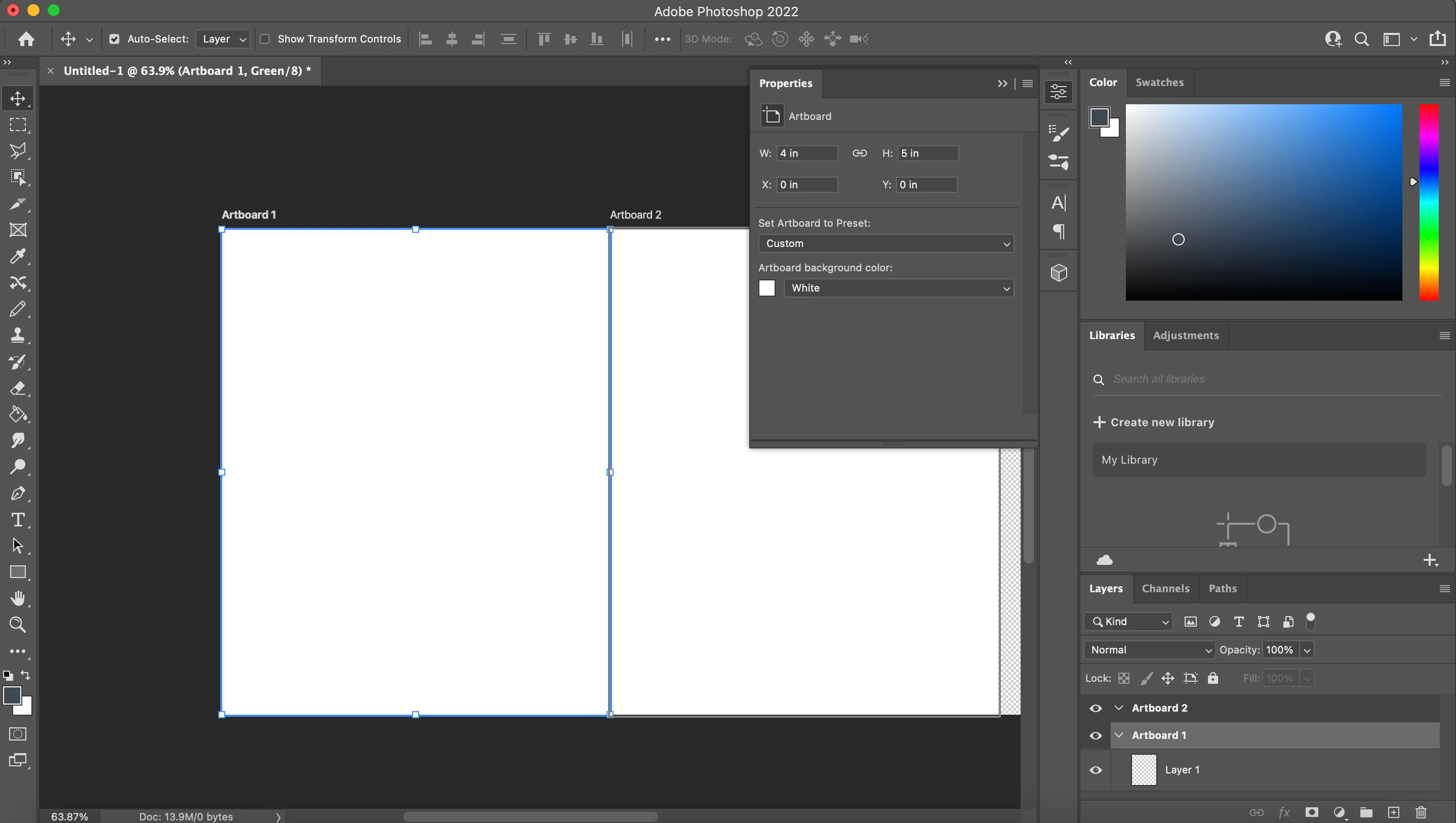
 AdChoices