
Adobe Photoshop CC 2018 - Crashing when the application is opened.
We recently purchased licences for the Adobe Creative Cloud applications.
I have created a package using the Creative Cloud Packager tool to deploy the applications we require.
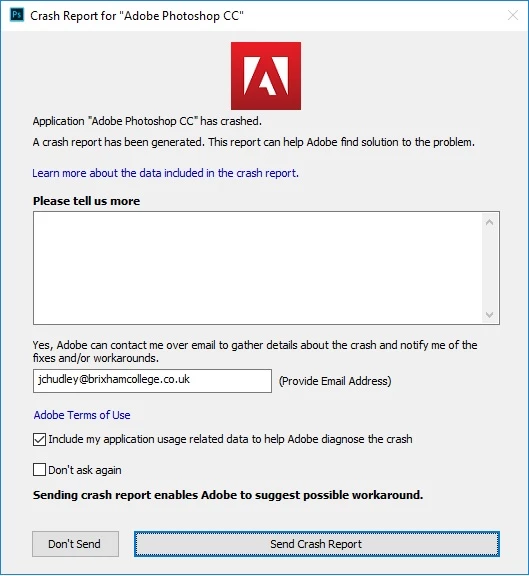
The installation goes OK however when launching Photoshop CC it crashes every time at the Initializing panels message point, a Crash Report windows for "Adobe Photoshop CC" appears (which I have submitted to Adobe), if I click on the learn more about the data included in the crash report the Crash Report Details are blank.
All the other applications we required in the package seem to work OK, so it's just a Photoshop issue.
This is happening on all of the Windows PC's I have used the installer on so far (things I have tried that have made no difference include):
- Building a new deployment package (still crashes when launching Photoshop).
- Completely un-filtering (bypassing our proxy) a PC with the software installed (just in-case the application is being blocked from communicating with Adobe).
- Making sure there are exceptions in place for our Sophos anti-virus (in-case this is blocking the application)
- Made sure App Locker is not blocking the application.
Any help with this would be great.
 AdChoices