Known Participant
January 26, 2021
Answered

Adobe Photoshop Family Scam ?

  • January 26, 2021
  • 5 replies
  • 1075 views

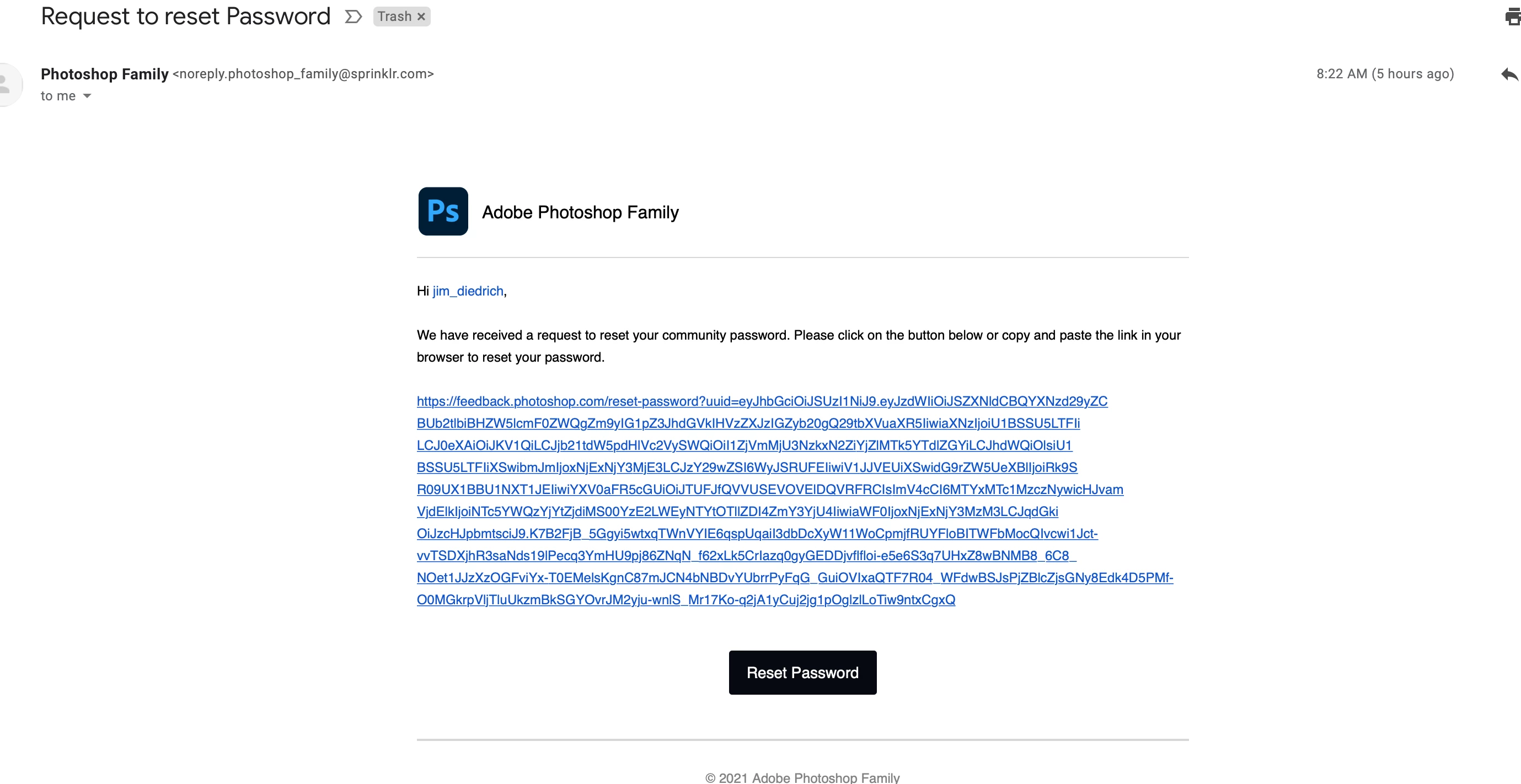
I just received this email which I did not open.  It looks like a scam to me as I did not request to change my password.  I took a screen shot and attached it below.  Is this a scam?
 

This topic has been closed for replies.
Correct answer jane-e

Hi @James Diedrich 


No, it is not spam. It is from the Photoshop Feedback site. 


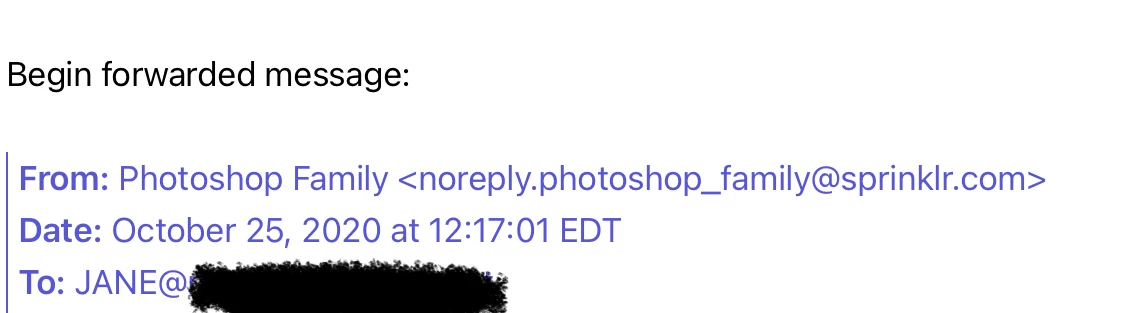
They had to move to a new domain last fall. I used to get emails from them and still had a few old ones in my mailbox. You can see the address — it's the same as the one that you have.


All the same, don't click the link since you did not request the change. You should report it to the feedback site, though, as you may have had an old login that someone else is trying to use.


~ Jane


@Jeffrey_A_Wright 

@Pete.Green 


5 replies

Pete.Green
Community Manager
January 27, 2021

Hi James and all,

Sorry for the scare here, as Jane has rightly mentioned, this email is not a scam and does come from the new platform that is managed by Sprinklr.


However that you did not request to have your password reset might mean another user was attempting to log in with your email address and as such requested the password reset. As others have instructed, it'd be best to not click the link if you were not expecting it. 


Hopefully this helps clear up the confusion here. Apologies for the trouble!

Regards,

Pete

jane-e
Community Expert
Community Expert
January 28, 2021

Thank you, Pete.

~ Jane

jane-e
Community Expert
jane-eCommunity ExpertCorrect answer
Community Expert
January 26, 2021

Hi @James Diedrich 


No, it is not spam. It is from the Photoshop Feedback site. 


They had to move to a new domain last fall. I used to get emails from them and still had a few old ones in my mailbox. You can see the address — it's the same as the one that you have.


All the same, don't click the link since you did not request the change. You should report it to the feedback site, though, as you may have had an old login that someone else is trying to use.


~ Jane


@Jeffrey_A_Wright 

@Pete.Green 


Known Participant
January 27, 2021

Thank you.  This is good but simultaneously not good.  This email looks 100% spam/scam yet you say it's a real email from Adobe.  Adobe needs to clarify what is theirs.  I did not nor would I click on a link like this.  

jane-e
Community Expert
Community Expert
January 27, 2021

Hi @James Diedrich 


I wouldn't either if I wasn't expecting it!


I remembered the address from when they had to make the change last fall, but still looked it up to confirm. If you look at the link, everything from the question mark onward is tracking information and may include the personal info needed. The part before the question mark looks absolutely normal.


When the Feedback forum first went to the new server, something went awry and everyone was getting emails for every post. They fixed that, but this is new and should be reported in case it's part of a larger issue that needs to be addressed.


It could be as innocent as someone with a user name similar to yours and they made a typo. The email went to you; you did not click the link;  the PW did not get reset; and all is well.


It's good that you asked here to clarify and that you did not click something you were suspicious of.


~ Jane


pixxxelschubser
Community Expert
Community Expert
January 26, 2021

You can forward the email to:

phishing@adobe.com


More info about security and more:

helpx.adobe.com/uk/security/alertus.html

Per Berntsen
Community Expert
Community Expert
January 26, 2021

This email does not come from Adobe, and does indeed look like a scam.

Do not click the link, just delete the email.


Kevin Stohlmeyer
Community Expert
Community Expert
January 26, 2021

Look at the sender's URL - yes its spam/scam.
