Thanks Derek, noted.
I have converted to RGB and merged the layers. I feel like I may have been working in greyscale the whole time without realising. The file was originally a PDF, could this be why it was in greyscale?
For examples sake I just did a paint test in a light blue, but it is not painting the colour shown in the palette, its coming up several shades lighter. I have checked the opacity and its at 100%, why could this be?
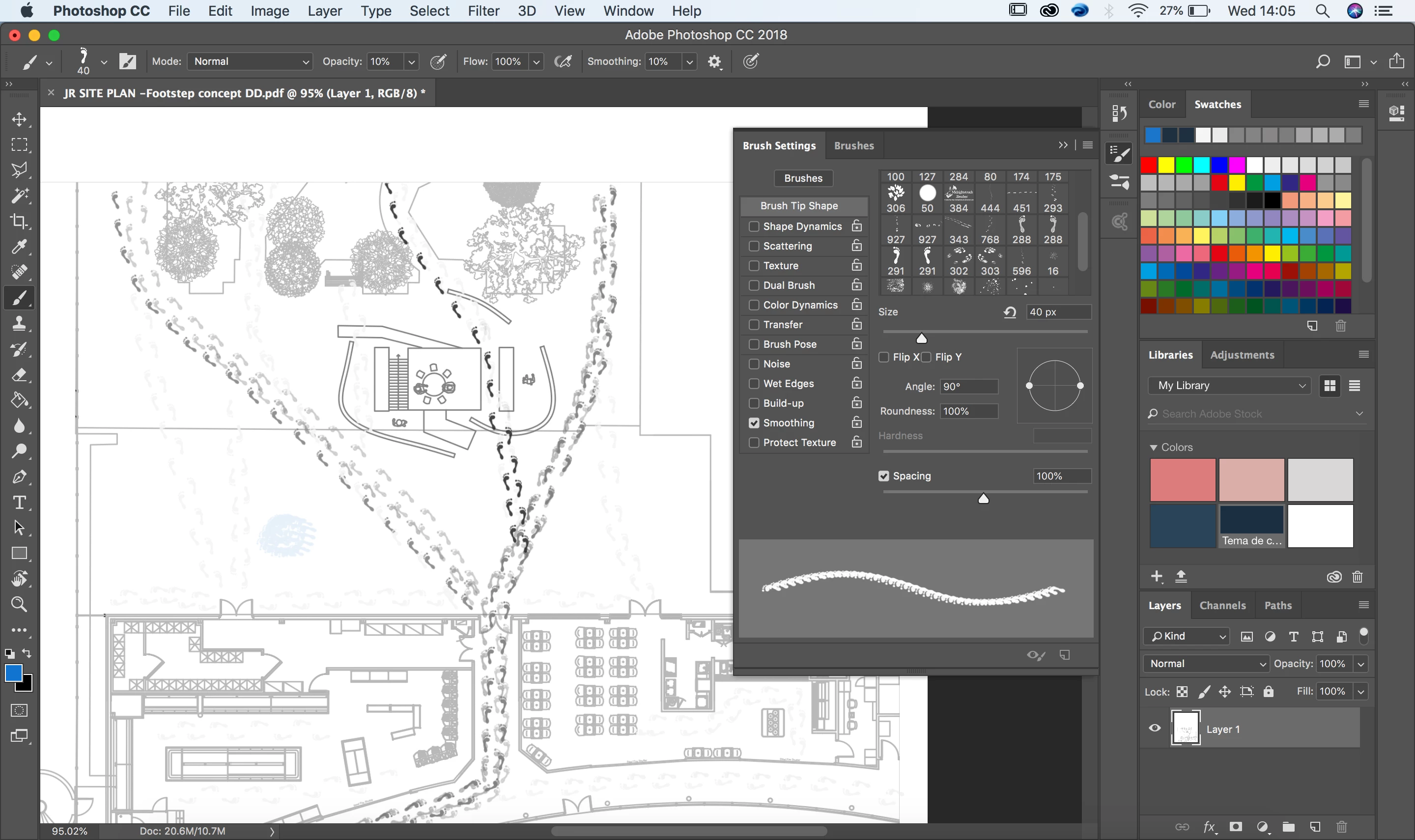
For examples sake I just did a paint test in a light blue, but it is not painting the colour shown in the palette, its coming up several shades lighter. I have checked the opacity and its at 100%, why could this be? |
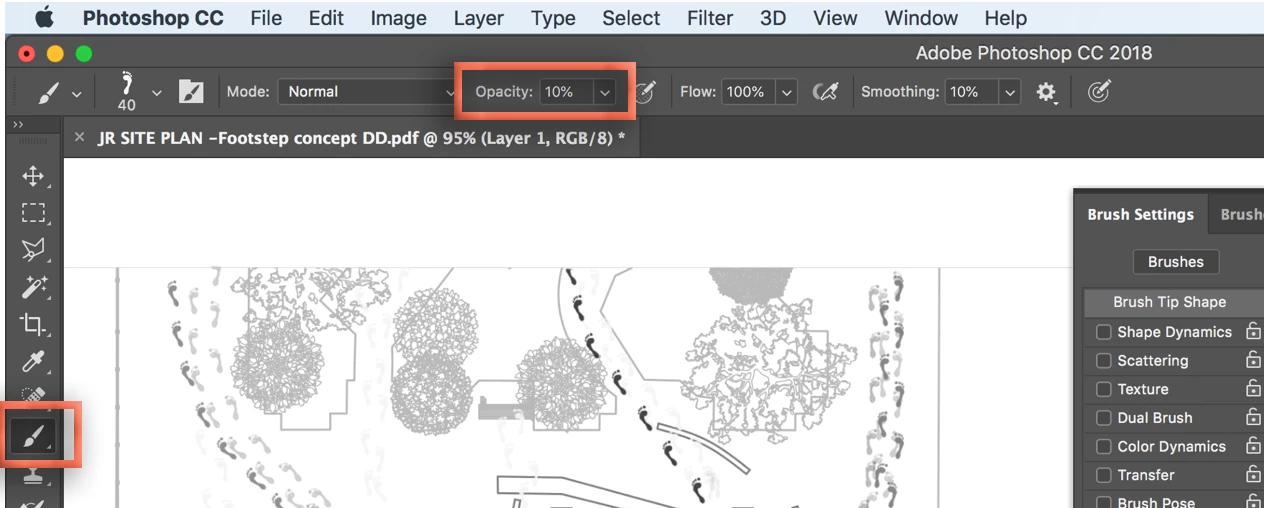
Photoshop has layer opacity and tool opacity. Your brush is set to 10%:
~Barb

 AdChoices