
Participant
September 22, 2024
Answered

adobe programs do not see CPU and Memory card

  • September 22, 2024
  • 2 replies
  • 264 views


I get a warning that Photoshop does not see CPU and Memory card and VRAM and a few days ago, the After effects program composition screen was broken, I do the solutions in all the adobe forums on the internet, but it doesn't work, I'm using a gaming laptop system.
-14th generation Intel(R) Core(TM) i7-14700HX 2.10 GHz
- 32 GB RAM memory
-1TB SSD
-A member of the Nvidia 4000 series has a 6 or 8 GB GDDR6 graphics card.
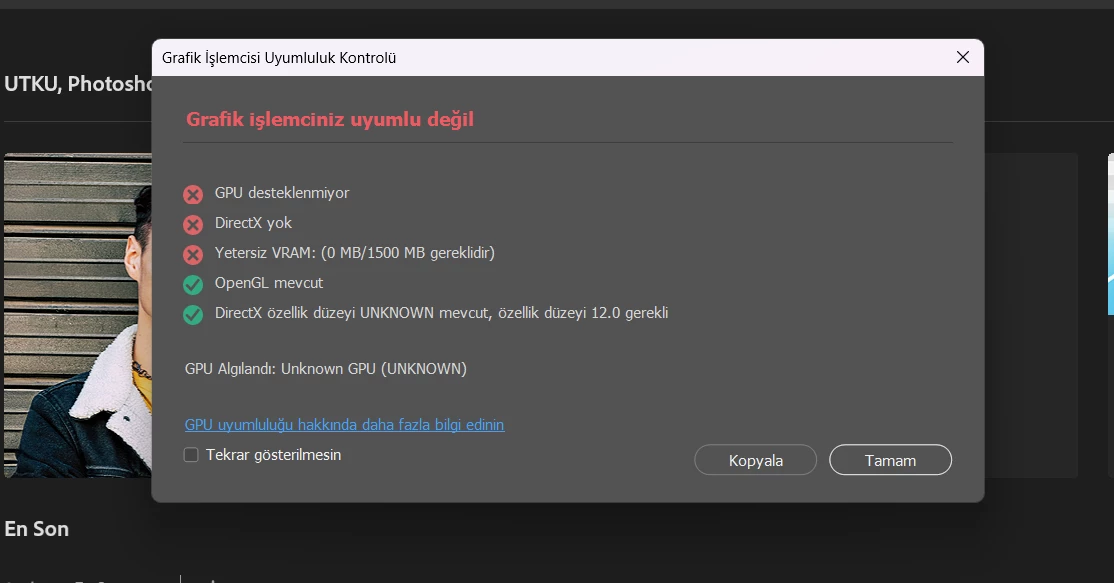
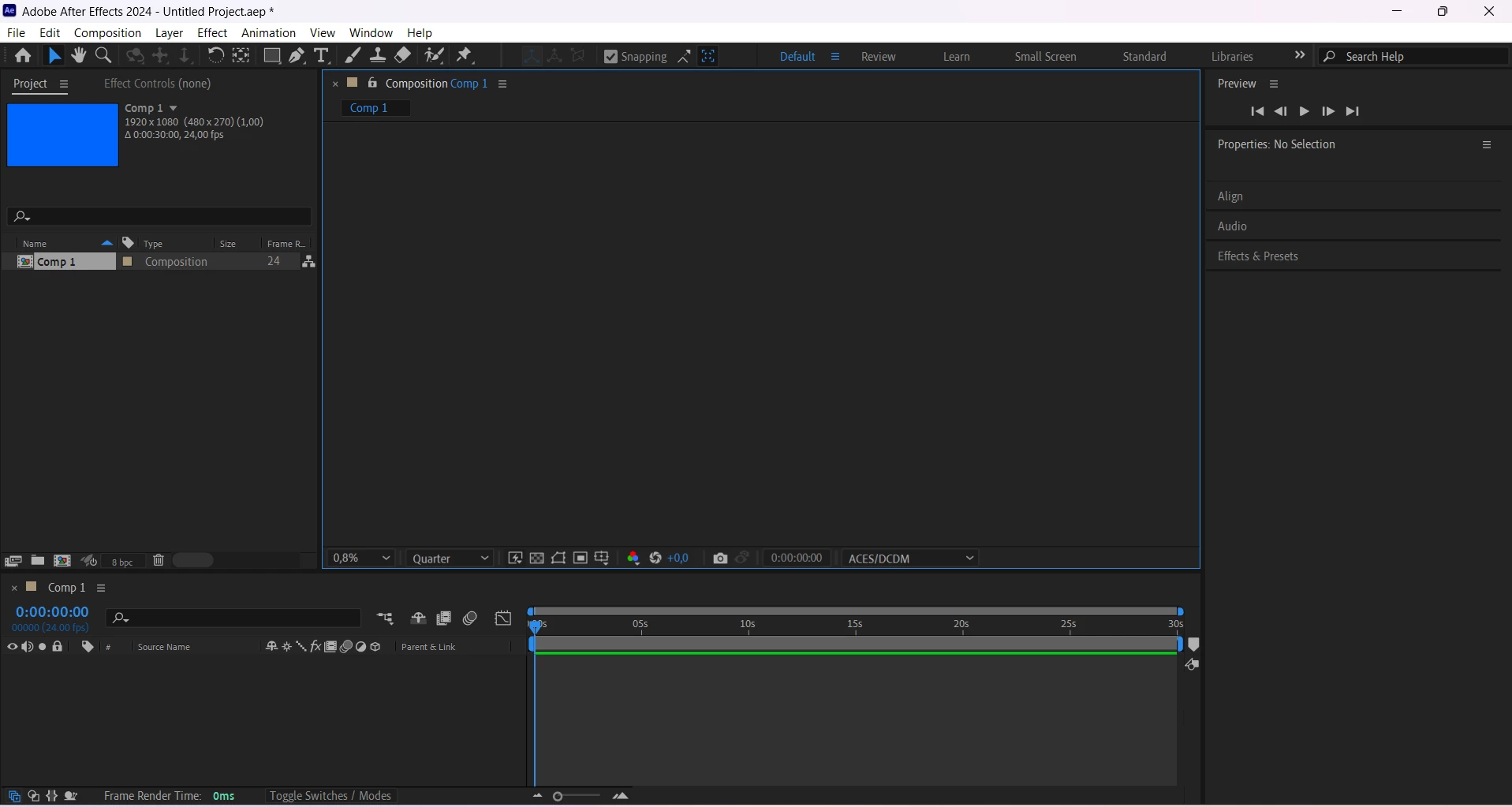


This topic has been closed for replies.
Correct answer D Fosse

If this is a laptop with dual graphics, you may need to completely disable the integrated GPU.

https://helpx.adobe.com/photoshop/kb/troubleshoot-gpu-graphics-card.html 

2 replies

D Fosse
Community Expert
D FosseCommunity ExpertCorrect answer
Community Expert
September 22, 2024

If this is a laptop with dual graphics, you may need to completely disable the integrated GPU.

https://helpx.adobe.com/photoshop/kb/troubleshoot-gpu-graphics-card.html 

kglad
Community Expert
Community Expert
September 22, 2024

in the future, to find the best place to post your message, use the list here, https://community.adobe.com/

p.s. i don't think the adobe website, and forums in particular, are easy to navigate, so don't spend a lot of time searching that forum list. do your best and we'll move the post (like this one has already been moved) if it helps you get responses.


<"moved from cc desktop bugs">