

bartonlew
Legend
March 2, 2019
Answered

Adobe's instructions on making a gif in Photoshop

  • March 2, 2019
  • 3 replies
  • 1225 views

Adobe is showing a panel in its instructions to make a gif that I do not see in Photoshop.  Their instruction is to "click the arrow on the button in the middle of the panel and select Create Frame Animation." 
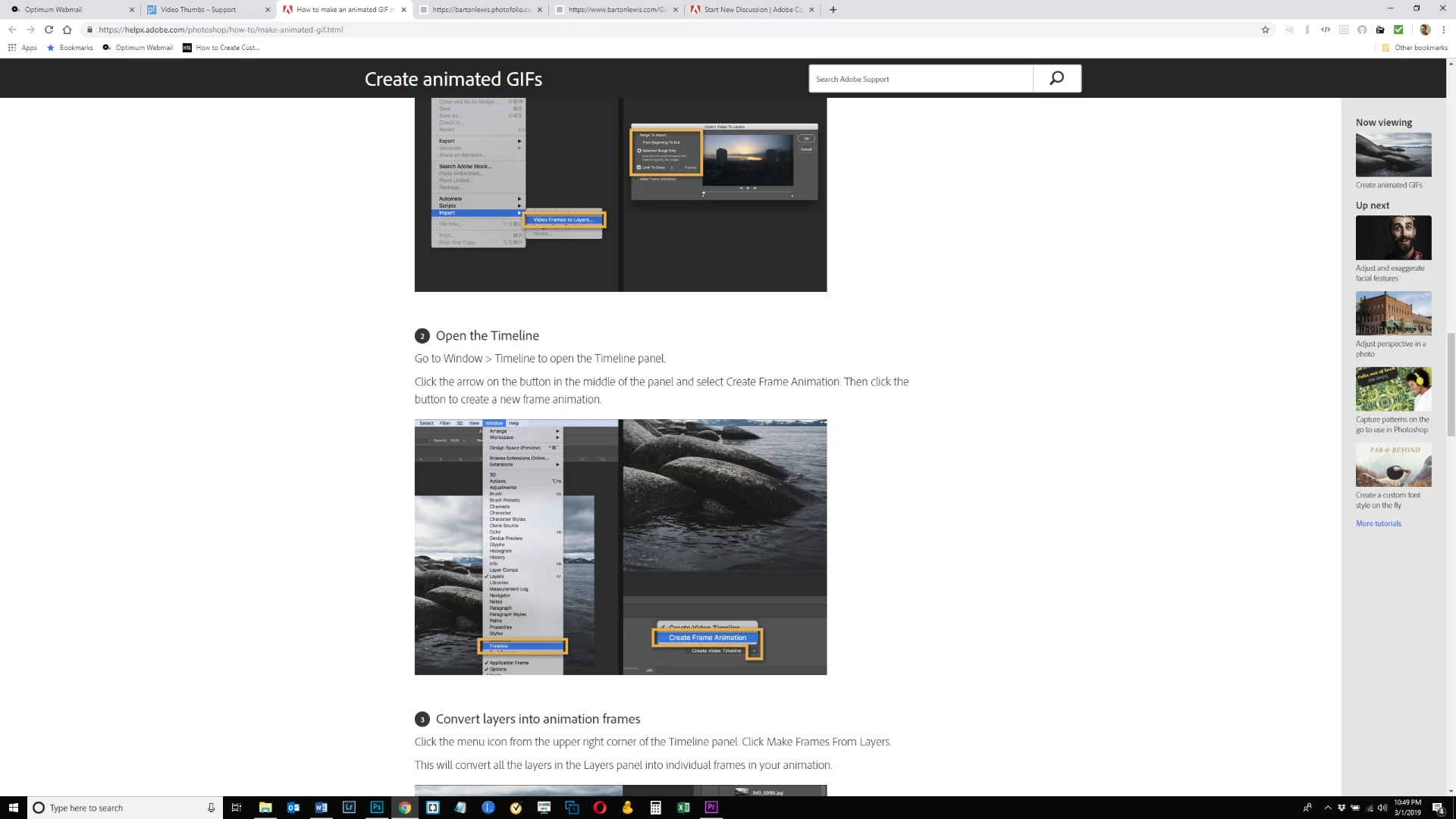
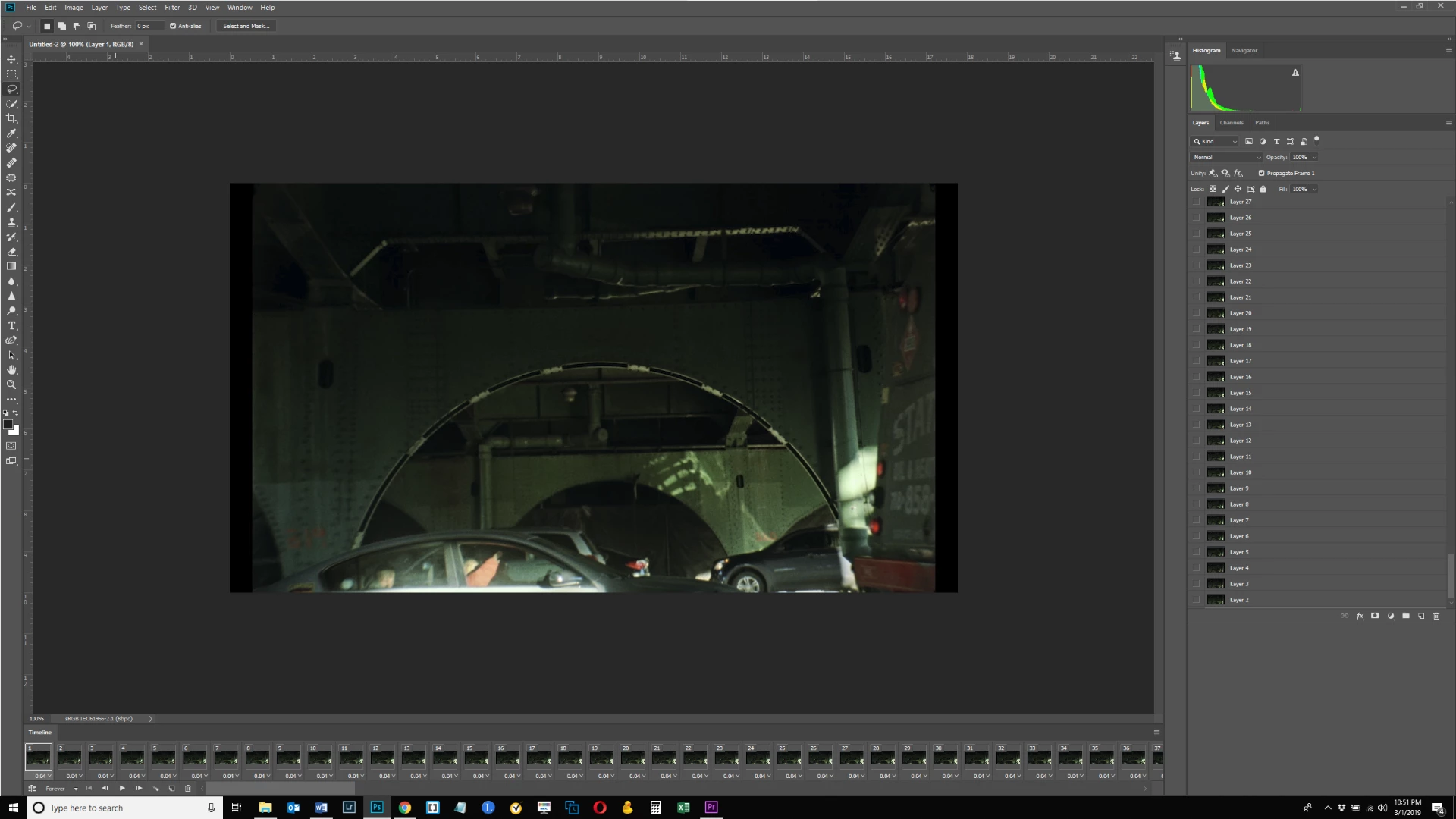
I don't have that panel as per below.  What gives?  Thanks.
This topic has been closed for replies.
Correct answer JJMack

If you open an Animated GIF there is no need to create a frame animation for it is already created as you show in your screen capture.

3 replies

Ussnorway7605025
Legend
March 2, 2019

most video is multi-layered... the tutorial says "Click OK to convert the video frames to a single layered file" and that is misleading because the layers they are talking about are not Photoshop layers but that the video now has a single i.e, image layer

also you are correct that the next 2 steps are skipped when using video which should also have been noted in the tutorial

JJMack
Community Expert
JJMackCommunity ExpertCorrect answer
Community Expert
March 2, 2019

If you open an Animated GIF there is no need to create a frame animation for it is already created as you show in your screen capture.

JJMack
bartonlew
bartonlewAuthor
Legend
March 2, 2019

Thanks JJMack.  But I didn't open an animated gif.  I opened a video file.  Anyway, it's created.  All's well that ends well.

Michael Bullo
Community Expert
Community Expert
March 2, 2019

Are you looking for this?

This is what the Timeline panel looks like before an animation has been created.

bartonlew
bartonlewAuthor
Legend
March 2, 2019

Thanks.  I've never made a gif.  I got as far as step 1 in Adobe's instructions here Create animated GIFs |

But it seems like that's enough and the gif is created.

I wonder why Adobe has steps 2-4 if they're superfluous.

Anyway, I exported the gif and it seems okay. 

Michael Bullo
Community Expert
Community Expert
March 2, 2019

Good to hear it's all ok.